
Quarterly Review Questions for Personal Growth
Use quarterly review questions for personal growth to reflect, reset priorities, and plan your next season with clarity, purpose, and momentum.
You do not need more planner pages. You need the right ones.
That is the real reason a planner insert categories guide matters. When your planner feels crowded, repetitive, or weirdly empty in the places you actually need support, the problem usually is not your planning habits. It is your insert mix. A well-built planner should support your routine, not make you work around someone else’s layout choices.
If you have ever printed a weekly spread you loved, then realized you also needed project pages, meal planning space, and a simple notes section, you already know how personal this process is. The good news is that once you understand the core insert categories, it gets much easier to build a planner that feels clean, useful, and genuinely yours.
A useful planner insert categories guide should do more than define page types. It should help you choose what belongs in your planner right now.
That distinction matters. Many planner users collect inserts faster than they test them. One monthly layout leads to a new task page, then a habit tracker, then a reading log, and suddenly your ring planner can barely close. Variety is fun, but function has to lead. The best setup gives every section a job.
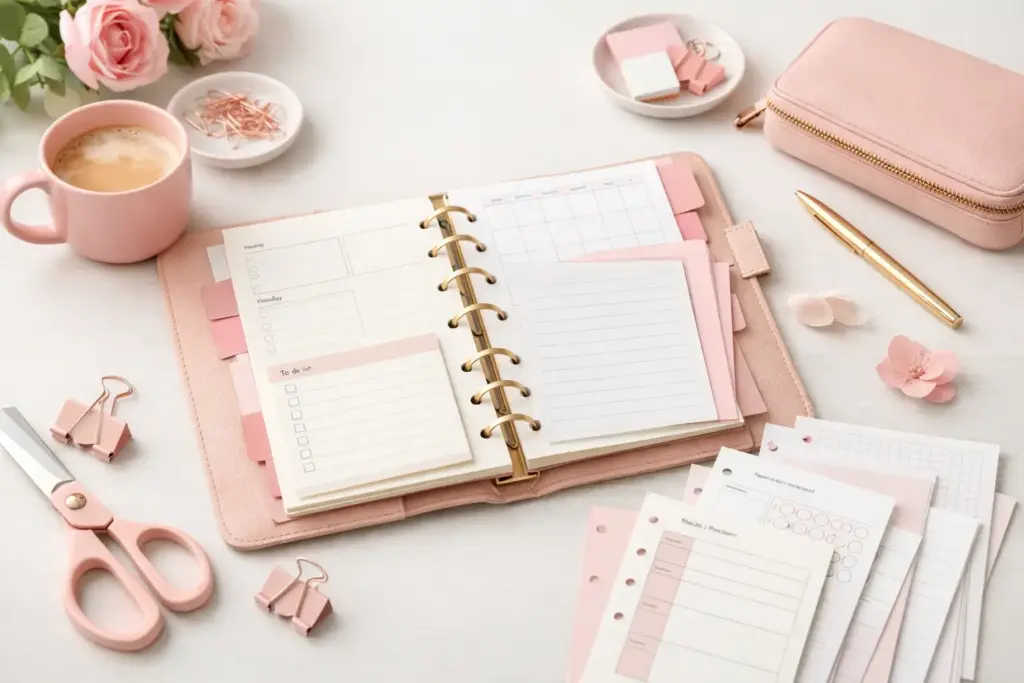
Think of insert categories as planning roles. Your monthly pages give you the big picture. Your weeklies handle active scheduling. Your note pages catch loose ideas. Your trackers show patterns. Your specialty inserts support the parts of life that need their own space. Once you see categories this way, it becomes easier to spot gaps and remove pages that are not earning their place.
Calendar inserts are the backbone of most planner systems. This category includes yearly overviews, monthly calendars, weekly layouts, and daily pages.
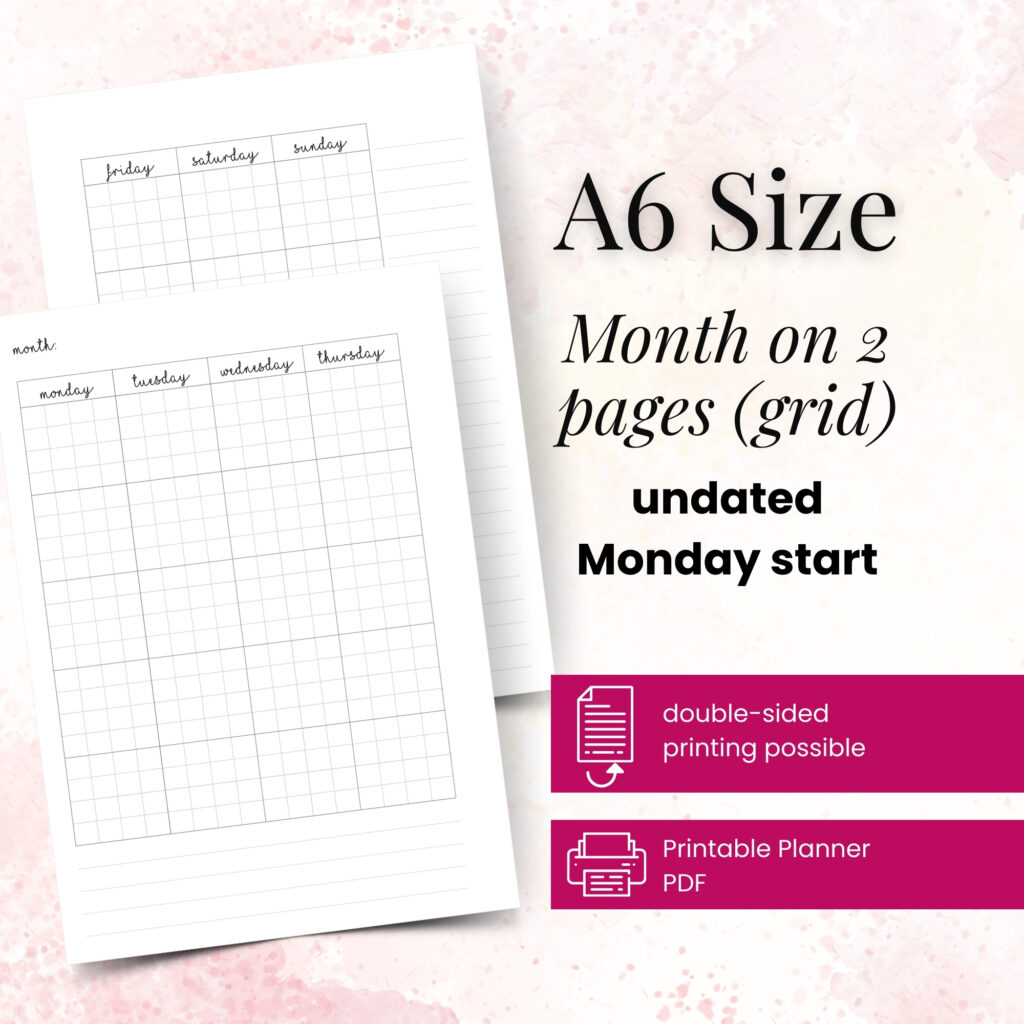
Yearly pages help with future planning, birthdays, travel, and long-range goals. Monthly inserts give you a clean snapshot of appointments, deadlines, and events. Weekly pages often become the most-used section because they balance structure with flexibility. Daily inserts work best when your schedule changes fast, your to-do list gets long, or you want more writing space.
You do not need every calendar format at once. If your weeks are busy but predictable, monthly and weekly inserts may cover everything. If you manage detailed work tasks, family logistics, or time blocking, adding daily pages can make a huge difference.
This category covers to-do lists, project planners, action plans, goal breakdown pages, and priority sheets.
Task inserts work well when you need a fast place to capture errands, admin, or recurring responsibilities. Project pages help when a single task actually has multiple steps, deadlines, or moving parts. That might mean planning a holiday, managing a home refresh, organizing content, or tracking a work launch.
This category often solves the problem of overcrowded weekly spreads. Instead of stuffing your week with every single detail, you can keep the overview on your weekly insert and move the deeper planning into dedicated project pages.
Every planner needs a catch-all category. Notes pages, lined sheets, grid pages, dot grid inserts, and blank pages all belong here.
These inserts hold the information that does not fit neatly into a dated layout. Think meeting notes, phone call details, packing ideas, journal-style reflections, shopping comparisons, or rough plans that are still taking shape. If your planner often feels too rigid, this category adds breathing room.
A brain dump page can be especially helpful during busy seasons. You can clear your thoughts first, then sort them into tasks, appointments, and follow-up actions later.
Tracking inserts include habit trackers, health logs, finance pages, reading trackers, mood check-ins, and routine monitors.
These pages help you see patterns over time. They are useful, but they can also become clutter if you track things just because the layout looks nice. The strongest trackers support a real goal. If you want to improve your morning routine, a simple routine tracker makes sense. If you never check your water log after filling it out, that page may not deserve a permanent spot.
Keep this category practical. Choose trackers that give you information you will actually use.
This category includes meal planners, cleaning schedules, budget pages, travel plans, wellness logs, family schedules, and home organization sheets.
These inserts shine when your planner supports more than appointments. They help you manage the life behind the calendar. A meal planning insert can reduce last-minute dinner stress. A budget page can keep seasonal spending visible. A packing list can save you from rewriting the same travel checklist every month.
For many planner users, this category turns a basic planner into a real life-management system.
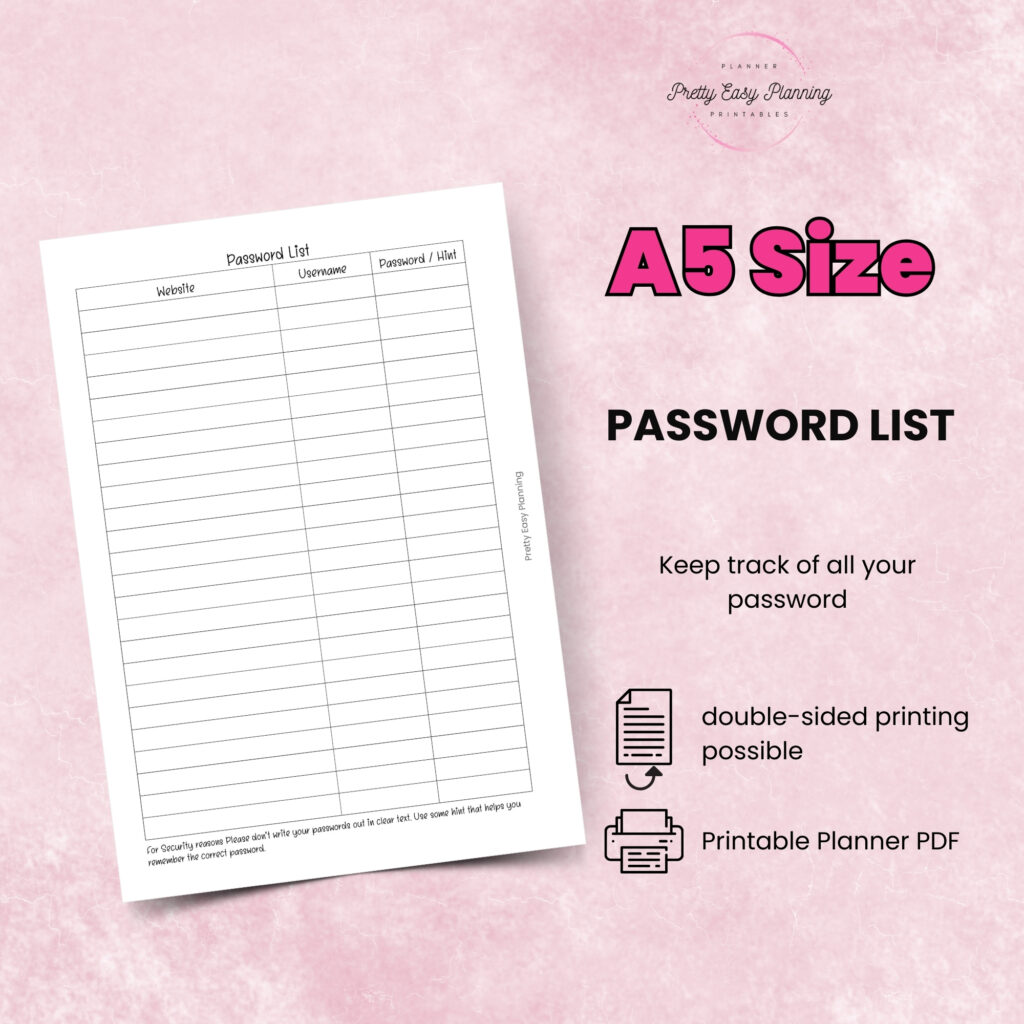
Reference pages hold information you need to check, not rewrite. This might include important numbers, yearly goals, school dates, measurement charts, password hints, gift lists, or personal routines. Dashboards also fit here because they act as visual command centers for current priorities.
These inserts may not get used every day, but they often improve your planner experience the most. They reduce repeated note-taking and keep important details easy to find.
The best category mix depends on how you use your planner, not on what someone else keeps in theirs.
Start with your routine. Ask yourself where planning feels messy right now. Maybe your appointments are fine, but your projects disappear. Maybe your week looks organized, but your meal plan lives on random scraps of paper. Maybe your ring planner holds beautiful monthlies, but no dedicated place for work notes. Those friction points tell you what category to add next.
Your planner size also matters. An A5 setup usually gives you more room for detailed dailies, notes, and project pages. A Personal or A6 planner may work better with streamlined weekly inserts, short task lists, and compact trackers. If you use a smaller format, you may need fewer active categories or more concise layouts.
It also helps to think in layers. First, choose your core planning pages, usually monthly and weekly or daily. Next, add support pages like task inserts and notes. After that, bring in one or two specialty categories such as meal planning or budget tracking. This step-by-step approach keeps your system focused.
If you want a setup that feels easy to use, build it in this order.
Choose your foundation first. Pick the dated pages that will anchor your planning, such as monthly and weekly inserts. Then add one task or project section for action planning. After that, include a notes section for overflow and flexible thinking.
Once those basics feel solid, add only the specialty pages that solve a specific problem. For example, if weekday dinners always feel chaotic, add meal planning inserts. If you manage multiple deadlines, add project planners. If you want to track a habit, choose one habit tracker and test it for a month.
Print a small batch before fully committing. That gives you room to notice what feels helpful and what just takes up space. A planner should evolve with your life, and your successful planning story begins with a single print, not a huge stack of inserts you feel pressured to use.
One common mistake is doubling up on pages that do the same job. If your weekly layout already includes task sections, you may not need separate daily to-do pages unless your workload is heavy.
Another issue is choosing inserts only for looks. Beautiful pages absolutely matter in this creative corner of planning possibilities, but function still comes first. The prettiest setup will not stay enjoyable if it slows you down.
Some planner users also try to organize every part of life at once. That sounds efficient, but it often creates planner fatigue. Start with the categories you will touch regularly. Build from there as your needs become clearer.
At Pretty Easy Planning, that creator-tested approach matters because real layouts should work in real routines, not just in staged planner photos.
The best planner insert categories guide leaves room for change. What works during a busy work season may not fit summer break, a move, a new project, or a quieter month.
That flexibility is the beauty of printable inserts. You can keep the categories that support you, swap out the ones that do not, and reprint favorites when they become part of your rhythm. Instead of forcing yourself into a fixed planner system, you get to shape one that fits your life as it is now.
Give your planner permission to be useful before it tries to be perfect. When each insert category has a clear purpose, planning feels lighter, easier, and much more satisfying.

€4,24
€4,24
€4,24
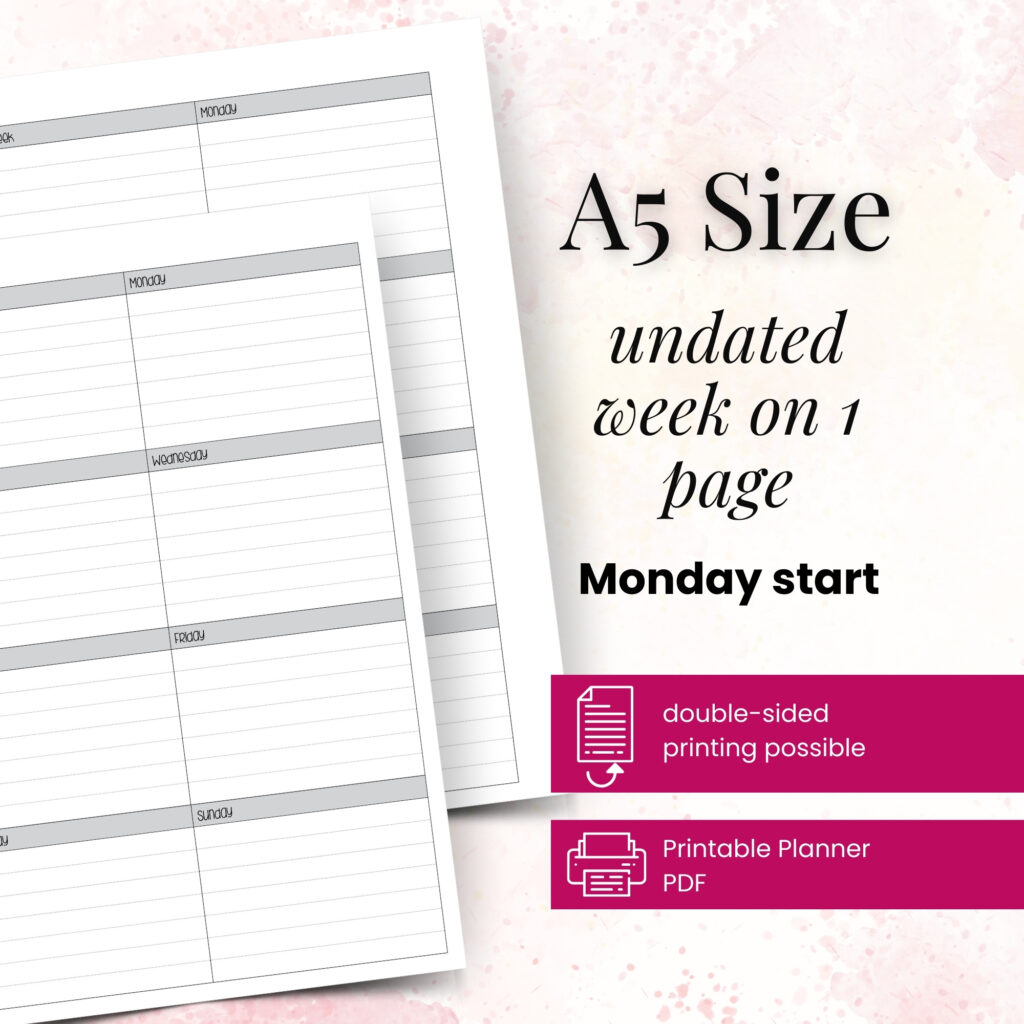
€4,24
Use quarterly review questions for personal growth to reflect, reset priorities, and plan your next season with clarity, purpose, and momentum.

Learn how to stay consistent with quarterly goals using a paper planner, simple review rhythms, and flexible tracking that fits real life.
Comparing 12 week year vs 90 day year? Learn the real differences, which planning style fits best, and how to set up your next quarter well.