A6 vs Happy Planner: Which Fits Your Life?
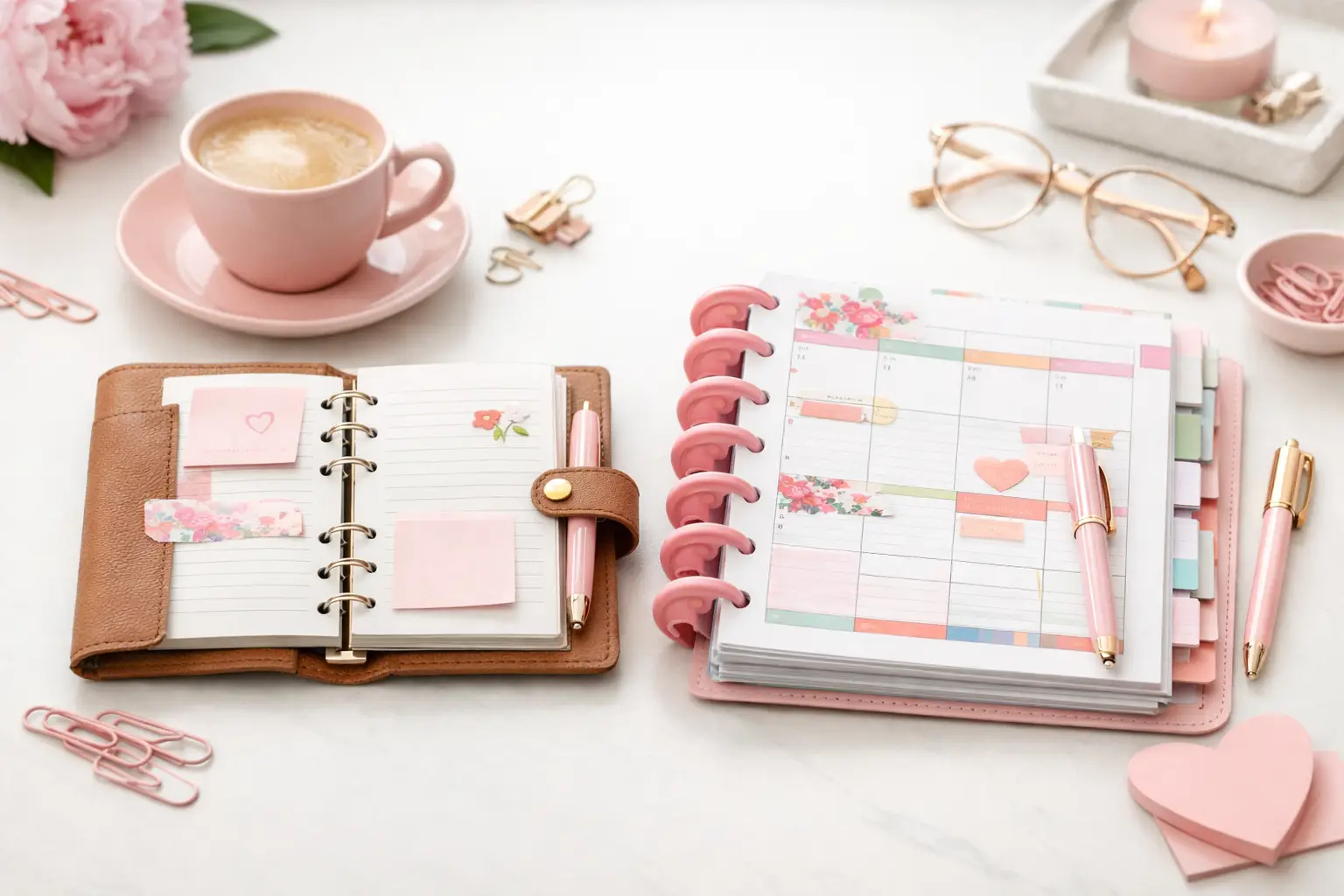
A6 vs happy planner: compare size, space, portability, and page options to choose printable inserts that make your everyday planning feel easier with purpose.
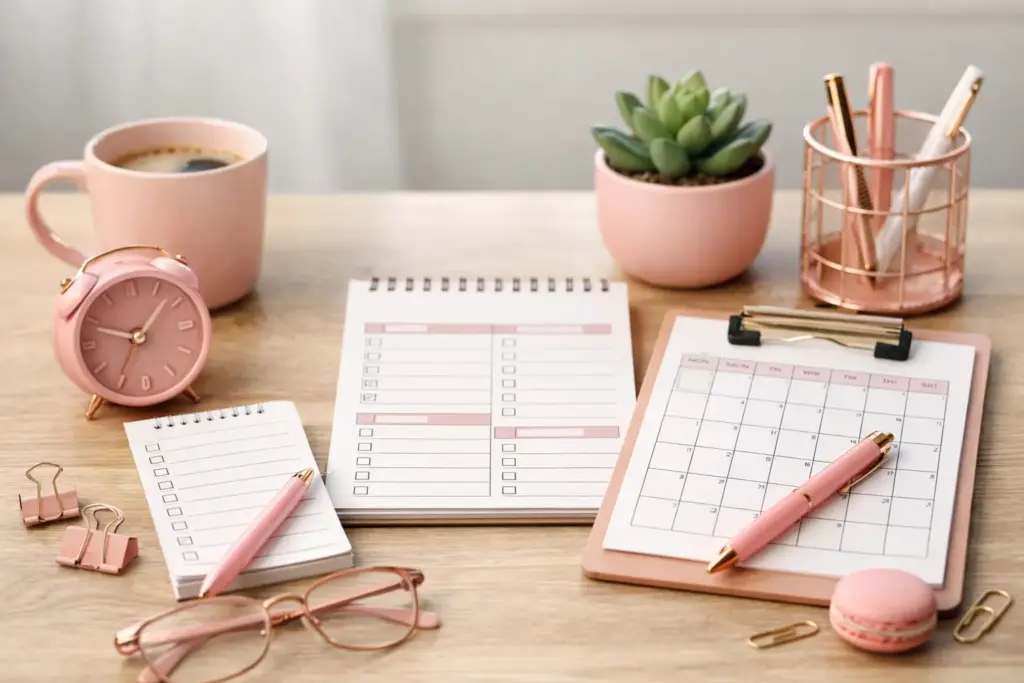
Some tasks feel urgent only because they landed in front of you first. That is exactly why a daily, weekly monthly to do list works so well on paper. It gives every task a proper home, so your errands do not crowd out your goals, and your goals do not disappear under random Tuesday reminders.
If your planner pages keep turning into catch-all brain dumps, you are not doing anything wrong. You probably just need better separation between what needs attention today, what belongs to this week, and what matters across the month. When each layer has a clear job, planning feels lighter and much more useful.
A single running list looks efficient at first. Then real life shows up. Bills, appointments, project deadlines, meal planning, school forms, birthday gifts, and laundry all end up in the same column. The result is visual stress, not clarity.
Breaking tasks into monthly, weekly, and daily views solves that problem because each page answers a different question. Your monthly list asks, what needs to happen at some point this month? Your weekly list asks, what am I actively moving forward right now? Your daily list asks, what is realistic today?
That structure matters because your energy changes, your schedule changes, and your priorities shift. A layered system gives you room to plan without pretending every task deserves the same level of attention.
Your monthly list is not the place for tiny action steps. It is your overview page, so keep it focused on tasks that belong to the month as a whole. Think of recurring admin tasks, events to prepare for, larger household jobs, work deadlines, seasonal errands, or personal goals you want in sight all month.
For example, you might write renew car registration, schedule dentist appointment, prep birthday party, finish quarterly report, rotate closet, or order school supplies. These are not necessarily tasks for today, but they do need a place where they stay visible so you can get to them when it is due.
The monthly list gives context to your planning. Without it, you risk filling your week with whatever feels loudest and forgetting what actually matters over time. If you use a ring planner or discbound setup, this page becomes even more useful because you can keep it near your calendar and check it often.
A crowded monthly list stops being helpful. If you break every project into ten mini steps at this stage, you create clutter too early. Instead, keep the monthly page broad enough to scan quickly. Once the week begins, you can pull selected items down into a more detailed plan.
That trade-off matters. Too much detail on the monthly page feels overwhelming. Too little detail leaves you guessing. Aim for clear, meaningful task lines that still leave room to think. I like to only put the projects I want to focus on or big milestones I want to reach in my monthly pages.
Weekly planning is where your system starts doing real work. This is the bridge between your big-picture intentions and your actual days. Your weekly list should hold tasks you expect to touch in the next several days, not someday ideas and not every possible obligation.
A strong weekly page helps you group related tasks, balance your time, and avoid overloading one day. It also gives you a chance to notice patterns. Maybe phone calls fit better on Mondays, errands work best on Fridays, and home reset tasks make more sense before the weekend. Those rhythms are easier to see on a weekly spread than on a daily page, especially if you use a color-coding system.
If your weeks tend to change a lot, keep the layout simple. A master task area plus a few priority sections often works better than tightly boxed categories. If your routine is more predictable, you may prefer dedicated spaces for work, home, personal, and appointments.
Start your weekly planning session by checking your monthly tasks. Ask which items truly need movement this week. Then pull only those tasks onto the weekly page. This step keeps your planner realistic.
Say your monthly list includes book vet visit, clean pantry, submit expense report, buy anniversary card, and plan travel details. This week, maybe only the vet visit, expense report, and anniversary card belong on the weekly list. The others can wait without disappearing.
That is the beauty of layered planning. You still have a full picture, but you only work from the slice that matters now.
Daily planning is where ambition meets available time. This page should not become a copy of your weekly list. It should be a short, usable selection of tasks you can actually act on.
Most people plan better days when they choose fewer tasks. That sounds obvious, but it is one of the hardest habits to keep. A long daily list looks productive, yet it often creates guilt by 6 p.m. A focused daily list creates momentum.
When you set up your day, pull from your weekly tasks, check your appointments, and look honestly at your energy and schedule. On a packed workday, your daily list might only include three key actions and one home task. On an open Saturday, you may have space for a longer reset list.
Your daily page works best when it holds action-ready items. Write email client about revision, fold two loads of laundry, call pharmacy, prep tomorrow’s meeting notes, or pack gym bag. These are specific enough to complete.
Avoid vague entries like fix house or work on project. Those phrases ask your brain to make decisions in the moment, which slows you down. If a task needs more than one step, either break it down on the daily page or leave it on the weekly list until you know the next action.
The right layout depends on how you think and how much writing space you need. Some planner users love having separate inserts for monthly task lists, weekly overviews, and detailed daily pages. Others prefer to use weeklies consistently and add daily pages only on busy days.
That flexible approach is often the smartest one. Not every season of life needs the same amount of structure. If you are managing work projects, family logistics, and personal goals all at once, dedicated pages for each layer can feel calming. If life is quieter, a weekly page plus a short monthly task list may be enough.
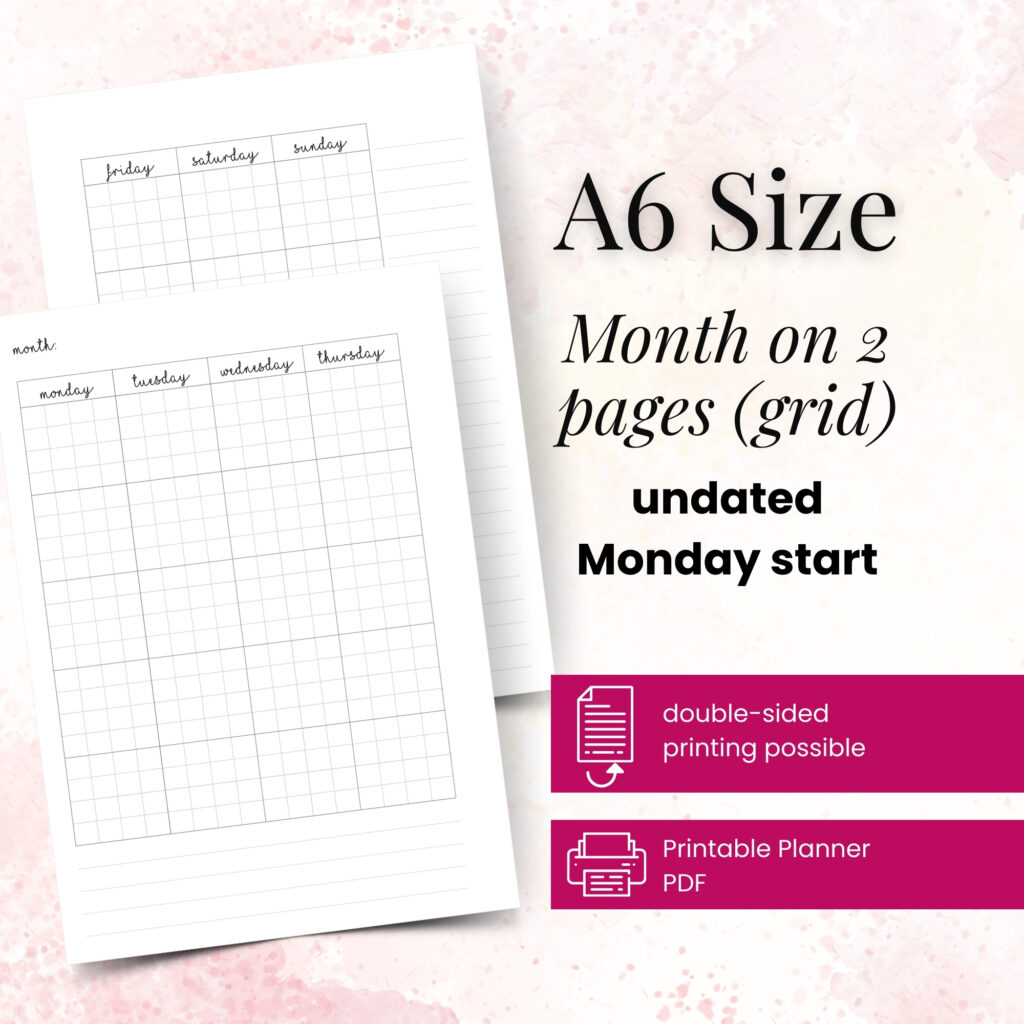
This is where printable inserts shine for paper planners. You can choose the page style that fits your routine, print only what you need, and adjust as your schedule changes. If you use A5 for roomy writing space or Personal for portability, your system can still follow the same monthly-weekly-daily flow.
At Pretty Easy Planning, that kind of flexibility sits at the heart of a good planner setup. You are not forced into one rigid layout. You can build the version that matches your real days.
One of the biggest mistakes is treating all three lists as duplicates. If the same ten tasks appear on every page, the system becomes repetitive fast. Let each page do its own job.
Another common issue is overplanning the daily page and underusing the weekly one. When that happens, every morning feels like starting from scratch. The weekly page should carry more of the thinking, so the daily page can stay focused.
There is also the opposite problem: keeping a beautiful weekly spread but never narrowing it into a real daily plan. If your week looks organized but your days still feel scattered, that final step is probably missing.
Once a month, create or refresh your monthly task list. Add deadlines, seasonal tasks, appointments that need preparation, and goals you want in view.
Once a week, review that list and move active items into your weekly plan. Group related tasks, check your schedule, and leave some white space for real life.
Each day, choose a short list from your weekly page. Focus on what fits your time, your energy, and your current priorities. Then mark completed tasks clearly. That visible progress is part of what makes paper planning so satisfying.
You do not need a perfect system to make a daily weekly monthly to do list work. You just need clear layers, honest task selection, and pages that support the way you actually live. Your successful planning story begins with a single print, a pen you love, and one thoughtful choice about what belongs today.

€4,24
€4,24
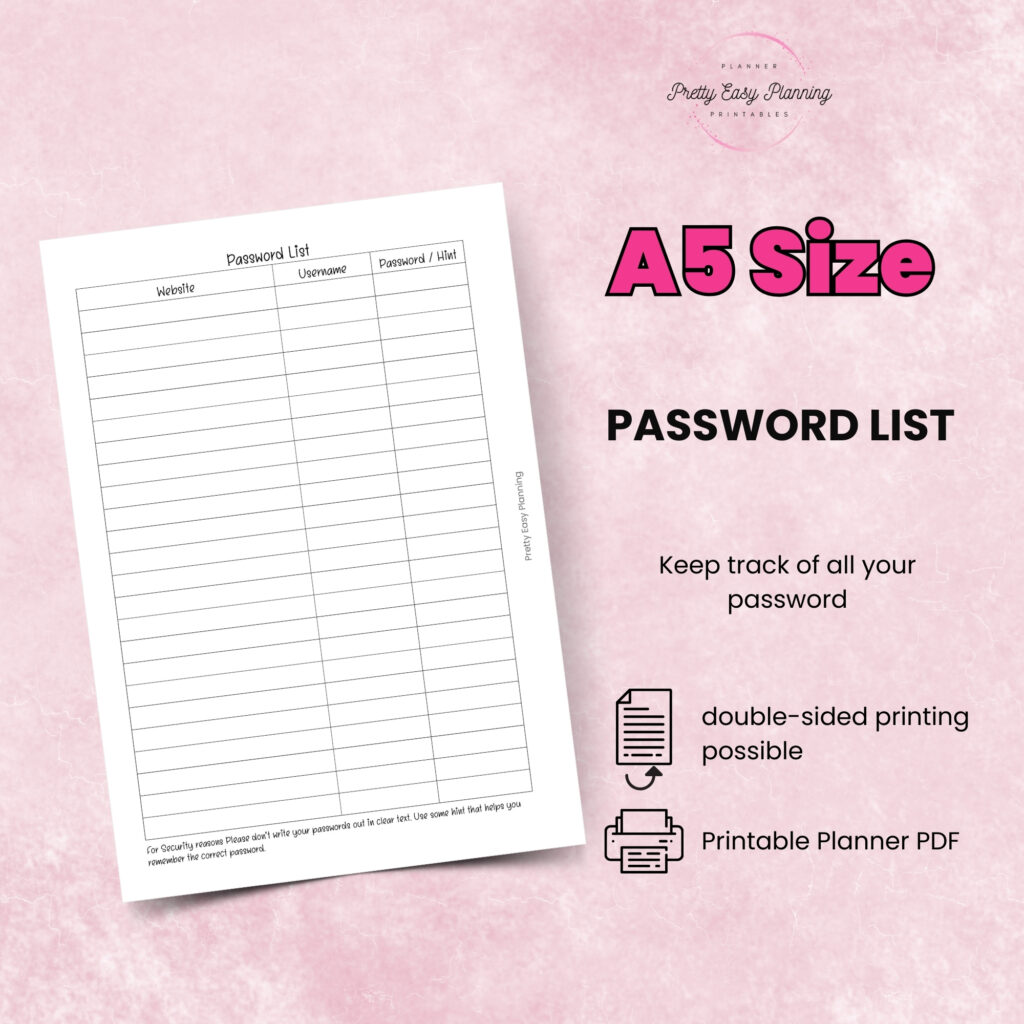
€4,24
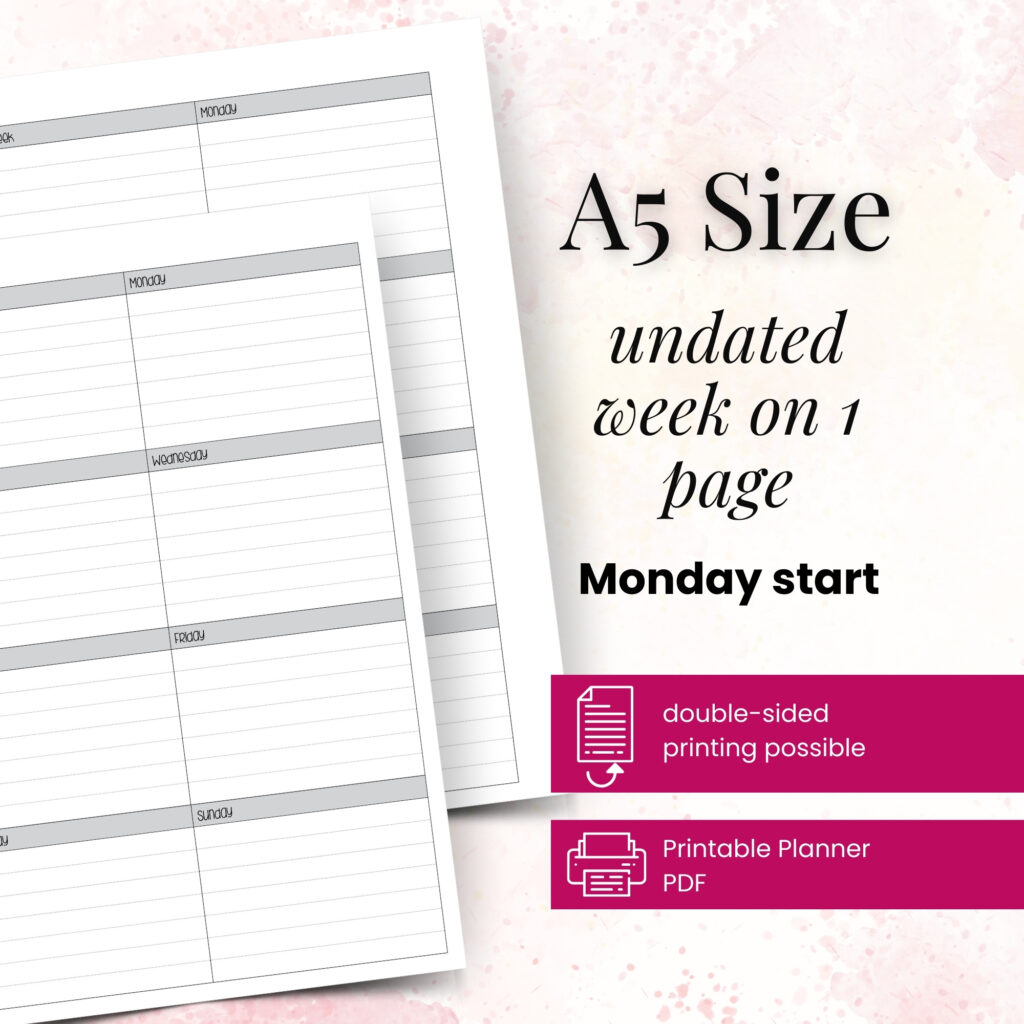
€4,24
A6 vs happy planner: compare size, space, portability, and page options to choose printable inserts that make your everyday planning feel easier with purpose.

Wondering which planner pages do i need? Build a practical paper planner with only the inserts that support your real routines, goals, and plans daily.
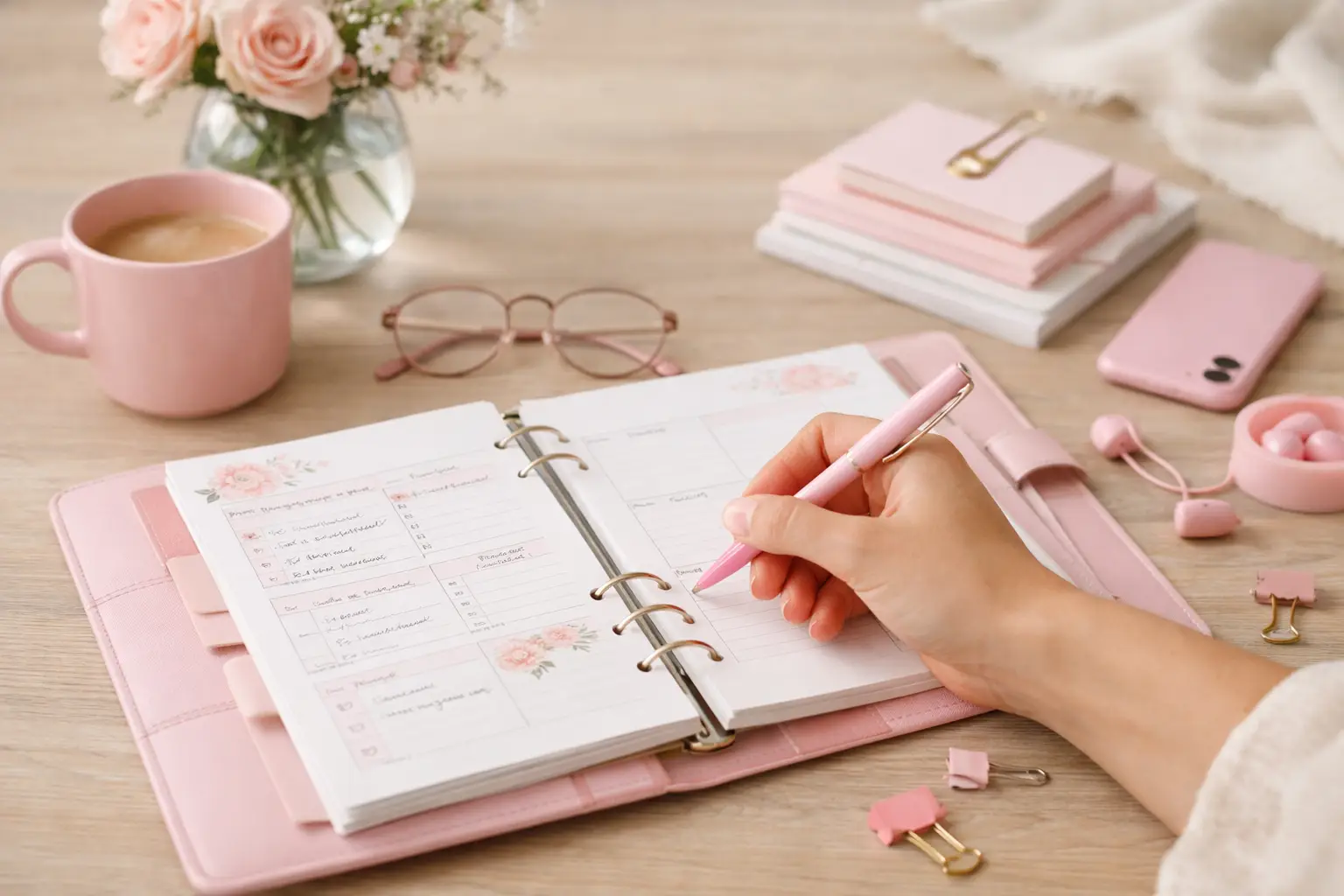
The future of printable planners favors flexible, beautiful systems: print what fits your week, refresh routines, and keep every page useful for life.