Best Planner Inserts for Routines That Stick
Find the best planner inserts for routines with practical layout ideas for habits, home, work, and self-care that fit your life and paper planner needs.
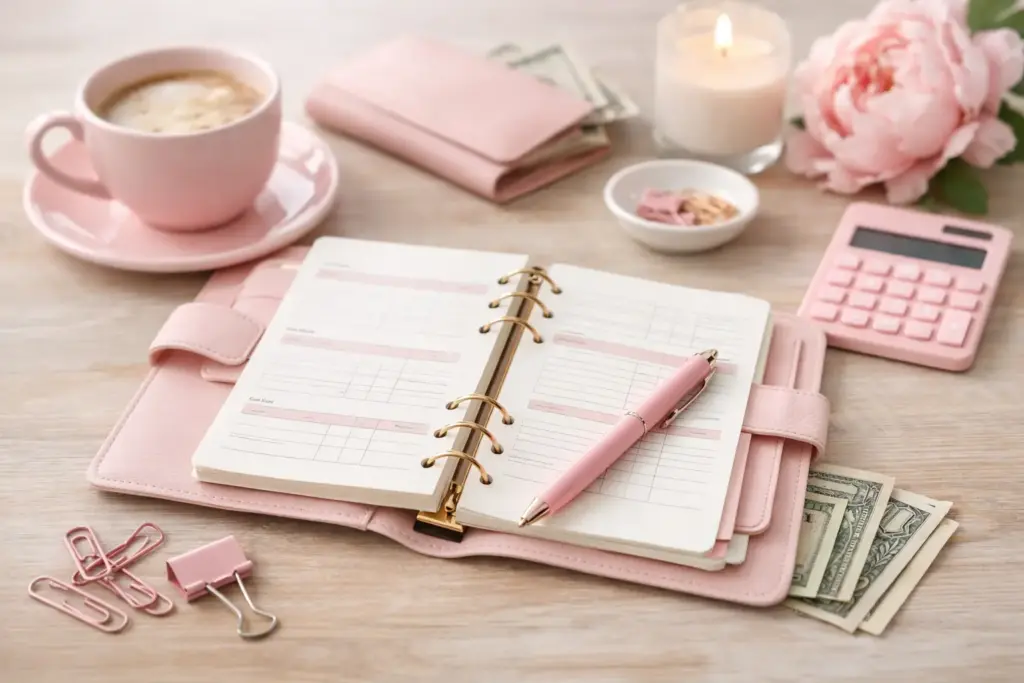
If your budget lives on sticky notes, in your banking app, and half-finished on the back of an envelope, you do not need more guilt. You need better structure. The best planner pages for budgeting give every dollar a place, make your spending easier to track, and help your money routine fit neatly into the planner you already love using.
A good budgeting section should feel clear, not crowded. It should help you see bills before they hit, notice patterns in your spending, and keep money goals visible enough to actually matter. When the layout works, budgeting stops feeling like a separate chore and starts becoming part of your regular planning rhythm.
The best budgeting pages do two jobs at once. First, they show you the big picture, like income, fixed bills, savings goals, and monthly limits. Second, they support the small decisions that usually make or break a budget, like grocery overspending, forgotten subscriptions, or impulse online orders.
That balance matters. A page that only gives you broad categories can feel pretty but vague. A page that tracks every penny can help, but it may become exhausting if you already juggle work, home, and family planning in the same binder. The sweet spot usually sits somewhere in the middle.
For most paper planners, that means using a few focused pages instead of one all-in-one budget spread. Separate pages give you room to think. They also make it easier to move things around, archive old months, or print extra copies of the inserts you use most.
If you want a budgeting setup that feels useful right away, start with four page types. These cover the basics without turning your planner into an accounting workbook.
This is your command center. A monthly budget page lets you map out expected income, planned spending, savings, and any major one-time costs before the month starts. It helps you make decisions early instead of reacting after the money is already gone.
Look for a layout with enough space for broad categories like housing, groceries, transportation, personal spending, and savings. If the page feels too cramped, you will avoid writing realistic numbers. If it has too many tiny sections, you may spend more time formatting your budget than following it.
A strong monthly budget page works especially well when you check it during your monthly planning session. You can line it up with upcoming birthdays, travel, school expenses, or seasonal shopping before they catch you off guard.
A bill tracker is one of the most practical planner pages you can own. It gives you a simple place to list due dates, amounts, and payment status so nothing slips through the cracks.
This page matters even if most of your bills run on autopay. Autopay reduces late fees, but it does not replace awareness. You still need to know when larger charges hit your account, especially if your income lands on different dates or your monthly expenses fluctuate.
If you often ask, “Wait, did I already pay that?” this page will earn its spot fast.
This is where budgeting gets honest. An expense tracker shows what actually happened after the month began. It reveals your habits without forcing you to guess.
Some planner users love writing down every transaction. Others do better with a short daily or weekly spending check-in. Both approaches can work. It depends on how much detail helps you stay aware without making the process feel tedious.
If you are newer to budgeting, start by tracking just a few categories that tend to drift, such as groceries, dining out, household extras, and personal spending. That smaller view often tells you more than a page crowded with categories you never use.
This page gives future expenses a home before they become emergencies. Sinking funds work well for car repairs, holidays, back-to-school shopping, annual subscriptions, gifts, or travel.
A dedicated page helps you track your target amount, how much you have set aside, and what still needs attention. It also makes saving feel more real because you can see progress building over time.
For many planner users, this is the page that turns budgeting from restrictive to supportive. You stop feeling like every extra dollar disappears into a void and start seeing it assigned to something meaningful.
Once your core pages feel natural, you can add a few more inserts to support your routine. The key is to choose pages that solve a real problem.
A debt payoff tracker can help if you are working through credit cards, student loans, or medical balances and want visible progress. A paycheck budget page works well if you budget by pay period instead of by month. A no-spend tracker can be surprisingly motivating when you want to reset a category like takeout or impulse shopping.
Some planner users also like a yearly financial overview. This kind of page lets you record recurring bills, annual renewals, or savings goals in one place. It pairs nicely with your monthly budget pages because it helps you spot patterns before each month begins.
The trade-off is simple. More pages can give you better detail, but they also ask for more upkeep. If a page makes you feel organized for one week and ignored for the next three, it may not belong in your everyday setup.
The best planner pages for budgeting depend on how you naturally plan, not on what looks the most polished online. A layout should support your habits while gently improving them.
If you like quick weekly check-ins, choose clean pages with generous writing space and simple categories. If you enjoy detail and data, you may prefer inserts with line-by-line expense tracking and room for notes. If your schedule changes often, flexible pages with open sections will likely serve you better than rigid templates.
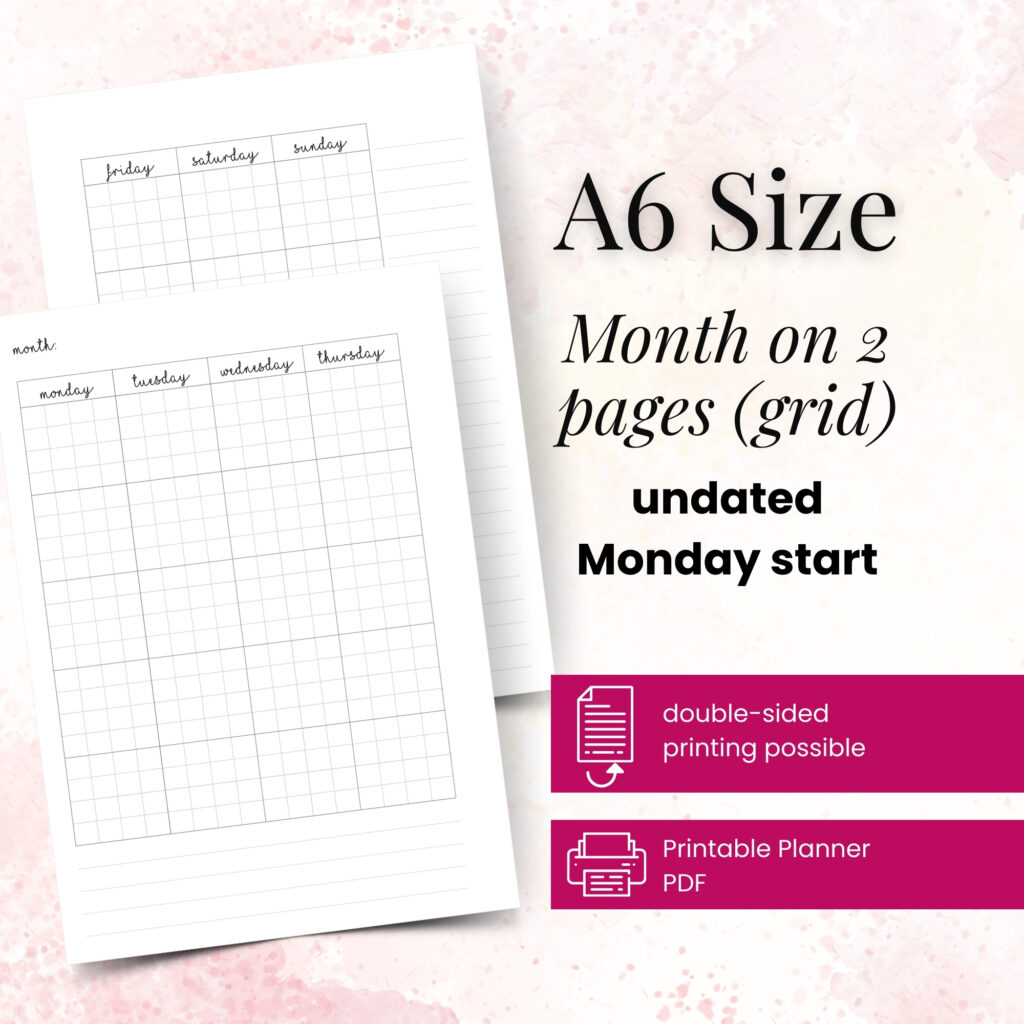
Planner size matters too. In an A6 or Personal planner, compact budgeting pages usually work best because you need to keep entries short and readable. In an A5 or Happy Planner Classic setup, you can comfortably use more detailed monthly budgets, spending logs, and savings trackers without everything feeling cramped.
This is where printable inserts shine. You can test one layout for a month, notice what you actually use, and reprint only the pages that earn a permanent spot. That flexibility makes budgeting feel less like a commitment and more like a process you can refine.
If you feel unsure where to begin, try this sequence. Add one monthly budget page at the start of the month, one bill tracker behind it, then keep two expense tracker pages and one savings page in the same section. Use that setup for one full month before changing anything.
During week one, fill in expected income, fixed bills, and your main budget categories. During the month, check your bill tracker once or twice a week and jot spending into your expense log. At the end of the month, review what worked, what felt annoying, and what information you kept wishing you had.
That review matters. Maybe your budget categories were too broad, so you need more detail. Maybe your expense tracker asked for too much writing, so you need a simpler page. Your successful planning story begins with a single print, but it gets stronger when your inserts reflect your real routine.
One common mistake is choosing pages that look impressive but do not match your life. If you never use cash envelopes, a cash tracker may become dead space. If your income changes every pay period, a static monthly layout alone may not be enough.
Another mistake is tracking too much too soon. When every purchase needs three categories, a color code, and a sticker, budgeting starts to feel like homework. Keep the system light enough that you can stay consistent during busy weeks.
It also helps to keep your money pages close to the planning pages you already check. If your budget section sits in a separate binder you rarely open, it will not support your daily decisions. The more visible your numbers are, the more useful they become.
At Pretty Easy Planning, this is exactly why tested insert layouts matter so much. Beautiful pages are lovely, but budgeting inserts also need to function in real life, on real desks, during real months that do not go perfectly.
The best budgeting pages are not the fanciest ones in your planner. They are the pages that help you notice, adjust, and keep going with more confidence the next month than you had this month.

€4,24
€4,24
€4,24
€4,24
Find the best planner inserts for routines with practical layout ideas for habits, home, work, and self-care that fit your life and paper planner needs.
See the planner layouts trending now, why they work for busy routines, and how to print a flexible paper system that fits your real life at home, too.
This yearly planner pages guide helps you choose, print, and use annual inserts that turn big goals, dates, and routines into clear action with less stress.