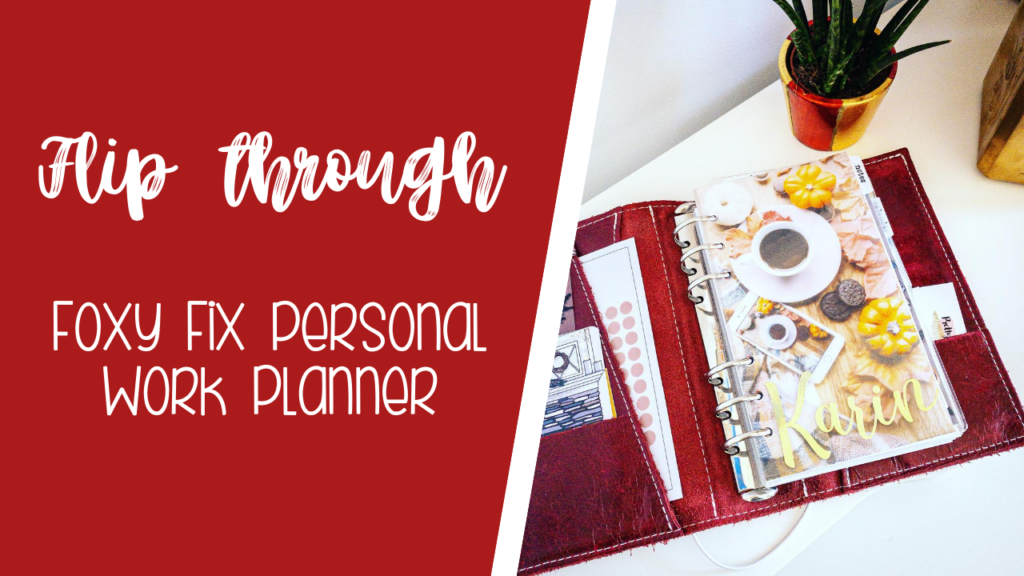
If you love ring planners, planner organization, and behind-the-scenes peeks into how creatives plan their lives and businesses, this planner flip through is for you. In today’s post, I’m walking you through my current ring planner setup, explaining each section, why I use it, and how it helps me stay organized as a one-person business owner.
This blog post is based on my latest planner flip through video, where I show you everything from my favorite planner pen to my planning system for blogging, marketing, finances, and weekly goals.
Why a Ring Planner Works So Well for Flexible Planning
One of the biggest reasons I love using a ring planner is flexibility. Pages can be moved, sections can evolve, and nothing feels permanent. If your life or business changes often, a ring planner allows your system to change with you.
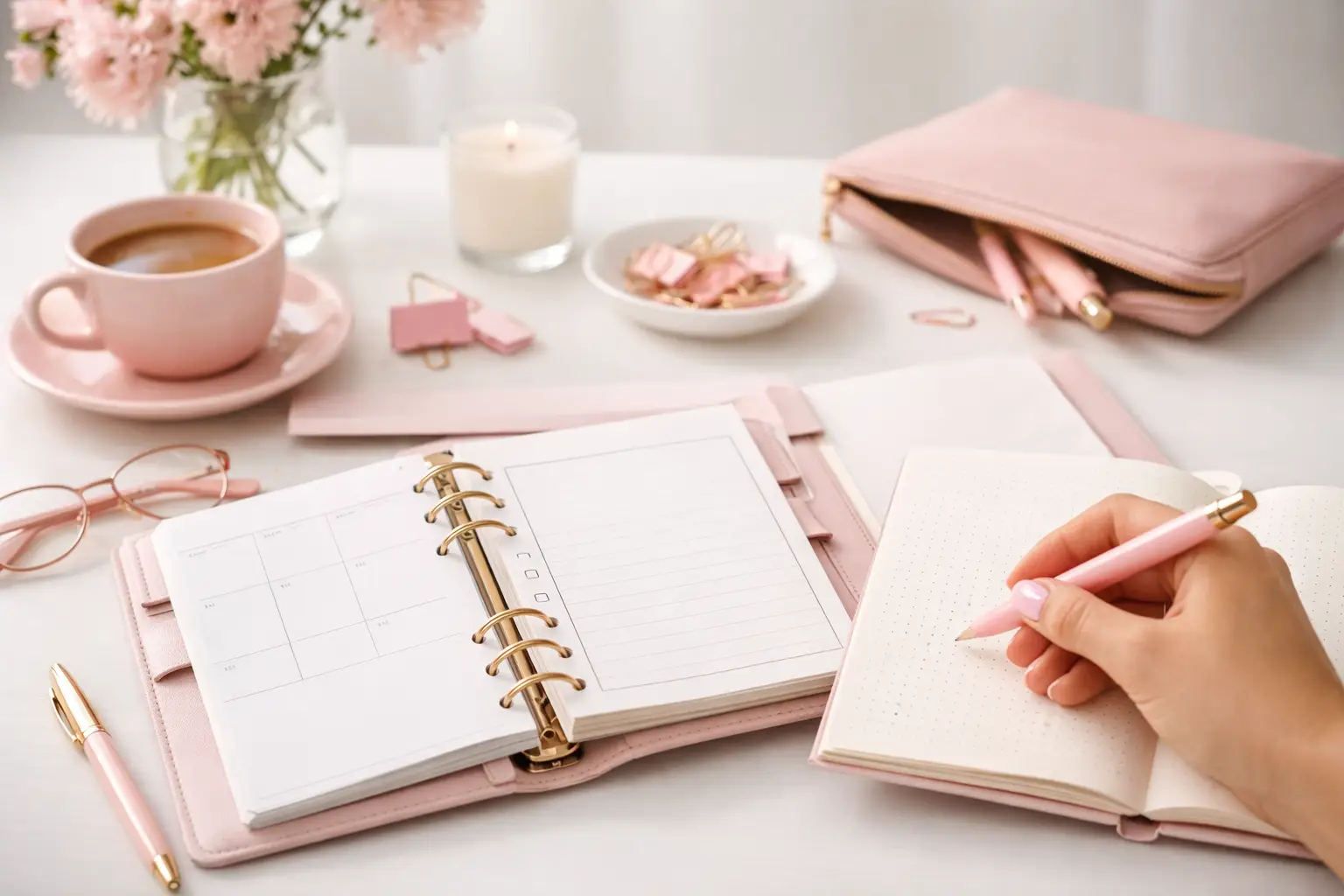
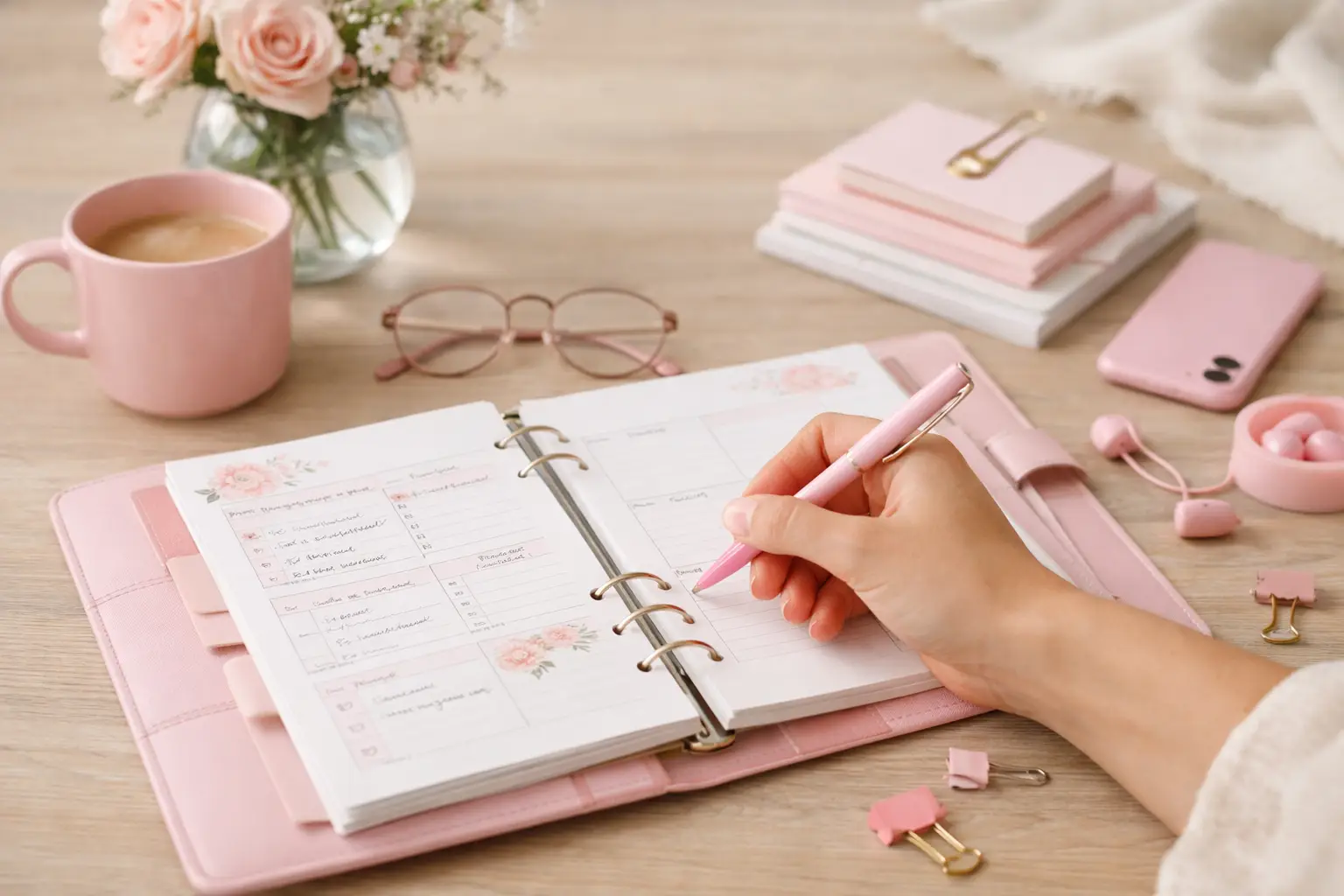
In this setup, I’m using a Foxy Fix Spice Ring Planner with 30mm rings, which gives me plenty of space for inserts, dividers, and decorative elements without feeling overstuffed.
Planner Tools I Use Every Day
Before diving into the sections, let’s talk tools—because the right supplies make planning more enjoyable.
The back pocket is currently empty, which I actually prefer—it leaves room for future additions to my work planner.
A Small but Important Tip
Instead of large binder clips, I recommend using smaller clips to hold pages together. They’re gentler on your inserts and won’t leave marks or dents over time.
Custom Flyleaf & Dividers for Easy Style Changes
Right at the front of my planner, I use a custom vinyl flyleaf with my name on it. It’s a simple detail, but it instantly makes the planner feel personal.
Behind that, I use:
Vellum dashboards
Custom-cut dividers from Etsy
This work planner setup makes it incredibly easy to refresh my planner’s look for new seasons without redoing everything.
Notes Section: The Catch-All Space
The first section in my planner is a notes section, which acts as a flexible brain dump area.
Here I keep:
Sticky notes for quick reminders
Clips to group related pages
General notes that don’t belong anywhere else
This section changes often—and that’s exactly the point.
Clear Envelope for Extra Storage
Next, I use a clear envelope inside my work planner. This is perfect for:
Loose notes
Receipts
Temporary lists
Planning ideas I haven’t sorted yet
Clear envelopes are especially helpful if you like seeing everything at a glance.
I don’t overcrowd these pages—they’re meant for clarity, not detail.
Weekly Goals & Priorities
My weekly section is where I really get intentional. I mainly use it to:
Set weekly goals
Define priorities
Add decorative elements that motivate me to actually use the pages
Decorating my weekly spreads makes planning feel less like a chore and more like creative self-care.
Lists Section: All the To-Dos That Don’t Have a Date
Some tasks don’t belong on a calendar—and that’s where my lists section comes in.
Here I keep:
Monthly task lists
Ongoing to-dos
Non-urgent reminders
This prevents my weekly pages from becoming overwhelming.
Project Planning Section
For bigger ideas and long-term work, I use a dedicated project section.
This includes:
Project management inserts
Brainstorming pages
Extra notes
Keeping projects separate from daily planning helps me stay focused and realistic about timelines.
Marketing & Business Planning Section
Since I run my business solo, I need a space just for marketing and strategy.
In this section, I plan:
Promotions
Product ideas
Marketing experiments
Content planning
It’s a mix of structured inserts and free-form notes.
Blog Planning Section
As part of my content marketing strategy, I have a dedicated blog section.
Here I organize:
Blog post ideas
Rough outlines
Notes on color schemes and visuals
This section is incredibly helpful for staying consistent with blogging and SEO.
Social Media Planning (Work in Progress)
My social media section is still evolving. Right now, it mostly contains:
Meeting notes
Planning ideas
Strategy thoughts
This is a great example of why ring planners are so powerful—you don’t need everything figured out from day one.
Finance Section: Simple & Flexible
The final section is my finance section, which I’m still refining.
Currently, it includes:
Expense tracking
Financial notes
Planning ideas for future budgeting pages
I like keeping this simple so it doesn’t feel intimidating.
Final Thoughts: One Planner for Life & Business
This planner setup helps me manage:
Daily life
Creative projects
Blogging
Marketing
Finances
All in one cohesive system.
If you enjoy planner inspiration, ring planner organization, and seeing how a real small business owner plans, make sure to watch the full video—and don’t forget to like, comment, and subscribe for more planner content.
A6 vs happy planner: compare size, space, portability, and page options to choose printable inserts that make your everyday planning feel easier with purpose.
Wondering which planner pages do i need? Build a practical paper planner with only the inserts that support your real routines, goals, and plans daily.