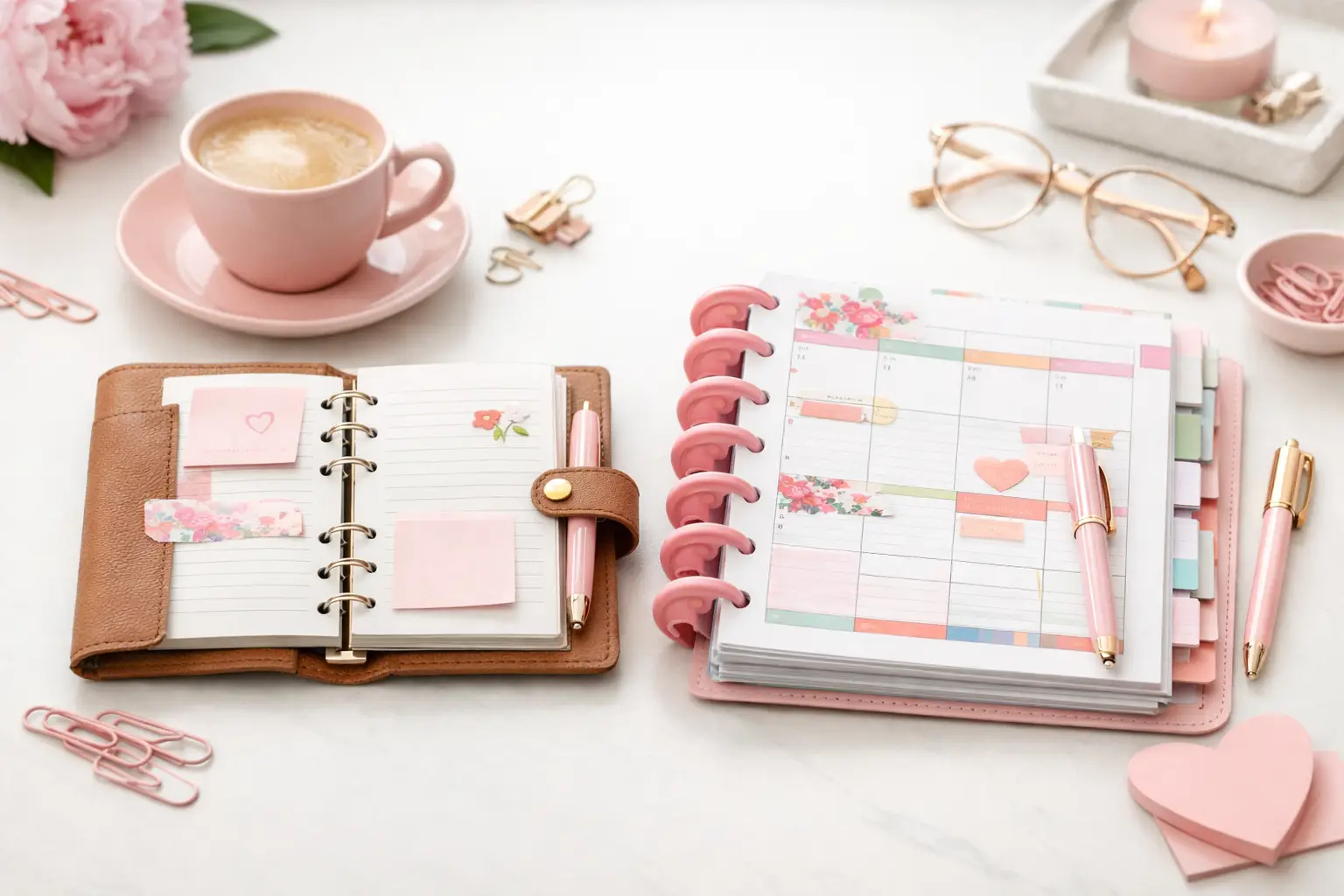
A6 vs Happy Planner: Which Fits Your Life?
A6 vs happy planner: compare size, space, portability, and page options to choose printable inserts that make your everyday planning feel easier with purpose.
Some planner pages look beautiful right up until real life lands on them. A layout can have plenty of boxes, plenty of structure, and still make your day harder to manage. If you have ever felt like your planner should be helping more than it is, the issue usually is not effort. It is layout fit. The best planner layouts for productivity give you enough structure to focus, enough flexibility to adjust, and enough space to actually use the page the way your life works.
When the layout matches your routine, planning feels easier fast. You stop rewriting tasks, skipping sections, or squeezing appointments into spots that were clearly not designed for them. That is where paper planning starts to feel less like maintenance and more like momentum.
A productive planner layout does one job really well. It helps you decide what matters, when to do it, and what can wait. That sounds simple, but many layouts miss one of those steps. Some give you lots of room to brainstorm and almost no help with scheduling. Others give you strict time slots but no space for priorities, notes, or carryover tasks.
Productivity on paper is not about cramming more onto a page. It is about reducing friction. You want a layout that makes planning feel obvious at a glance. If you open your planner and immediately know where appointments go, where tasks belong, and where to track the one thing you cannot forget, that layout is doing its job.
If your days change by the hour, a daily layout usually gives you the strongest productivity boost. It creates room for appointments, task lists, priorities, meal planning, notes, habits, or whatever else keeps your day moving. This layout works especially well if you manage work, home, and personal tasks all at once.
A good daily page can also help you time block. For example, you might schedule meetings in the morning, errands in the afternoon, and a short admin block before dinner. That kind of visual separation helps you see whether your day is realistic before it gets out of hand.
The trade-off is paper use. Daily pages offer detail, but they take up more space in your planner. If your life has quiet days mixed with very full ones, you may not want a dated daily format for every single day. In that case, undated daily inserts can be a smarter fit because you print and use them only when needed.
Vertical weekly layouts are a favorite for a reason. They give you a clean view of the whole week while still leaving enough room to separate tasks and appointments. If you like to assign themes to parts of your day, such as work, family, and personal tasks, a vertical layout keeps those categories visible.
This format suits people who want structure without managing seven full daily pages. It is also helpful if you repeat the same kinds of tasks every week. You can glance across the spread and see where routines support you and where you tend to overload certain days.
Still, vertical weekly pages can feel cramped if you write a lot. If your to-do list grows quickly or you need more project planning space, the layout may need a companion notes page or list insert.
A horizontal weekly layout feels calmer on the page. Instead of pushing you into a timed structure, it gives you room to write naturally. That makes it a strong choice if your schedule is lighter, your plans shift often, or you prefer list-based planning over hourly planning.
Many planner users love horizontal layouts for household management, personal planning, and memory-keeping touches that still support function. You can jot down appointments, daily tasks, reminders, and short notes without making the page feel crowded.
The downside is that this format offers less built-in pressure to assign time. If procrastination tends to sneak in when tasks do not have a place on the clock, a horizontal spread may feel too open. It works best for people who already have a solid sense of when things happen during the day.
Dashboard layouts split your planning into two parts. One side usually covers the week at a glance, while the other holds task lists, goals, habits, reminders, or notes. This is one of the best planner layouts for productivity if you like to see your schedule and your responsibilities in one spread.
It is especially useful when your week contains both fixed events and rolling tasks. You can put appointments on one side and keep categories like work, home, shopping, and follow-up tasks on the other. That setup reduces the need to rewrite the same tasks over multiple days.
The main trade-off is daily detail. Dashboard pages shine for overview planning, but they may not hold enough space for packed days. Many people solve this by pairing a weekly dashboard with a separate daily page for high-demand days.
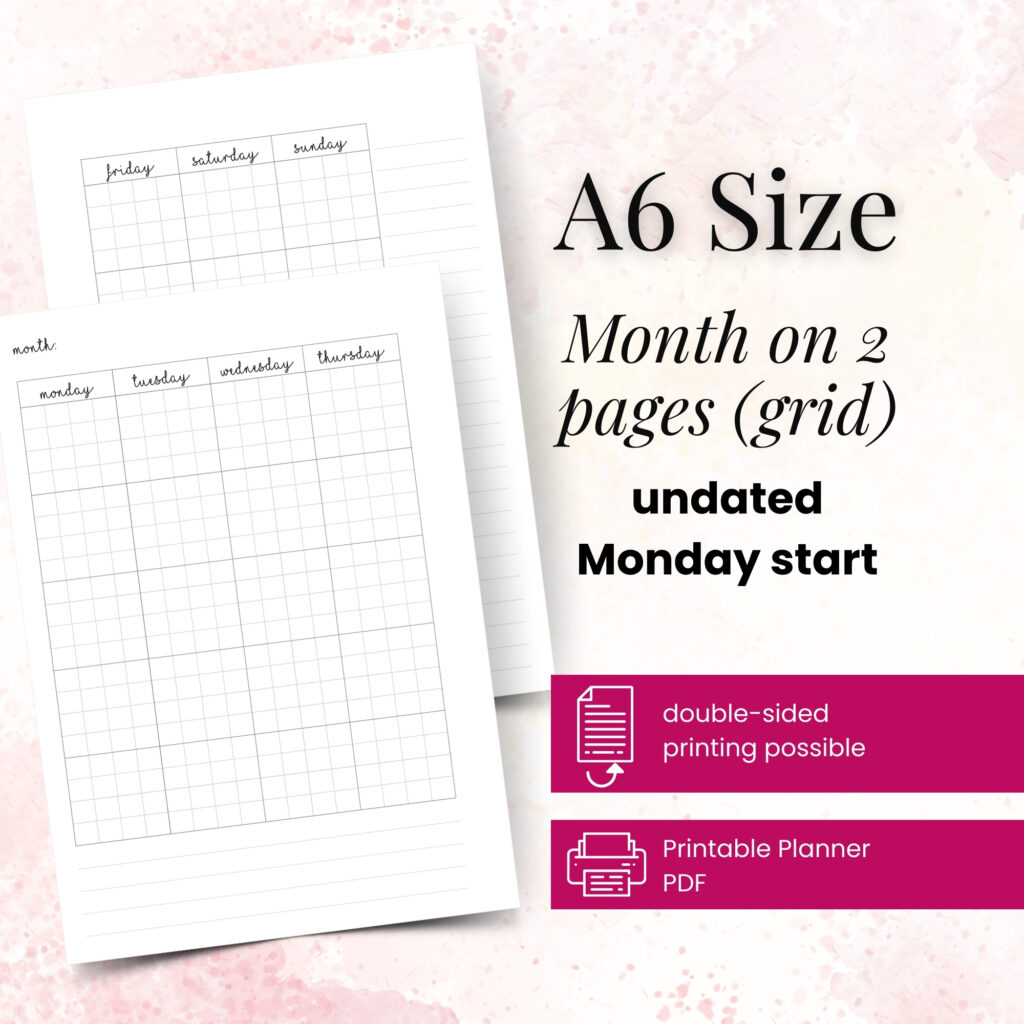
A monthly layout will not manage your whole life on its own, but it plays an important role in a productive planner system. This is where you map major appointments, deadlines, birthdays, travel, bill due dates, and recurring events. You get a broader view that helps you prepare instead of reacting late.
Think of monthly pages as your planning map. They show busy seasons, open weeks, and deadlines that could sneak up on you. If you are setting goals or coordinating family schedules, that bigger picture matters.
What monthly pages cannot do well is hold detail. Tiny calendar boxes look neat, but they fill up fast. Use them to anchor the month, then move the action steps into weekly or daily pages.
Some people do not need more calendar space. They need better task management. That is where list-style planner pages come in. A focused to-do layout can help you batch errands, separate work tasks from personal ones, and keep ongoing responsibilities visible without cluttering your dated pages.
This format works well if your productivity challenge is not remembering appointments but managing a lot of small actions. For example, you might use one page for household resets, another for work follow-ups, and another for project steps. Clean lists can reduce mental load because everything has a home.
On their own, though, lists can become wishful thinking. Tasks still need to connect to actual time. If you love lists, pair them with a weekly or daily layout so the work gets scheduled, not just recorded.
If your planner keeps daily life organized but your bigger goals keep stalling, you may need a project or goal layout in the mix. These pages help you break large plans into milestones, deadlines, next steps, and support tasks. They turn vague intentions into something you can act on.
This matters because productivity is not just about getting through the day. It is also about moving important things forward. A project page can help you plan a move, organize a launch, track a fitness goal, or manage holiday prep without scattering notes across random pages.
These layouts work best as support pages, not as your main planning format. They strengthen your system by giving bigger goals a clear place to live.
Start with your busiest pain point. If your day falls apart because you underestimate time, choose a daily or vertical weekly layout. If your issue is scattered tasks, a dashboard or list page may help more. If you keep forgetting deadlines, build around a monthly view first.
Next, pay attention to what you skip. Blank habit trackers, unused timed columns, or decorative boxes with no purpose all tell you something. A productive layout should earn its space. If a section never helps you make decisions, it probably does not belong in your planner.
It also helps to think in combinations instead of trying to find one perfect page. A monthly calendar plus a weekly dashboard plus occasional daily pages can create a much stronger system than one layout trying to do everything. This is where printable inserts shine. You can build around your real routine, your planner size, and the way you actually plan instead of forcing yourself into a fixed format.
At Pretty Easy Planning, that flexibility is part of the appeal. You can choose the pages that support your life now, print what you need, and refine your setup as your routine changes.
Use one layout consistently for two weeks. During that time, notice three things: whether you check the page often, whether it helps you decide what to do next, and whether you keep rewriting the same information elsewhere. If the answer to any of those is no, the layout may be pretty, but it is not productive for you.
Your successful planning story begins with a single print, but it gets stronger when you give yourself permission to adjust. The best planner layout is not the one with the most sections. It is the one that makes your next step clear the moment you open your planner.

€4,24
€4,24
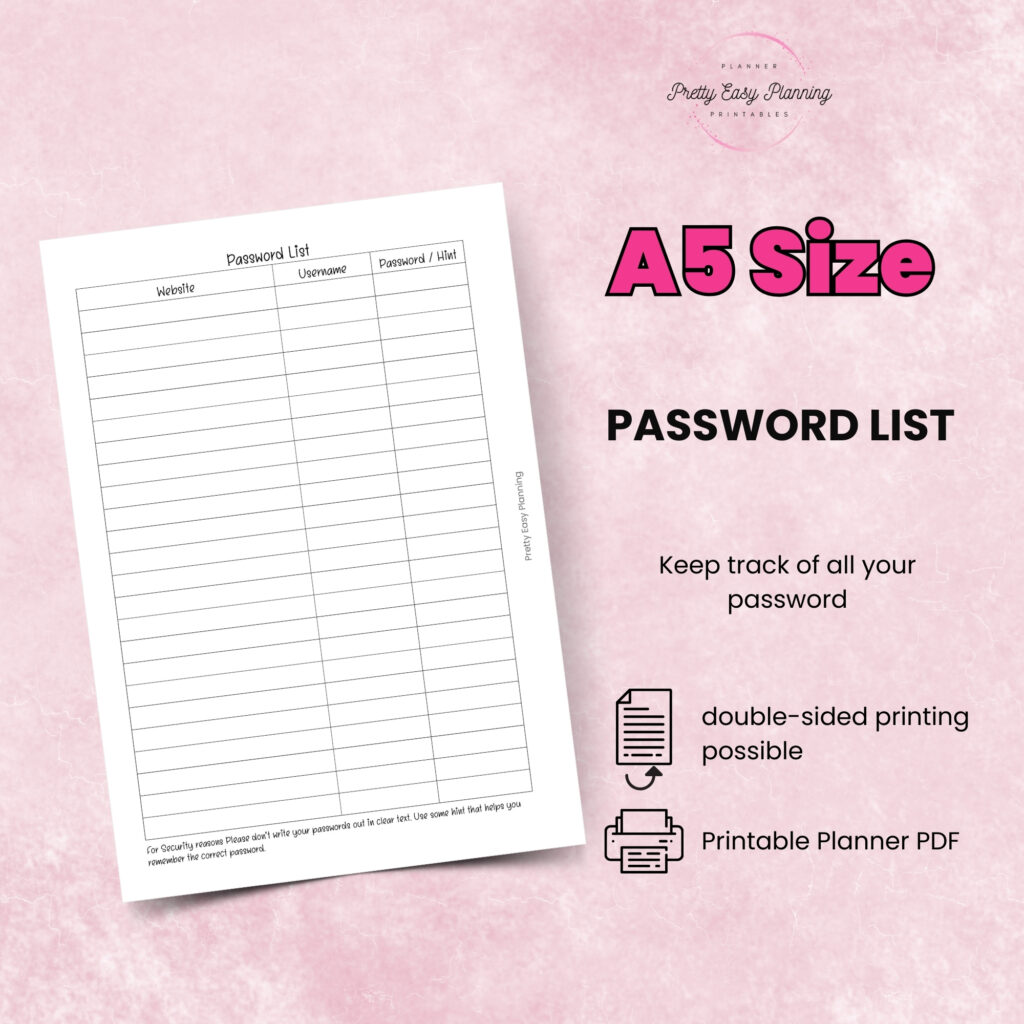
€4,24
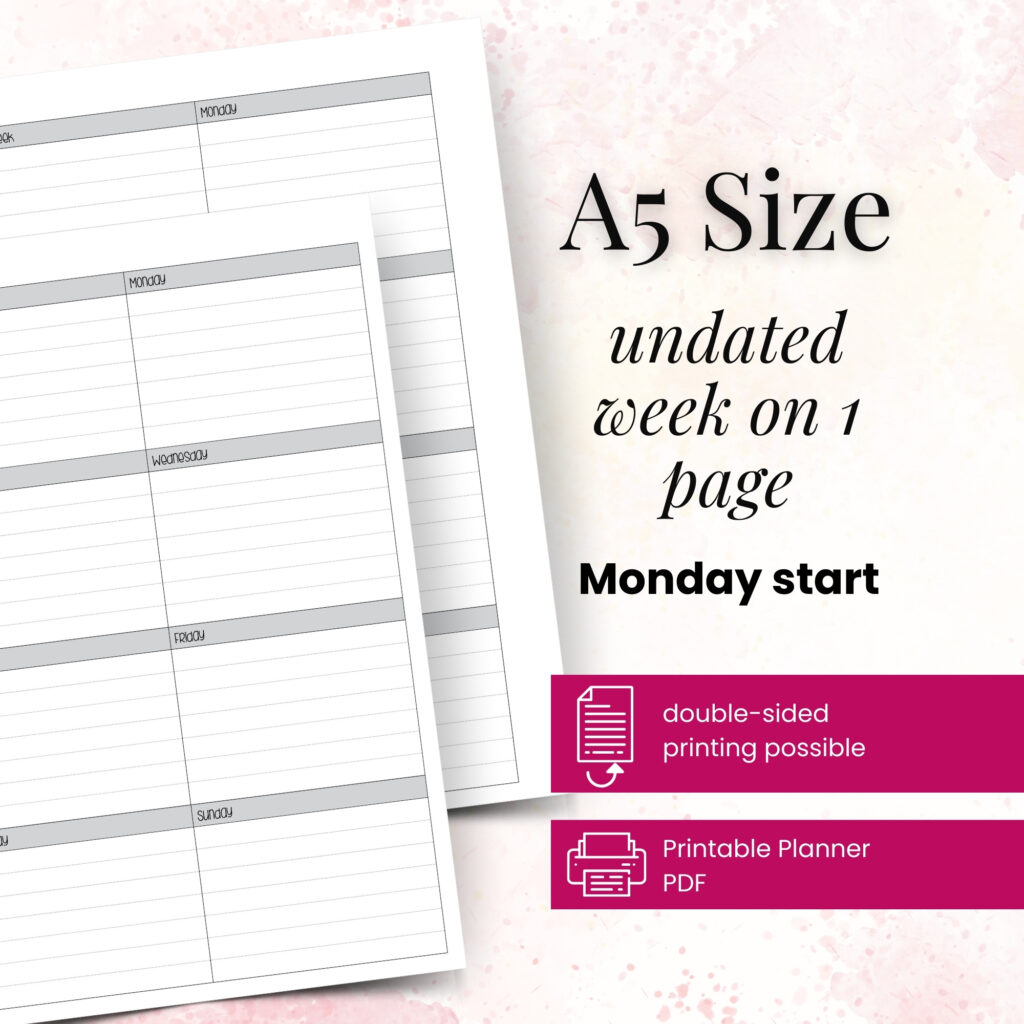
€4,24
A6 vs happy planner: compare size, space, portability, and page options to choose printable inserts that make your everyday planning feel easier with purpose.
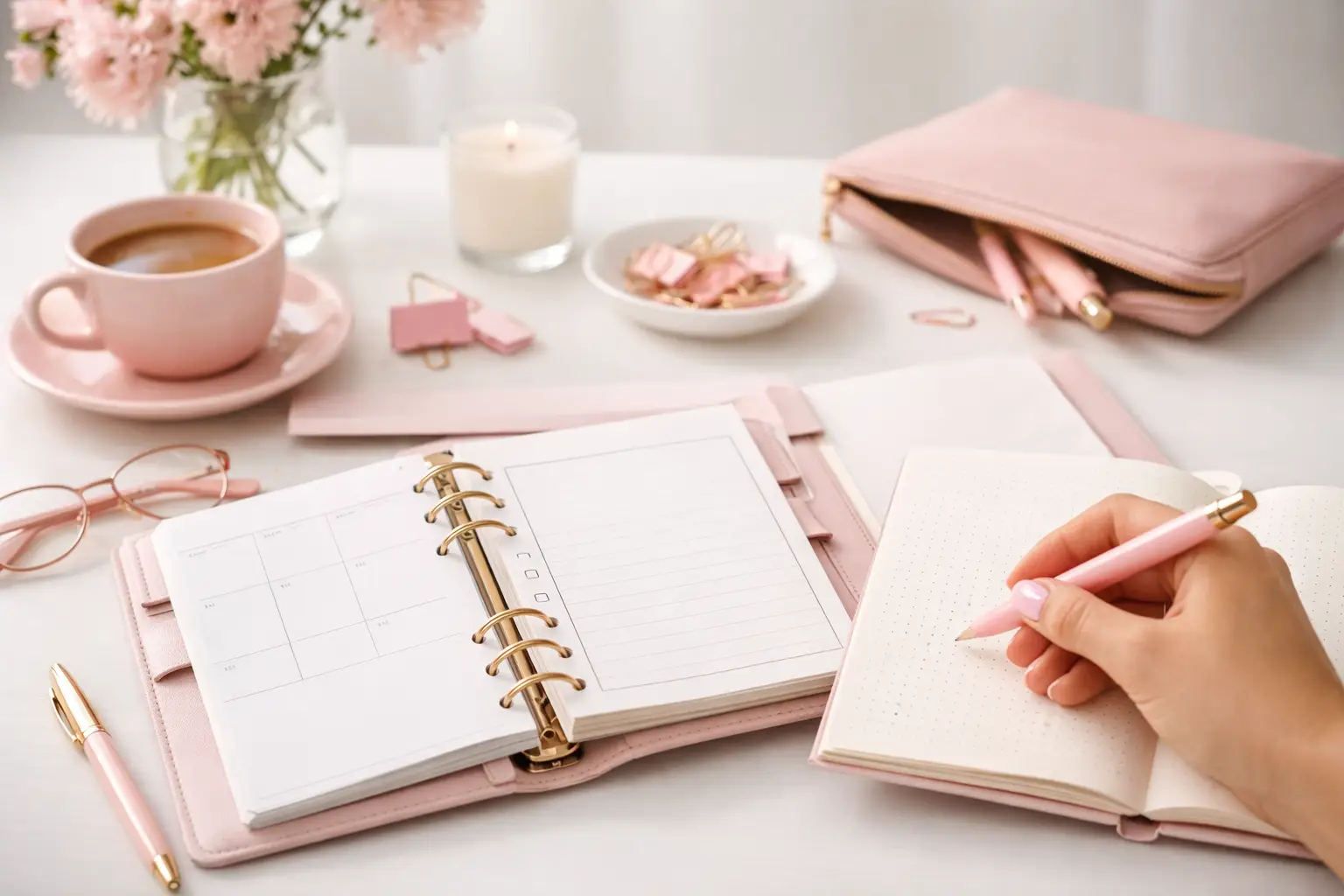
Wondering which planner pages do i need? Build a practical paper planner with only the inserts that support your real routines, goals, and plans daily.
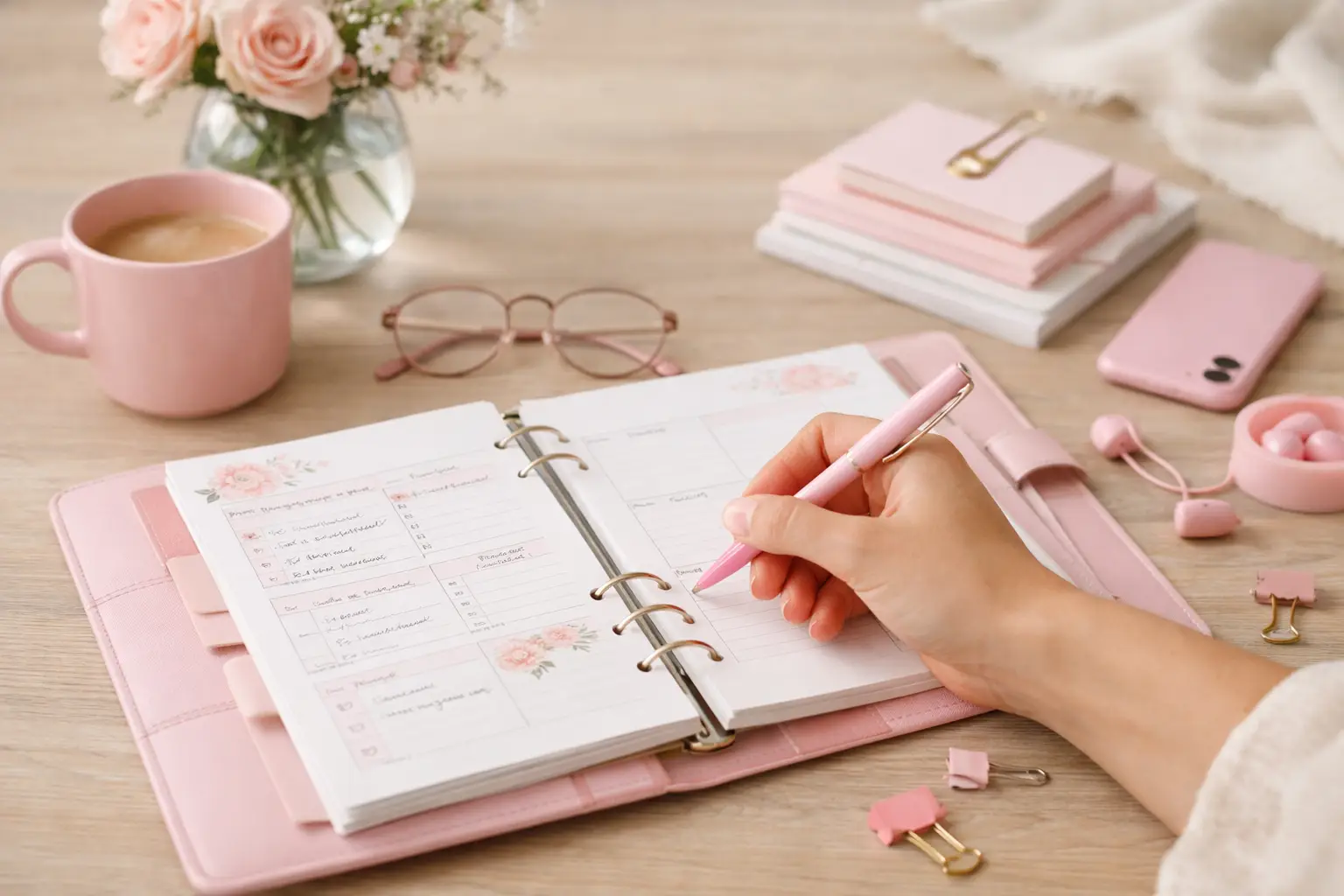
The future of printable planners favors flexible, beautiful systems: print what fits your week, refresh routines, and keep every page useful for life.