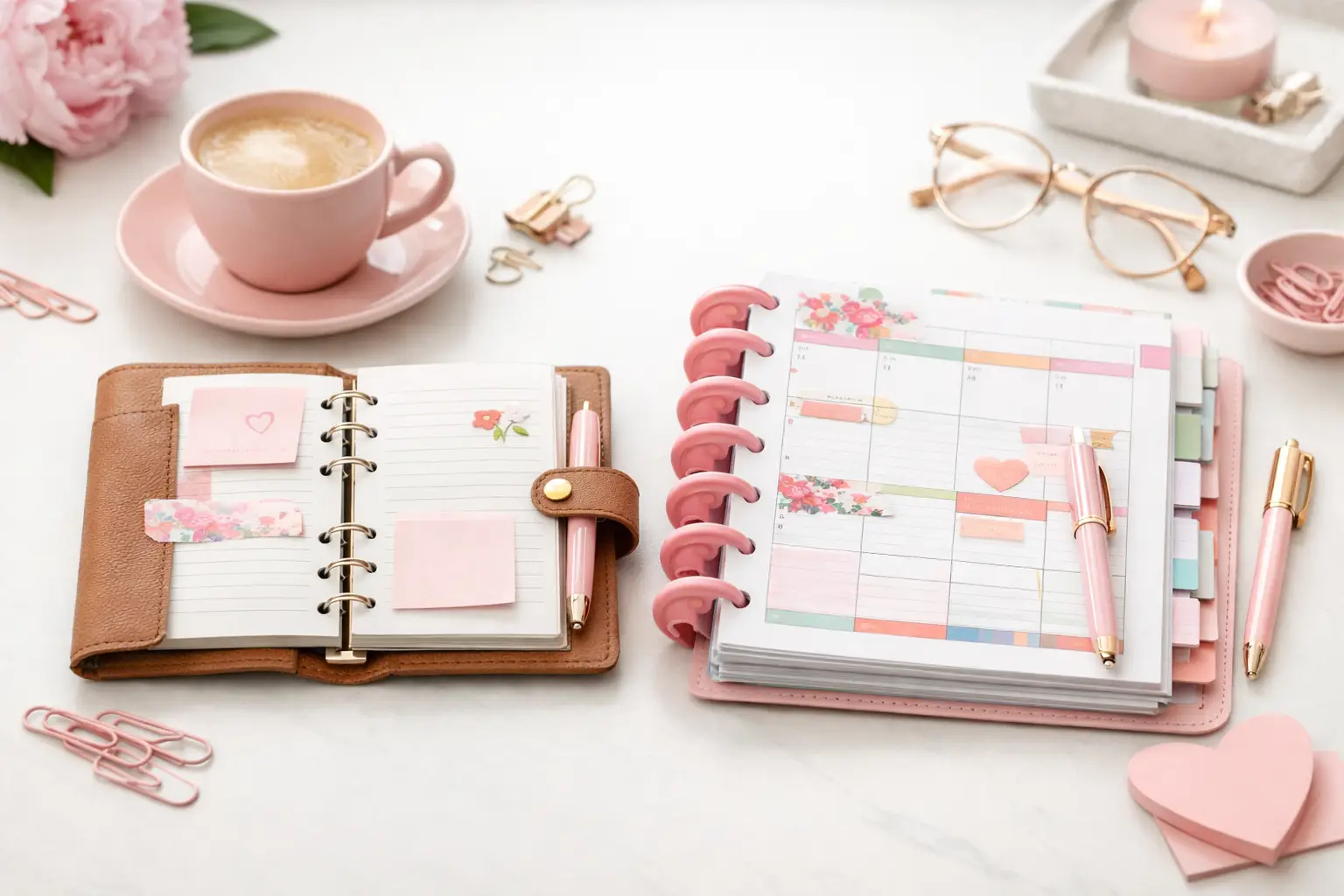
A6 vs Happy Planner: Which Fits Your Life?
A6 vs happy planner: compare size, space, portability, and page options to choose printable inserts that make your everyday planning feel easier with purpose.
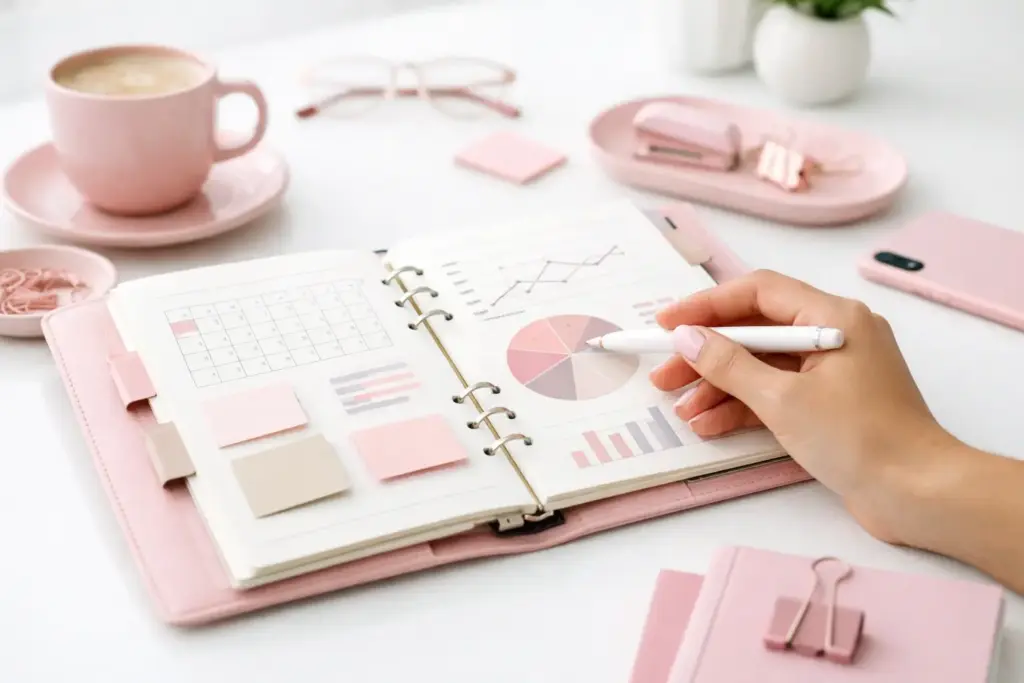
A planner dashboard can quietly fix one of the most common planning problems: too much information scattered across too many pages. If you have ever flipped between weekly plans, sticky notes, habit trackers, and random lists just to figure out what matters today, learning how to use planner dashboards can make your setup feel clear again.
Dashboards work best when they hold the information you need to see often, not everything you need to store. Think of them as the visual control center of your planner. They help you spot priorities fast, keep ongoing tasks in view, and give your inserts a little breathing room.
A dashboard gives you a snapshot. It is not meant to replace your daily, weekly, or monthly pages. Instead, it supports them by holding the information that guides your decisions.
For example, your weekly insert may tell you what happens on Thursday at 3 p.m. Your dashboard can show your top three priorities for the week, your current meal plan, your habit streaks, or the projects that need attention. One page handles details. The other keeps the bigger picture visible.
That distinction matters because many planners become frustrating when every page tries to do every job. When you separate planning from reference, your system feels calmer and easier to maintain.
The fastest way to ruin a dashboard is to turn it into a dumping ground. If the page holds six trackers, four lists, and a full brain dump, your eyes will skip right over it.
A useful dashboard usually answers one question. What should I focus on this week? What routines am I trying to keep? What does home need right now? Once you know the question, you can choose the right pieces.
Start small. Pick one dashboard and give it one clear purpose. If you want a weekly dashboard, include only the details that support your week. That might mean your top priorities, errands, meals, and a short habit check-in. If you want a project dashboard, use it for deadlines, next steps, and waiting-on items.
White space helps, too. A page with room to breathe feels easier to use, especially in a paper planner where visual clutter builds fast.
Different dashboards suit different seasons of life. The right one depends on what you need to see at a glance.
This is often the easiest place to start. Put it before your weekly spread so you see it every time you plan. Use it for your top three priorities, appointments that affect the whole week, errands, meal ideas, and any habits you want to keep visible.
This works well if your weekly pages feel crowded or if you tend to lose sight of bigger goals once the week gets busy.
A routine dashboard supports repeated tasks. Morning routines, evening resets, cleaning rhythms, school prep, or work startup steps all fit here. Unlike a checklist you rewrite daily, this page stays consistent and gives you a reliable structure.
This setup helps when you know what needs to happen, but you still forget steps in the rush of real life.
If you are working toward a bigger outcome, a dashboard can hold milestones, next actions, deadlines, and notes. This works especially well for seasonal goals, home projects, business tasks, or event planning.
The key is to keep it actionable. A project dashboard should not just look inspiring. It should tell you what to do next.
Some planner users love a dedicated space for family schedules, meal planning, shopping reminders, bills to watch, or recurring household tasks. When home responsibilities live across multiple inserts, a dashboard can pull them together into one glance.
Placement matters more than most people expect. Even a beautifully designed dashboard will not help if you never see it.
Put your dashboard where your hands already go. If you check your weekly pages every morning, place a weekly dashboard right before them. If you open straight to your monthly section when planning appointments, keep a monthly overview dashboard nearby. For routines, place the page at the front of the section you use at the relevant time of day.
Tabbed sections can help if you use several dashboards, but you do not need to create a complicated system. Often, one or two well-placed dashboards work better than five forgotten ones.
If you are new to this, keep the setup easy.
First, notice what information you rewrite constantly or keep hunting for. That repeated friction usually points to a dashboard need. Maybe you keep copying your top priorities from page to page. Maybe your meal notes float around on scraps of paper. Maybe your work tasks and home tasks compete for attention.
Next, choose one area to test. Do not rebuild your whole planner at once. Pick the dashboard that would save you the most flipping.
Then decide what belongs on that page. Be selective. If a detail does not help you make decisions quickly, leave it off. A strong dashboard supports action. It does not just collect information.
After that, place it in the part of your planner you already use most. Print it, punch it, and live with it for a week. Pay attention to what you actually use, not what you hoped to use.
Finally, edit without guilt. Cross out a section that feels pointless. Add more writing space if you keep running out. Shrink a tracker if it looks pretty but never gets filled in. Your successful planning story begins with a single print, but the real magic happens when you shape that page around your routine.
One common mistake is creating a dashboard that duplicates your weekly pages too closely. If both pages hold the same information, one of them will become unnecessary. Give each page its own role.
Another issue is making the dashboard too decorative to use comfortably. Pretty matters. Most planner lovers want a setup that feels enjoyable and personal. Still, function needs to lead. If stickers, vellum, or layered extras cover the writing space you need, the page becomes harder to trust.
Some people also stop using dashboards because they expect daily perfection. That is rarely realistic. A dashboard should support your planning, not become another chore. If updating it takes too long, simplify it.
A dashboard stays helpful when it matches your planning rhythm. Weekly dashboards need regular refreshes. Routine dashboards may only need occasional changes. Project dashboards change whenever the project moves.
Set a natural review time. Many planner users update dashboards during weekly setup, monthly planning, or a Sunday reset. Pick the moment that already exists in your routine so the page stays active.
It also helps to use pencil for anything likely to change and pen for the items that stay stable. That small choice can make your planner feel more flexible and less precious.
If your needs shift with the season, let your dashboards shift too. Summer schedules, back-to-school planning, busy work seasons, and holiday prep often call for different layouts. Printable inserts make this especially practical because you can reprint what works and leave behind what does not.
Sometimes the better fix is not another page. If your planner already feels crowded, adding a dashboard may create more maintenance. In that case, you may need fewer inserts, not more.
Ask yourself whether the information truly needs front-and-center placement. If you only check it once a month, a dashboard may not earn the space. Reference pages, monthly inserts, or a simple notes section might do the job better.
That trade-off matters. The goal is not to build the most elaborate planner. The goal is to build one you will actually use.
The best dashboards feel personal in the practical sense, not just the decorative one. They reflect how you think, what you track, and where your life needs support. A clean weekly priorities dashboard in A5 might be perfect for one person. Someone else may need a compact home management dashboard in Personal Wide that travels everywhere.
At Pretty Easy Planning, that flexibility sits at the heart of the whole planning experience. You can choose the format that fits your binder, print what you need, and refine your setup as your routine changes.
Start with one dashboard that solves one real problem. Let it earn its place in your planner. Once it does, you will stop thinking of dashboards as extra pages and start seeing them as the calm little checkpoints that keep your planning system working.

€4,24
€4,24
€4,24
€4,24
A6 vs happy planner: compare size, space, portability, and page options to choose printable inserts that make your everyday planning feel easier with purpose.
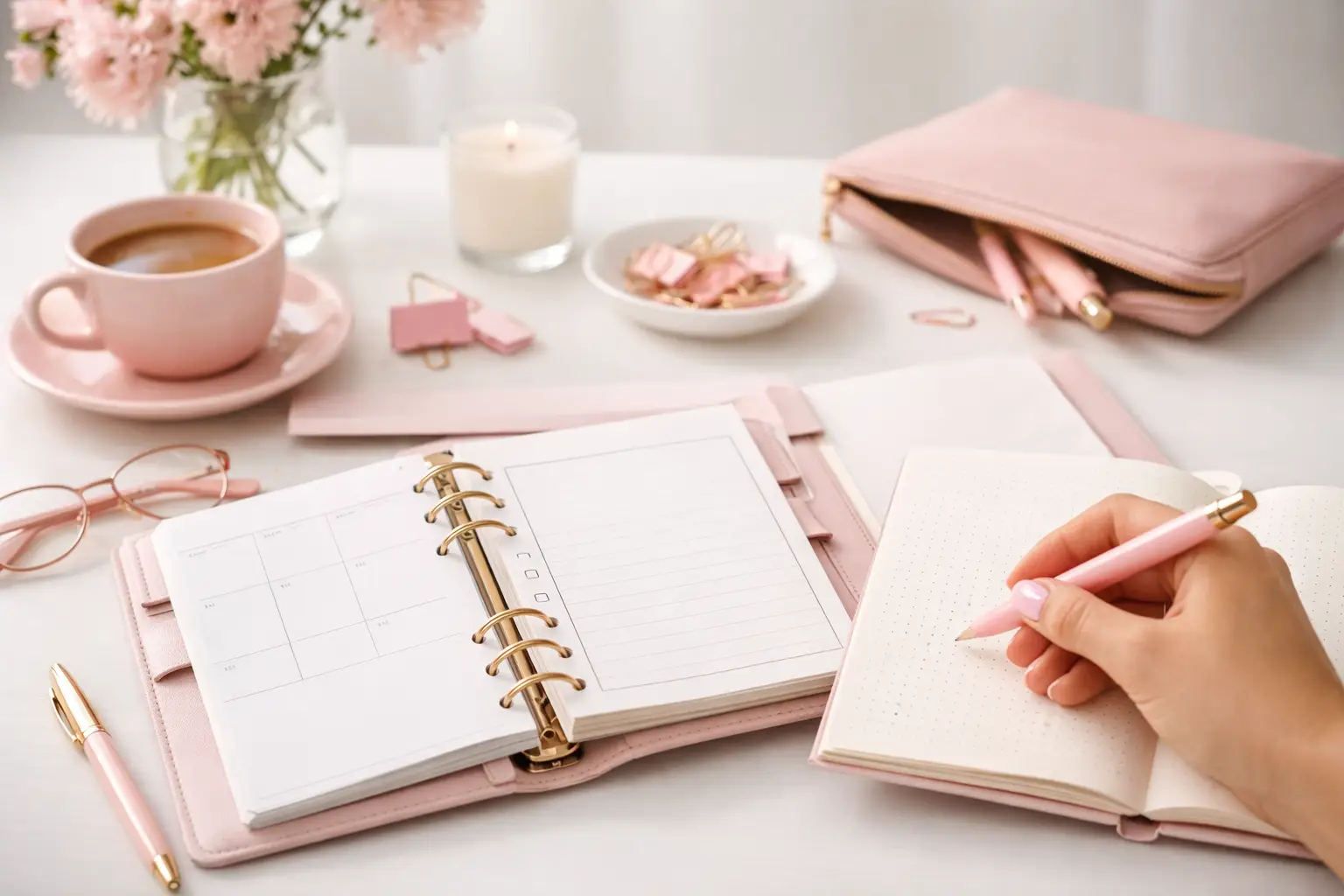
Wondering which planner pages do i need? Build a practical paper planner with only the inserts that support your real routines, goals, and plans daily.
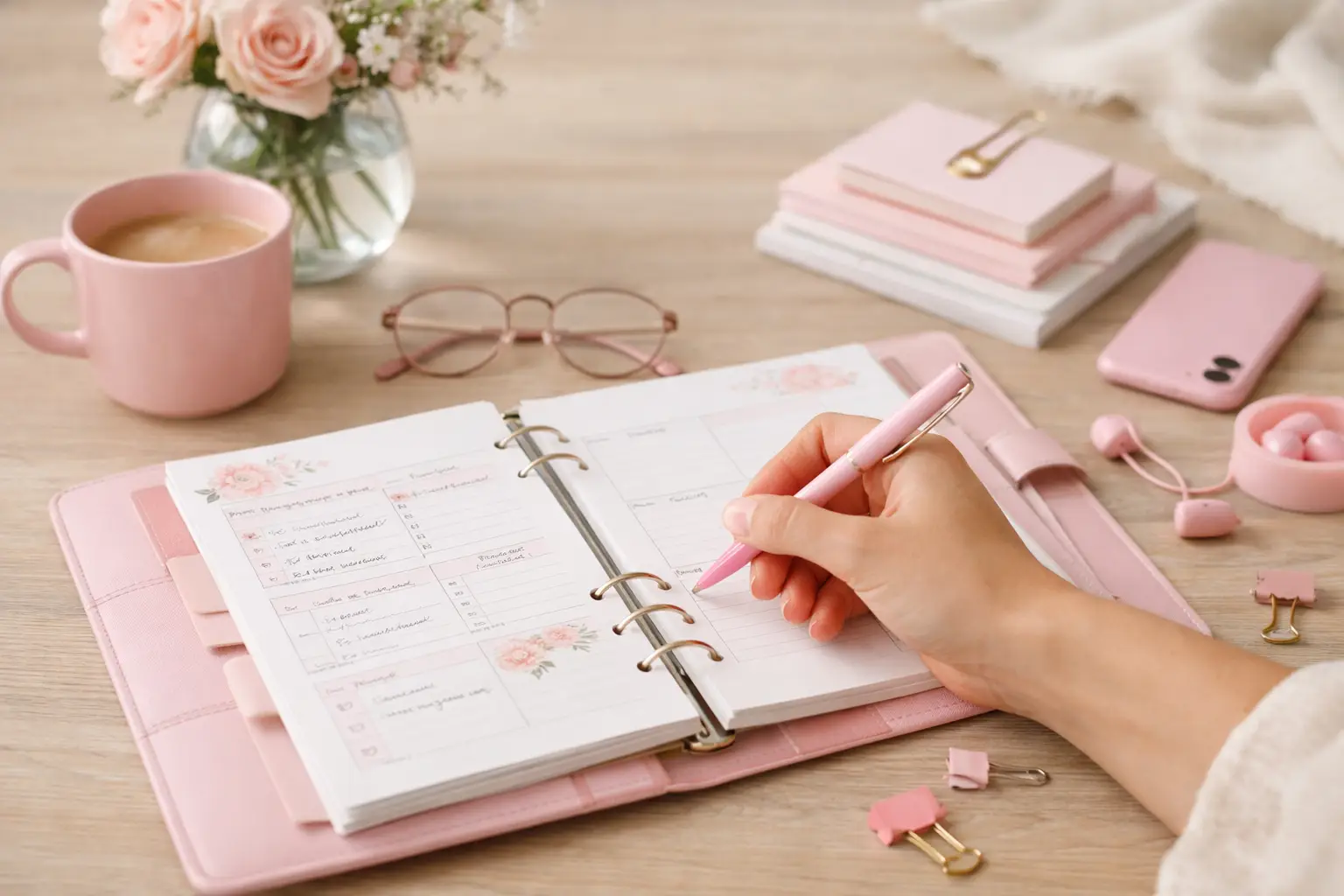
The future of printable planners favors flexible, beautiful systems: print what fits your week, refresh routines, and keep every page useful for life.