A6 vs Happy Planner: Which Fits Your Life?
A6 vs happy planner: compare size, space, portability, and page options to choose printable inserts that make your everyday planning feel easier with purpose.
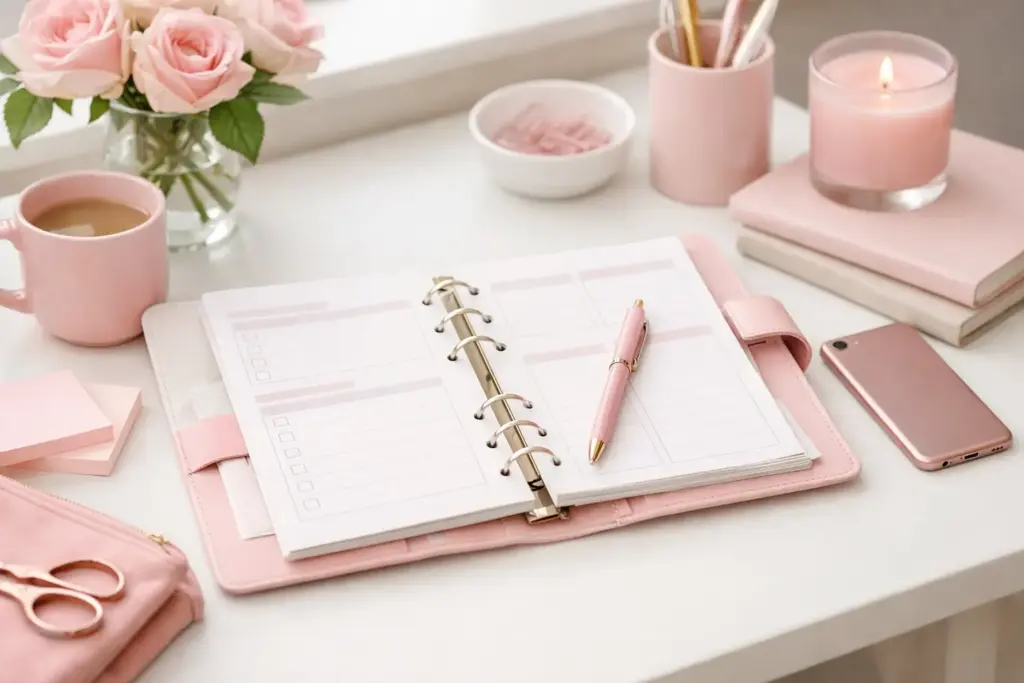
The school email arrives while you are deciding what to cook, someone mentions an appointment you forgot to write down, and the laundry basket is suddenly a household crisis. A household planner setup example can turn those scattered details into one calm, useful place – without forcing every part of your life into a rigid, pre-printed book.
The best setup does not need dozens of sections or a perfectly decorated spread. It needs a clear home for the information you check often. Start with your real routines, then print pages that support them. You can always add a page later; you do not need to guess your ideal system on day one.
A household planner works best when it answers one question quickly: “What needs our attention next?” That might mean tomorrow’s dentist appointment, the ingredients missing for dinner, or the form that must go back to school on Friday.
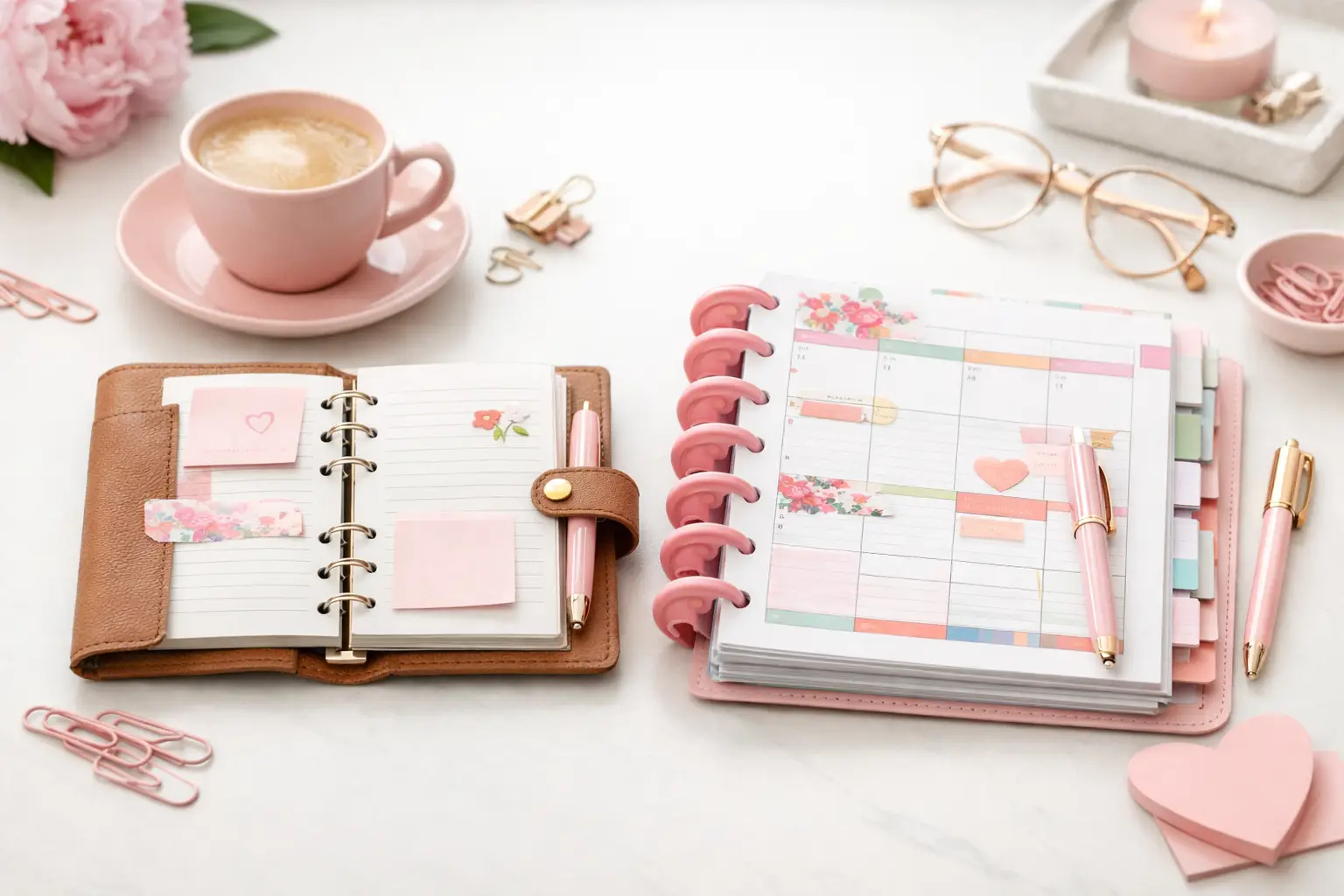
Pick the planner format you already enjoy opening. An A5 ring planner gives you generous room for family schedules, meal plans, and notes. Personal Wide can feel more portable while still offering useful writing space. If your planner stays on a desk or kitchen counter, Happy Planner Classic pages offer an open, visible layout. There is no universal best size. A busy parent who carries a planner everywhere may prefer Personal Wide, while someone coordinating several schedules from home may want A5.
Give this planner a job description: it manages your home, not every thought you have. You can keep work projects, journaling, and long-term personal goals elsewhere if that helps you find household information faster. A focused setup stays easier to maintain.
Imagine a household with two adults, two school-age children, one shared car, and a week that includes work meetings, soccer practice, grocery shopping, and a birthday party. Their planner has five simple sections: calendar, weekly home plan, meals and groceries, routines, and reference pages.
At the front, they keep a monthly calendar. This is where they write events with a fixed date or time: school closures, appointments, practices, bills due, birthdays, and visitors. Use one color for each family member if color helps you scan the page, but do not create a complicated color code you will not maintain. Two or three colors usually do the job.
Behind the monthly calendar sits the weekly home plan. On Sunday evening, they look at the month ahead and copy only the details that affect the coming week. Monday might show a 4:30 p.m. practice, a reminder to thaw chicken, and a note to put trash bins out. Friday might hold the birthday gift reminder and a quick “fuel car” task.
This two-level approach prevents a crowded monthly page from doing too much. The month holds the overview. The week handles the action.
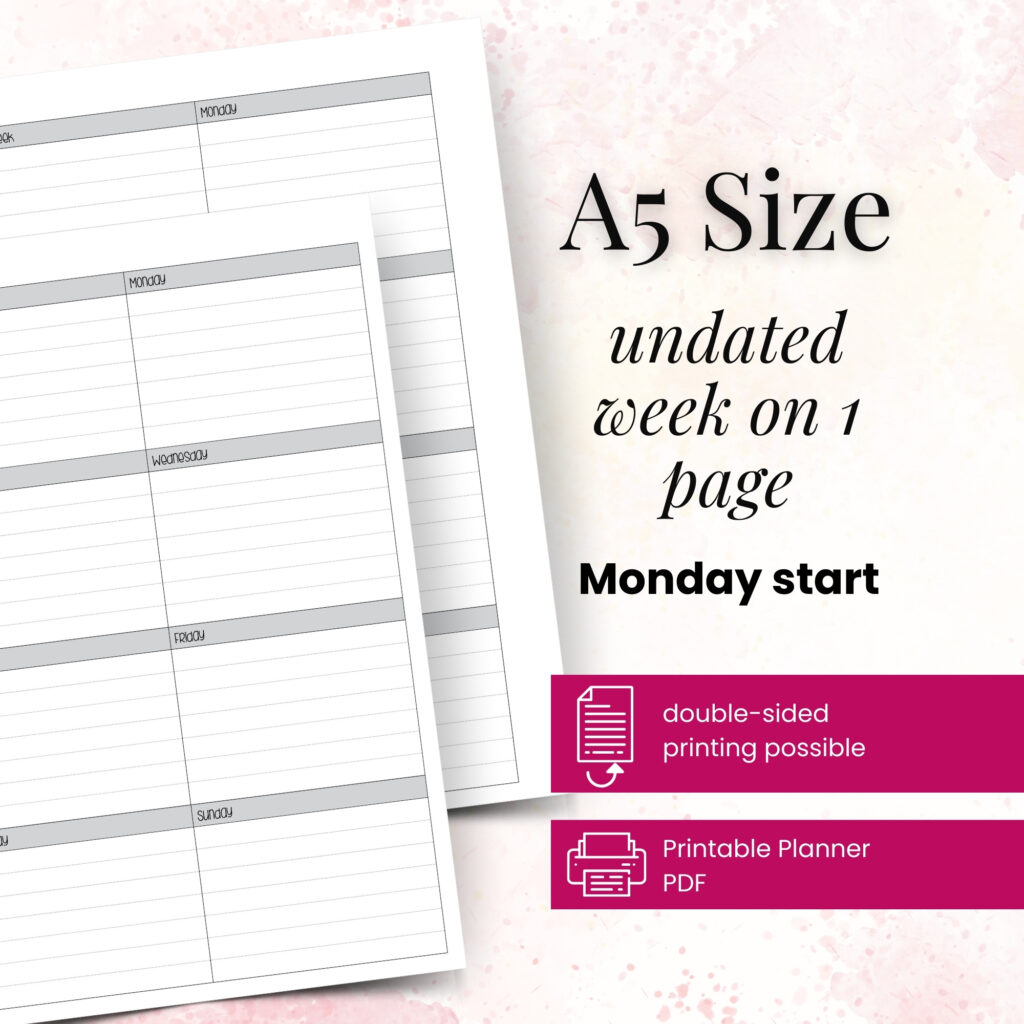
Use one side of the weekly spread for appointments and daily tasks. Reserve the other side for household priorities. Add three small areas: meals, errands, and a weekly focus.
For example, the weekly focus could read: “Reset bedrooms and confirm summer camp dates.” That gives the week direction without turning it into an impossible project list. Under meals, write five or six realistic dinner ideas, not seven elaborate recipes. Leave room for leftovers, takeout, or the night when everyone eats at a different time.
Your errands section might include pharmacy, library returns, and a hardware store run. Grouping errands lets you see whether you can handle them in one trip. This is one of those small planning choices that saves real time.
Meal planning often becomes the heart of a household planner because it touches the budget, schedule, and daily stress level. Keep this section simple enough to use while standing in the kitchen.
Place a meal plan page directly before your grocery list. As you choose meals, add the needed ingredients to the list right away. If tacos appear on Tuesday and pasta appears on Thursday, write down tortillas, ground beef, tomatoes, pasta, and sauce before you forget. Check your pantry as you go.
A running grocery list works especially well for repeat purchases. Keep one page for staples such as milk, eggs, coffee, pet food, and cleaning supplies. When you notice the last roll of paper towels, add it immediately. You can mark categories like produce, pantry, and household goods if you shop in a predictable order.
Do not plan meals too far ahead if your schedule changes often. Some households love mapping every dinner for the month. Others do better with a flexible weekly plan because sports, travel, and energy levels shift. Both methods count as successful planning when they reduce last-minute decisions.
A chore page should show what keeps the home running, not shame anyone for what did not get done. Divide tasks by frequency: daily, weekly, monthly, and seasonal. Daily tasks may include dishes, a quick kitchen reset, and feeding pets. Weekly tasks might cover bathrooms, bedding, vacuuming, and paperwork.
Instead of assigning every single chore on one massive list, choose a few anchor tasks for each day. For instance, Wednesday can be laundry and towels, while Saturday can be bathrooms and grocery shopping. This makes the plan feel more like a rhythm than a punishment.
If more than one person shares the household, add a simple responsibility tracker. Write names or initials beside recurring jobs, then review the page during a short weekly check-in. Keep the conversation practical: What worked? What needs to move? Who has a busy week ahead? A planner can support teamwork, but it cannot replace a realistic workload.
Reference pages save you from hunting through text messages, drawers, and old notes. Keep only information you truly need. Useful examples include school contacts, babysitter details, pet care instructions, home maintenance records, recurring bill dates, and measurements for frequently purchased items.
You might also create a seasonal home page. In spring, list tasks like scheduling an HVAC check, organizing outdoor gear, or reviewing insurance documents. In December, use the same idea for gift notes, holiday meals, and travel details. These pages do not need to stay in your weekly view all year, so tuck them behind a dashboard or in the back of the planner.
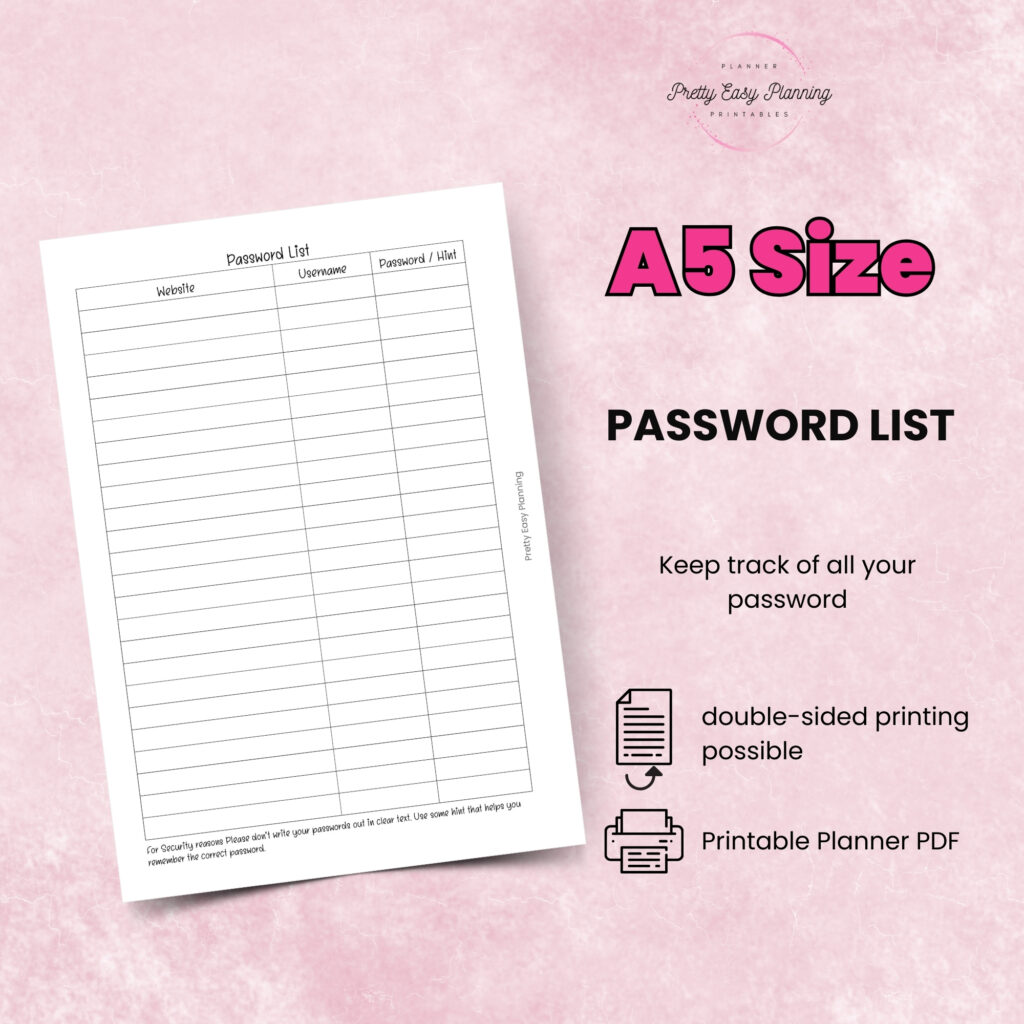
For privacy, avoid writing passwords or sensitive account numbers in a planner that leaves the house. A brief reminder such as “utilities due on the 15th” gives you the prompt without exposing personal information.
Printable inserts give your household planner room to change with your season. Print four weekly pages and one monthly page first. Use them for two weeks, then notice where you hesitate. Did you need more space for appointments? Did the grocery list disappear under other pages? Did a notes page become your most-used tool?
Make one adjustment at a time. Add a larger weekly layout if your family calendar feels cramped. Move meal pages closer to the front if you check them daily. Try a different paper weight if markers show through. Small changes can make a planner feel far more natural in your hands.
Pretty Easy Planning layouts work especially well for this kind of experimentation because you can select the pages that fit your routines and print more when you need them. Your planner does not have to look identical every month. Summer break, a new job, a move, or a school season may call for a different mix of pages.
Set aside ten minutes once a week to refresh your planner. Check upcoming events, choose a few meals, move unfinished tasks, and scan the grocery list. A Sunday reset works for many households, but Friday afternoon or Monday morning may suit yours better.
Keep the planner where decisions happen. If everyone talks through schedules in the kitchen, let it live there. If you plan in the car before practice or at your desk after work, choose a portable size and bring it along. The most beautiful planner pages only help when you can reach them at the moment you need them.
Let your setup grow alongside your household. A single well-used weekly page can bring more calm than a binder full of pages you feel obligated to fill, and your successful planning story can begin with one thoughtful print.

€4,24
€4,24
€4,24
€4,24
A6 vs happy planner: compare size, space, portability, and page options to choose printable inserts that make your everyday planning feel easier with purpose.
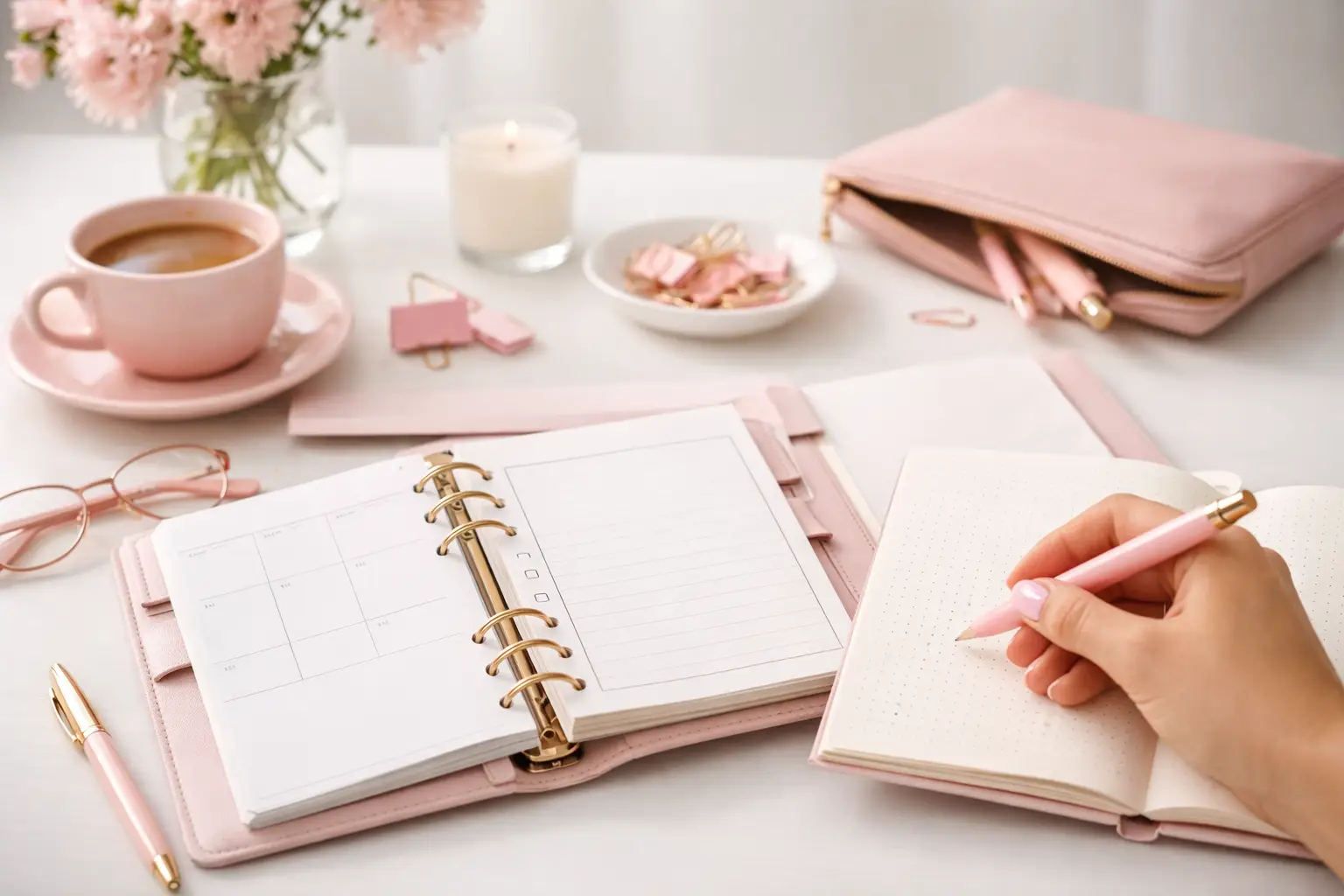
Wondering which planner pages do i need? Build a practical paper planner with only the inserts that support your real routines, goals, and plans daily.
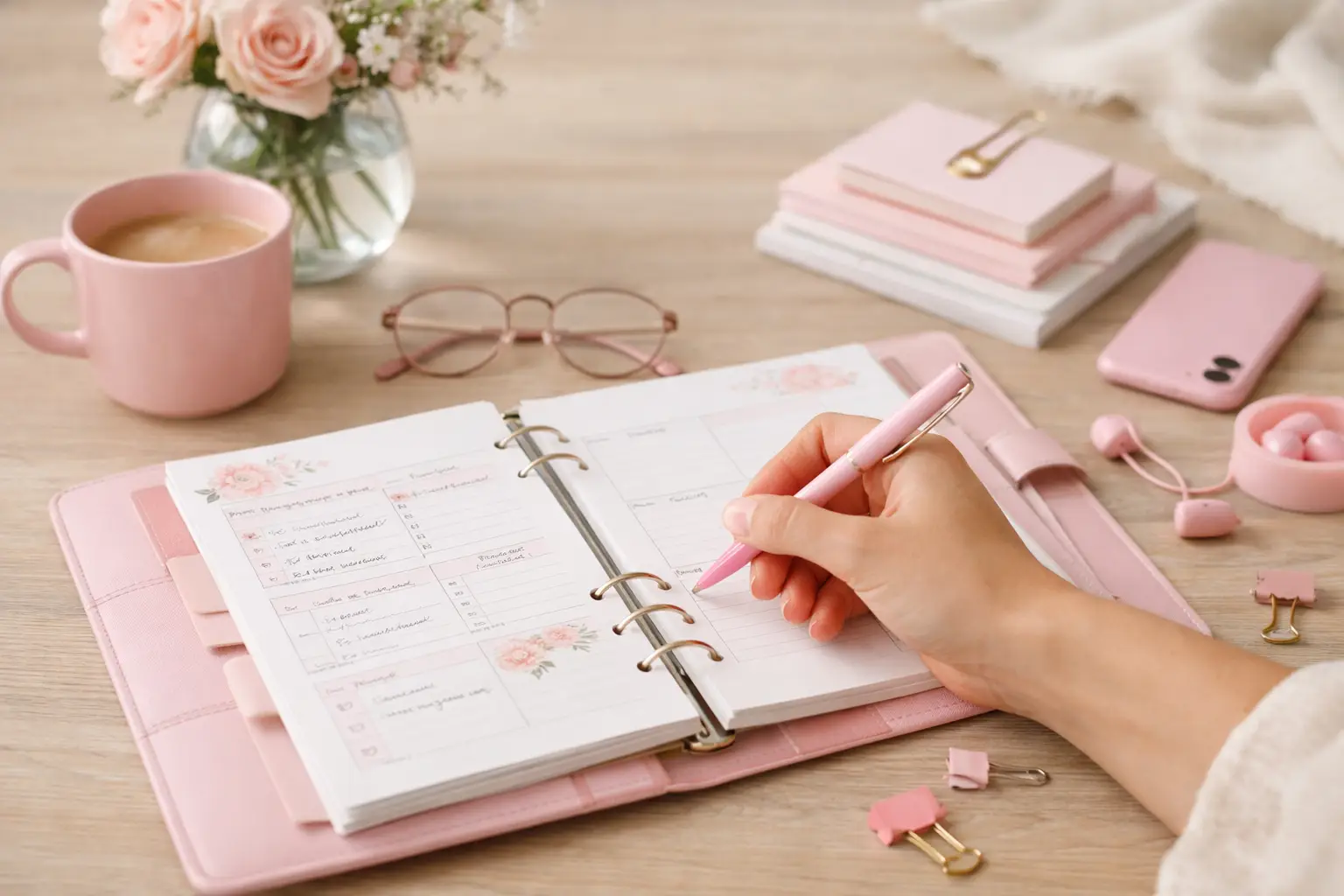
The future of printable planners favors flexible, beautiful systems: print what fits your week, refresh routines, and keep every page useful for life.