A6 vs Happy Planner: Which Fits Your Life?
A6 vs happy planner: compare size, space, portability, and page options to choose printable inserts that make your everyday planning feel easier with purpose.
A good yearly overview can change the way your whole planner feels. When your calendar, goals, big events, and long-range plans all sit in one place, everyday planning gets lighter. That is why yearly planner inserts printable options matter so much for paper planners – they give you the structure of a full year without locking you into pages you do not use.
If you have ever bought a planner and ignored half the yearly pages, you already know the problem. Pre-printed systems often decide the layout, the paper, and the order for you. Printable inserts flip that around. You choose the size, print only the pages that support your routine, and build a setup that actually makes sense for your life.
A yearly planner page does not get the same attention as a daily or weekly spread, but it does a different job. It helps you zoom out. Before you schedule appointments, meal plans, school pickups, or work deadlines, you need a simple view of the full year.
That big-picture view helps in real life. You can spot busy seasons before they sneak up on you, group projects by quarter, mark birthdays and renewals once, and avoid overcommitting in months that already look full. When you use paper planning regularly, this kind of overview saves more time than another decorative dashboard ever could.
Yearly pages also create continuity. If your planner changes throughout the year, your yearly insert stays as the anchor. You can switch weekly formats, add note pages, or rearrange sections, but your core map of the year stays put.
Not every yearly layout works for every planner. Some people want a compact year-at-a-glance page with tiny boxes for quick marks. Others need more writing space for vacations, school breaks, launches, or family events. The right choice depends on how you actually plan.
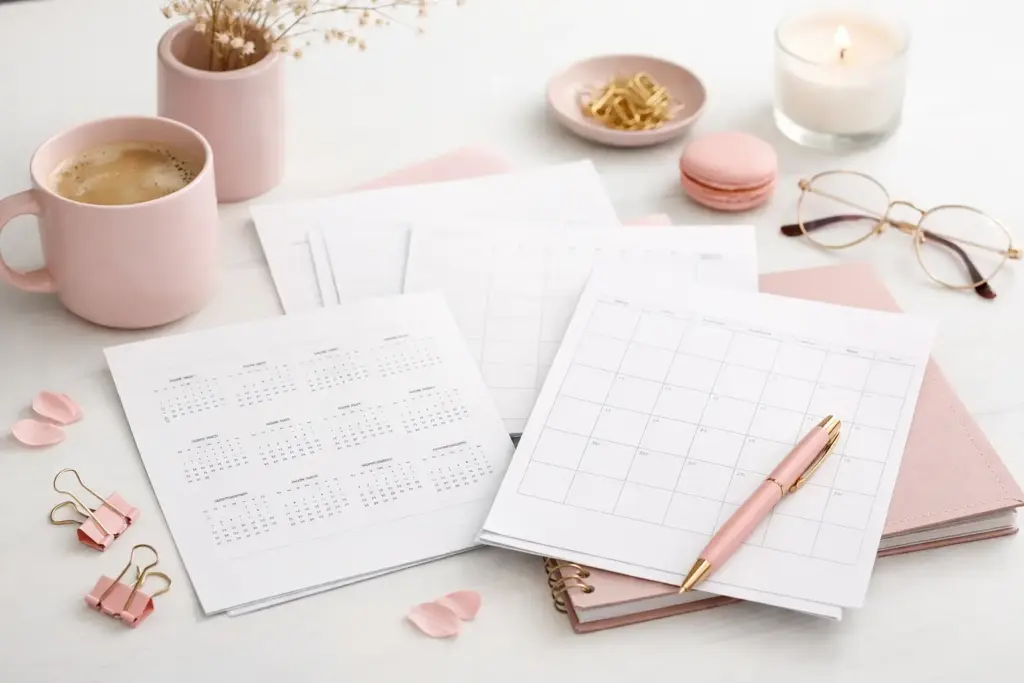
This layout works well if you want all 12 months on one or two pages. It gives you instant clarity. You can circle important dates, highlight travel windows, or mark blackout periods for work. If you mostly use yearly pages as a reference tool, this is usually the best place to start.
The trade-off is space. Tiny boxes do not leave room for detailed notes. If you write a lot, you may want a cleaner yearly overview plus a second insert for annual planning details.
Some yearly inserts spread months across several pages or give each month a mini planning block. That extra room helps if you manage school schedules, recurring bills, launches, appointments, or family logistics.
This format feels especially useful when you plan ahead in stages. You can jot down rough plans months in advance, then move those details into monthly and weekly pages later.
A yearly planner is not only for dates. Many planners use it to map habits, projects, savings goals, reading plans, or seasonal priorities. In that case, a yearly insert with space for themes, milestones, or checkpoints will support you better than a basic calendar grid.
That is where creator-tested design matters. A beautiful page catches your eye, but a functional layout keeps you using it in February, June, and November.
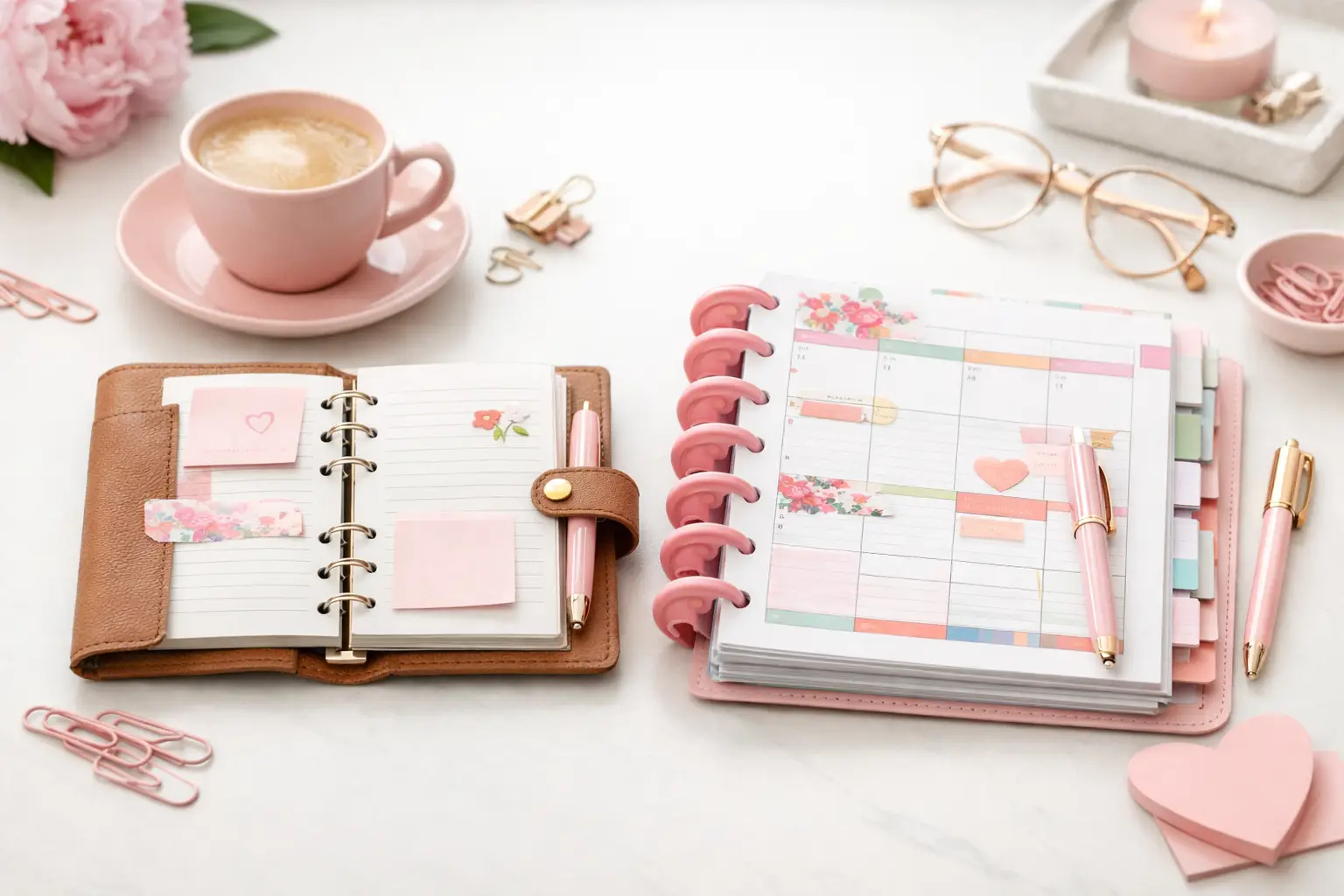
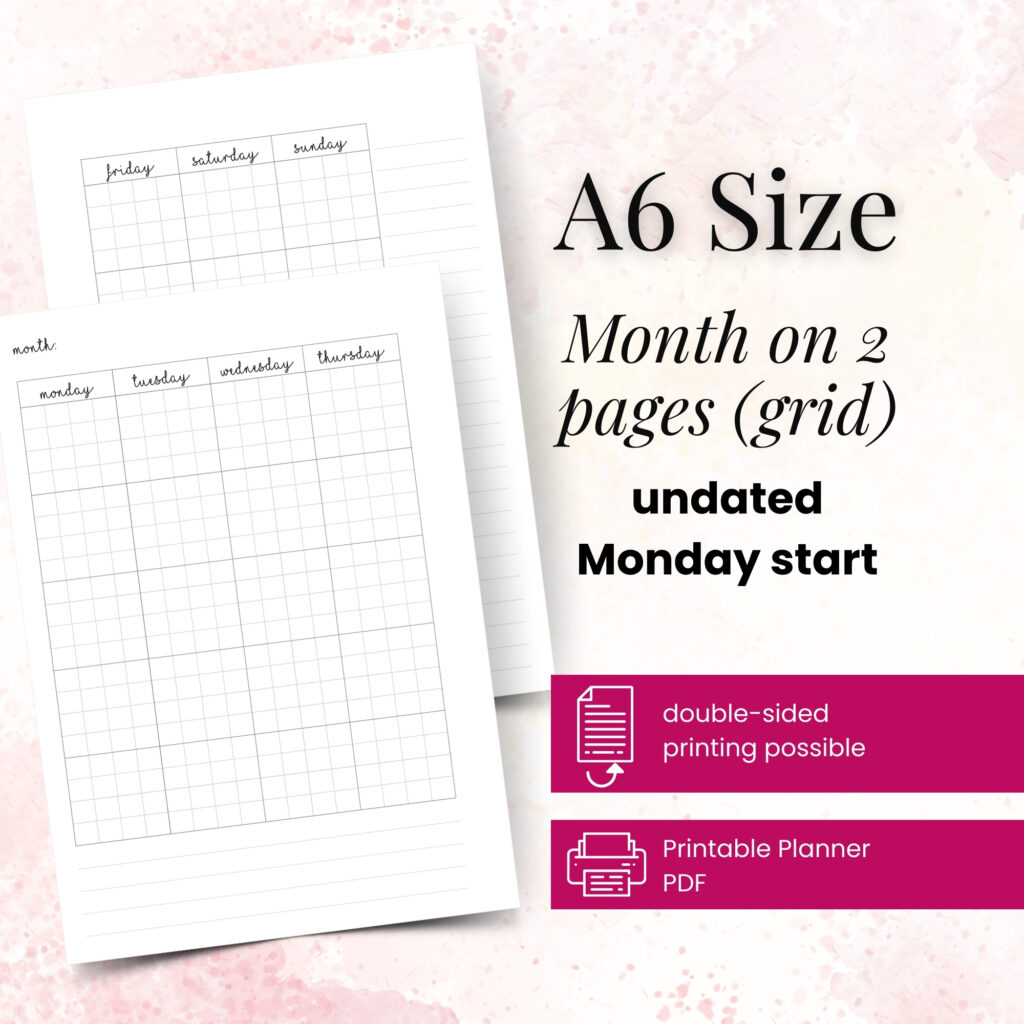
Fit matters. A layout can look perfect on screen and still feel cramped or awkward once printed in your binder. If you use A5, you have more room for writing and visual spacing. A6 and Personal often benefit from simpler yearly designs that keep the page readable. Personal Wide gives you extra breathing room, while Happy Planner Classic can handle broader layouts with stronger visual balance.
Think about your handwriting too. If you write large, a compact year-at-a-glance page may frustrate you in smaller sizes. If you use symbols, color coding, or short labels, you can fit more into a tighter format. There is no gold-star answer here. It depends on whether you want your yearly insert to act as a quick reference, a planning workspace, or both.
For many paper planners, the easiest path is to begin with the same yearly layout across all key sections and then adjust from there. Keep the system simple first. Once you know how you use it, you can add more specialized pages.
A yearly insert works best when you set it up before your planner gets busy. You do not need a long planning session. You just need a few focused steps.
Start by adding fixed dates. Birthdays, anniversaries, holidays, school breaks, travel, renewal dates, and major appointments belong here first. These are the anchors of your year.
Next, mark recurring responsibilities. That might include quarterly taxes, team planning days, kids’ activities, tuition due dates, or home maintenance reminders. When you place them early, you stop relying on memory.
After that, layer in your bigger intentions. You might block off a month for decluttering, note a launch season for your business, mark a reading challenge, or map a savings target by quarter. This is where your successful planning story begins with a single print – one page that turns vague ideas into visible plans.
Finally, review the page before each new month. Your yearly insert should not sit untouched behind the first divider. Use it as a live planning tool. Add changes, move timelines, and check what is coming next.
The biggest mistake is choosing a layout just because it looks pretty. Aesthetic matters, and most planner lovers care about it for good reason, but function has to lead. If the boxes are too small, the sections feel cluttered, or the page asks you to track things you never use, it will end up ignored.
Another common issue is printing too much too soon. You do not need five versions of yearly pages in your planner at the same time. Print the one you know you need, test it, and then decide whether another annual overview or goal page would actually help.
People also forget to place yearly inserts where they can see them. If you tuck them deep in the back, they become an afterthought. Put them near the front or in a section you review often.
This is the part many planner users love most. When you print your own yearly inserts, you control the experience. You pick the paper weight, decide whether to print double-sided, choose how many copies to keep on hand, and reprint when your system changes.
That flexibility helps in practical ways. Maybe you want one yearly overview in your main planner and another in a work section. Maybe you changed binder sizes and need the same style in a different format. Maybe you want a clean start midyear without replacing an entire planner. Printable inserts make all of that easier.
They also cut down on waste. Instead of accepting extra pages you will never touch, you print what supports your routine. That feels better on your desk and usually works better in your planner too.
For planner users who want customization without friction, this approach simply makes sense. Pretty Easy Planning builds inserts from real planning habits, and that kind of hands-on testing shows up in the layouts. You can feel when a page was designed by someone who actually uses it.
Your yearly section does not need to be complicated to be effective. In most cases, one yearly calendar insert plus one supporting page is enough. The support page might hold annual goals, important dates, or a future planning list.
Keep the section easy to scan. If you add too many pages, you lose the speed that makes yearly planning helpful in the first place. Think of this section as your planner’s control center. It should guide your monthly and weekly setup, not compete with it.
You can also make it more personal with color coding, small icon marks, or seasonal tabs. Just make sure the decoration supports readability. The most satisfying planner pages usually balance beauty and use, not one or the other.
When your yearly pages fit your routine, your planner starts working with you instead of asking you to adapt. That is the real appeal of printables. You get a system shaped around your life, your paper preferences, and your planning style. In this creative corner of planning possibilities, the right yearly insert does more than show dates – it gives the whole year a place to land.
Print the version that feels clear, test it honestly, and let your setup evolve from there.

€4,24
€4,24
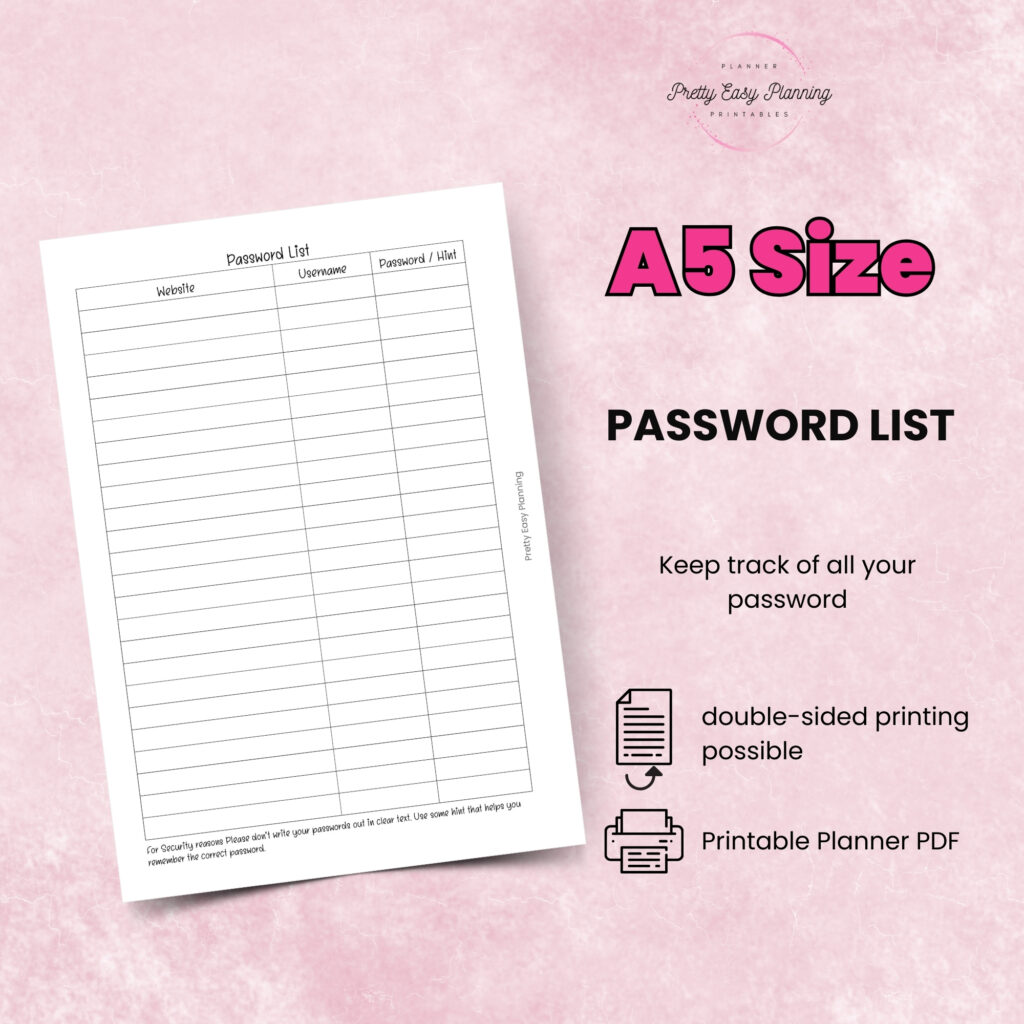
€4,24
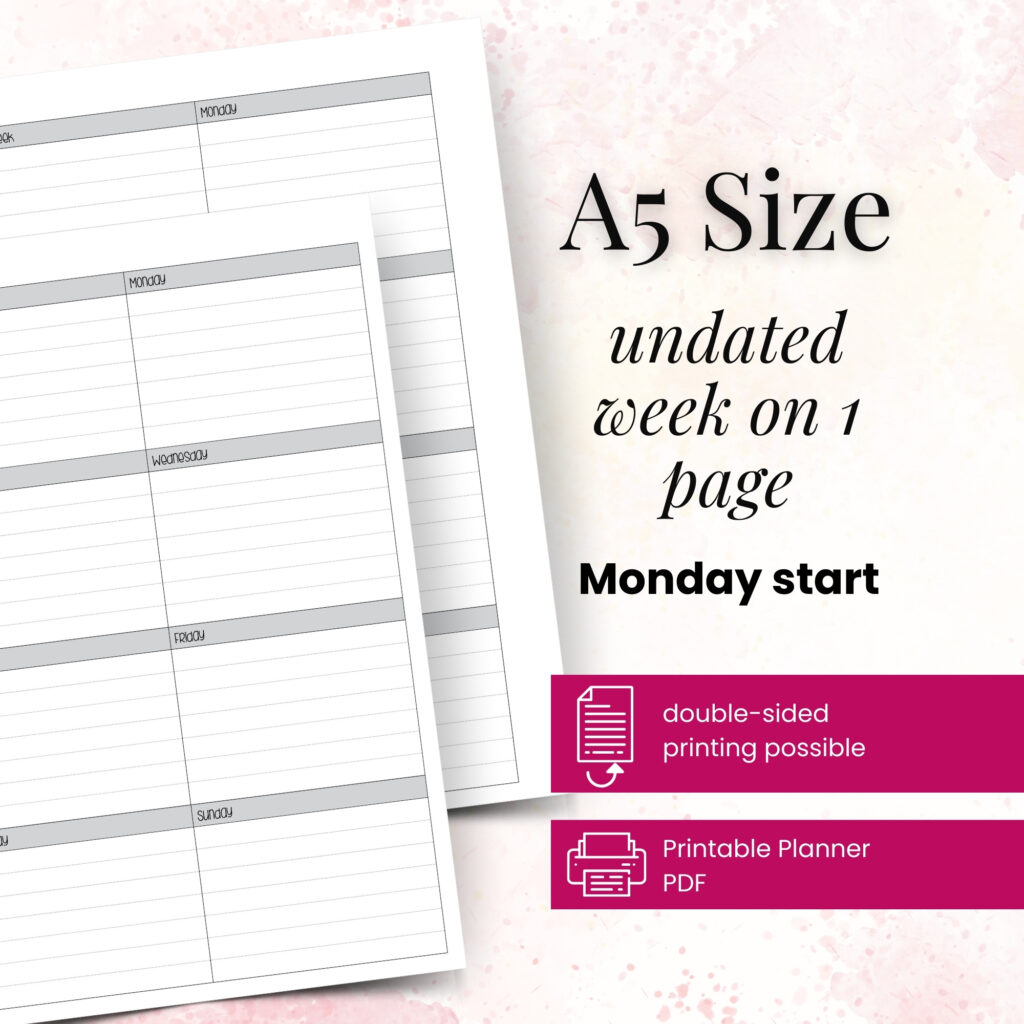
€4,24
A6 vs happy planner: compare size, space, portability, and page options to choose printable inserts that make your everyday planning feel easier with purpose.
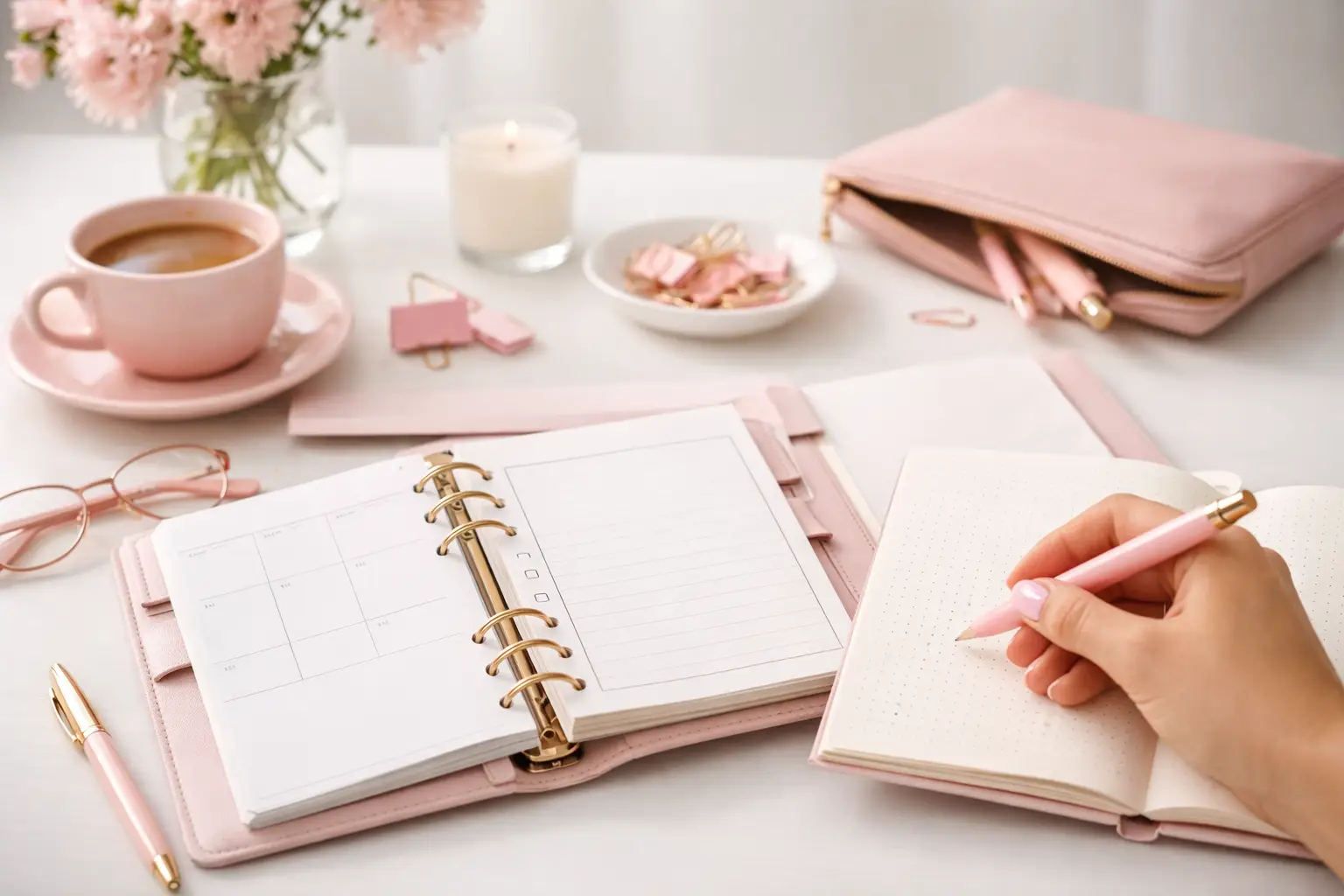
Wondering which planner pages do i need? Build a practical paper planner with only the inserts that support your real routines, goals, and plans daily.
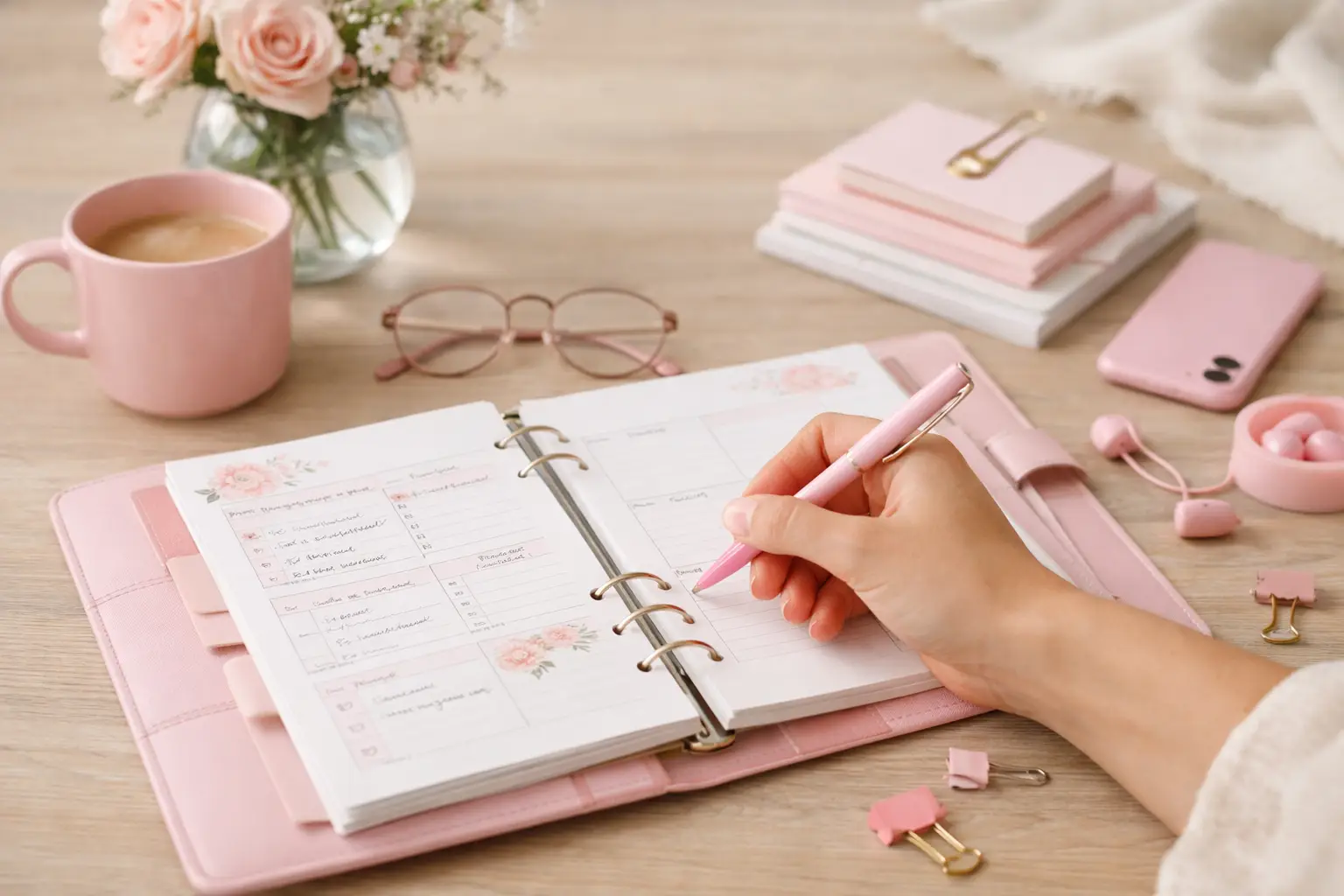
The future of printable planners favors flexible, beautiful systems: print what fits your week, refresh routines, and keep every page useful for life.