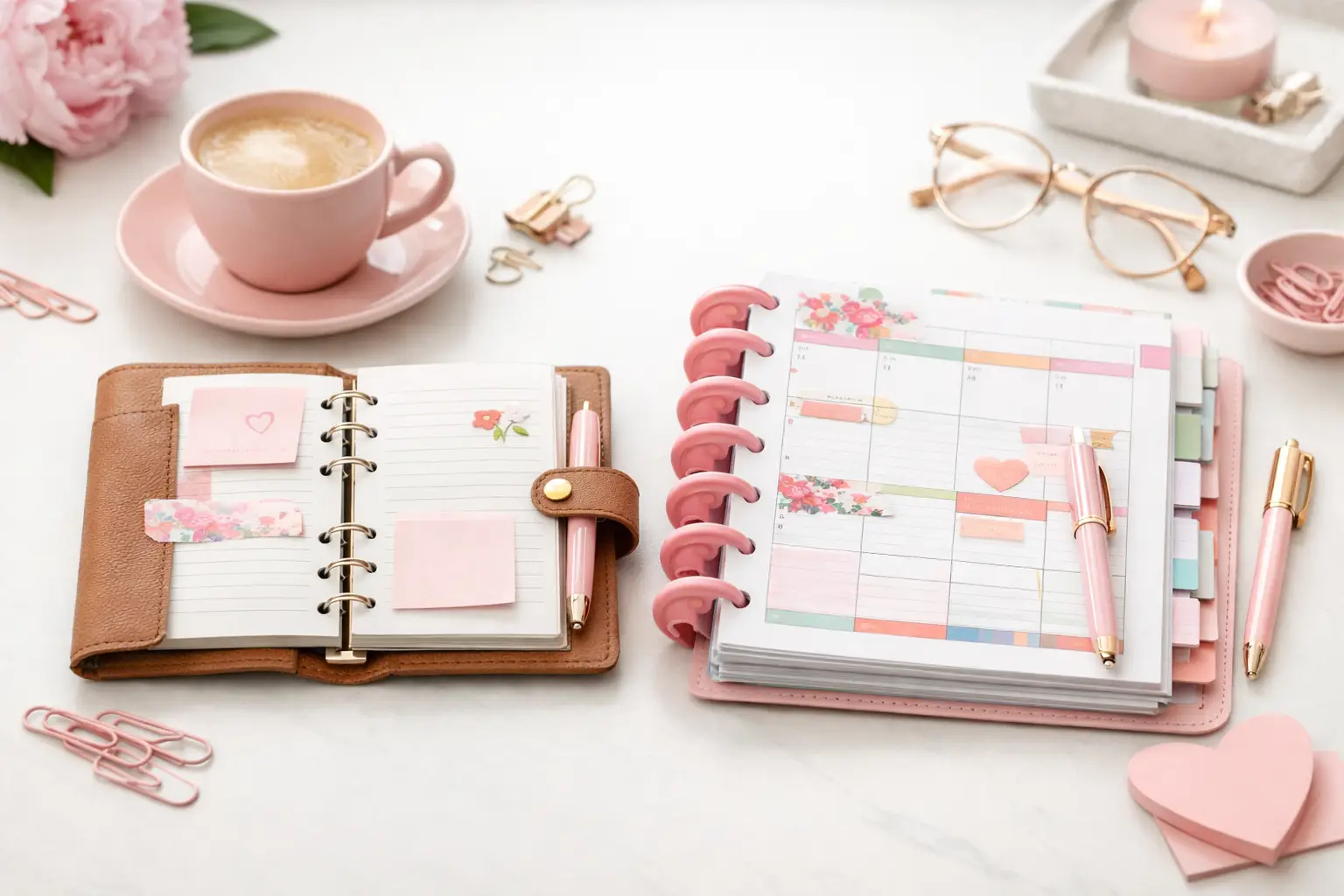
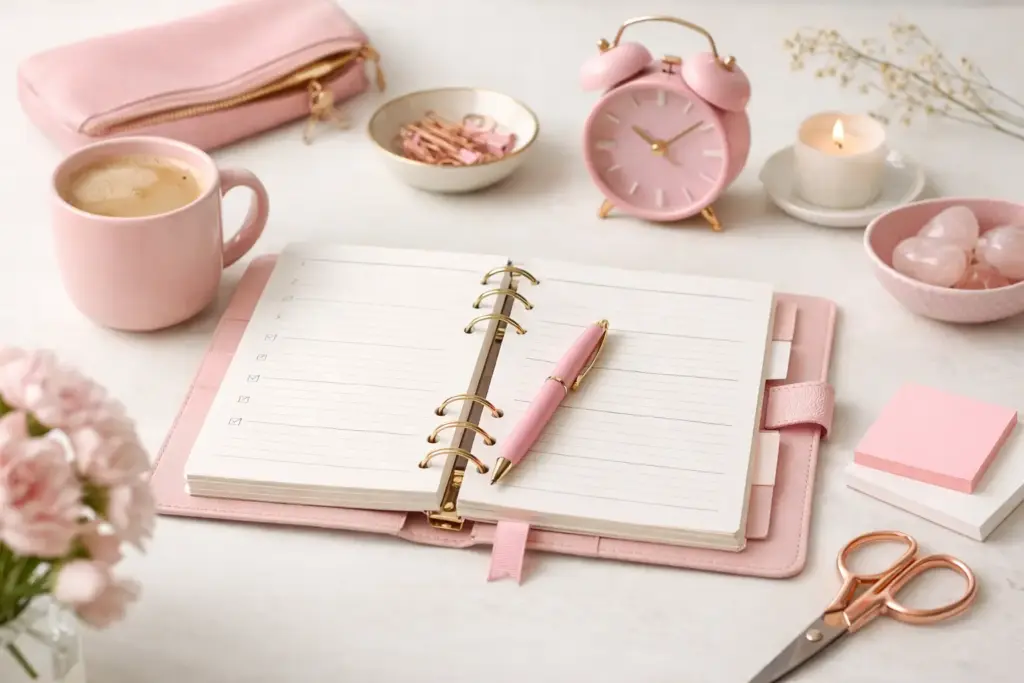
You do not need a prettier planner to feel more organized. You need a routine that tells you what pages to check, when to check them, and what belongs where. That is why a good planner routine setup example matters so much. It gives your inserts a job, cuts down on page flipping, and helps your planner support your life instead of becoming another unfinished project.
A strong routine also makes customization easier. When you know how you plan each day and week, you can print the pages you actually use, skip the ones you do not, and build a setup that feels personal from the start.
Key Takeaways
-
A planner routine works best when each section has one clear purpose.
-
Start with daily, weekly, monthly, and notes pages before adding extras.
-
Build your routine around real habits, not an ideal version of yourself.
-
Use a morning check-in, midday glance, and evening reset to stay consistent.
-
Adjust your insert mix when your schedule changes instead of forcing a setup that no longer fits.
What a planner routine setup example should actually show
Many planner examples look great on a desk but fall apart on a busy Tuesday. A useful setup should show more than decorated pages. It should explain how a person moves through the planner during the day.
For most paper planners, the basic flow starts with a monthly overview, moves into weekly planning, and ends with daily action. Notes, lists, and dashboards support that flow. They do not replace it.
Think of it this way. Your monthly pages help you see timing. Your weekly pages help you balance your commitments. Your daily pages help you decide what gets done now. When those three layers work together, planning feels lighter.
A simple planner routine setup example
If you want a starting point that works for many lifestyles, use this setup: monthly calendar, weekly inserts, daily pages for busy days, a running task list, and one dashboard for current priorities. That gives you structure without overbuilding.
Here is how that looks in real life.
Monthly section
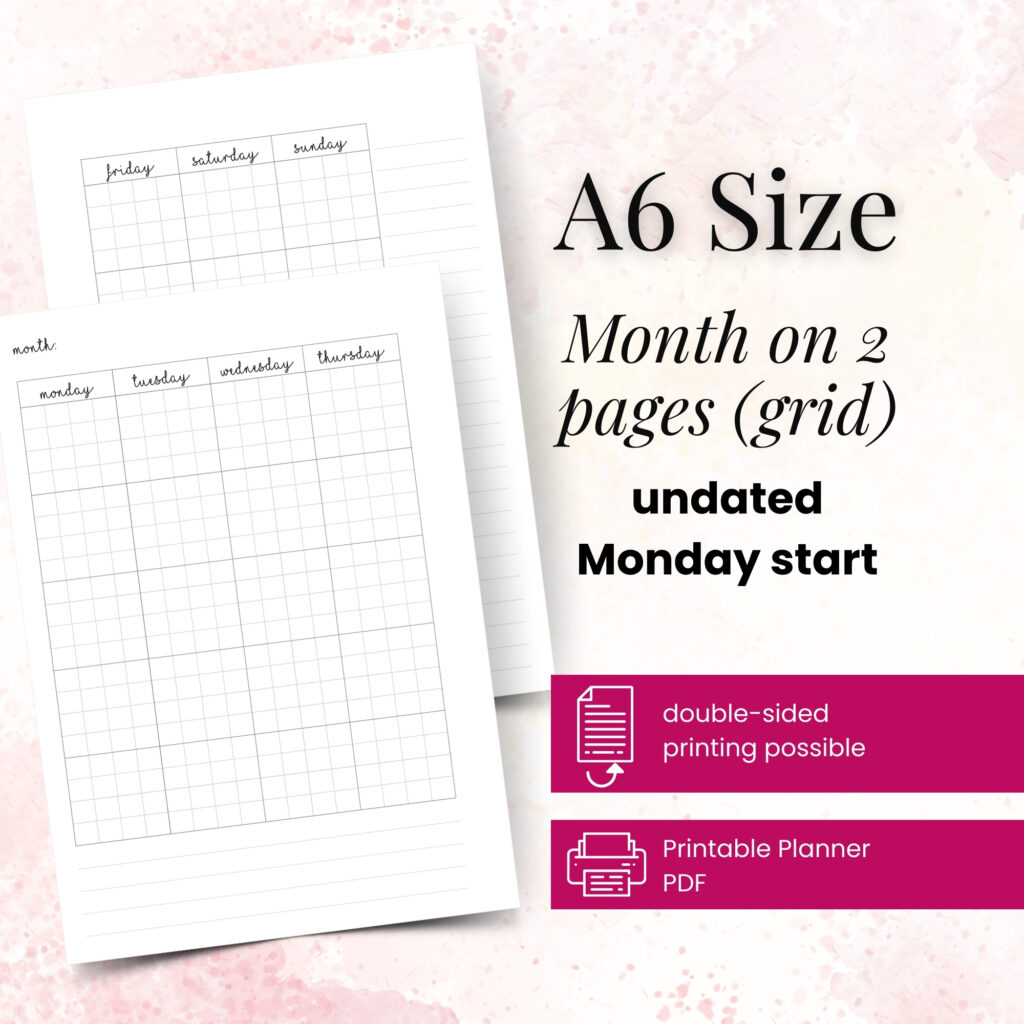
Use your monthly pages for appointments, events, deadlines, bills, birthdays, and anything tied to a date. Keep this section clean and easy to scan. If you cram it with detailed task planning, you will miss the big picture.
A good habit is to check this section during your weekly planning session. That helps you spot what is coming up before the week starts.
Weekly section
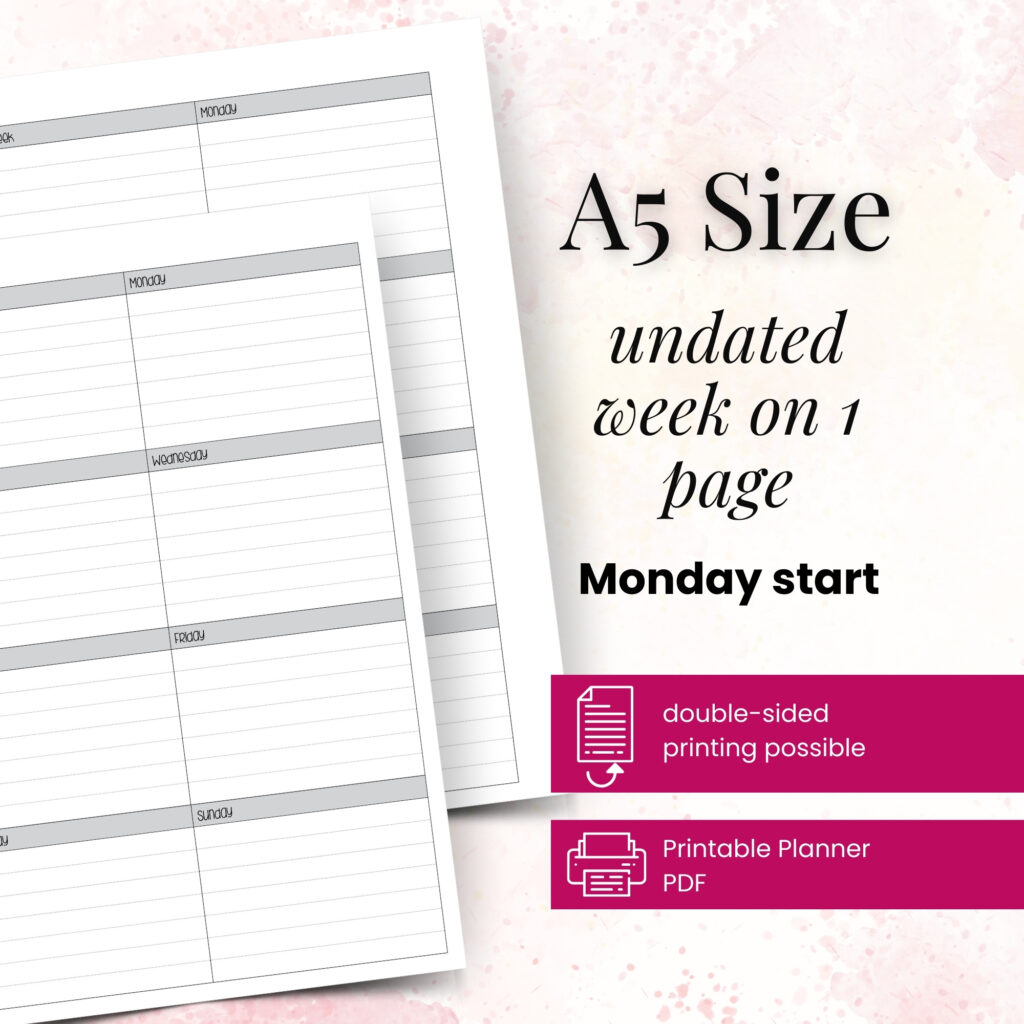
Your weekly spread acts like your planning home base. This is where you map appointments, top tasks, meal ideas, work focus, family needs, and anything that needs attention over the next seven days.
Many planner users find this section becomes the most valuable because it connects the long view and the daily view. If you only use one main insert consistently, make it your weekly layout.
Daily section
Daily pages work best when your days carry a lot of moving parts. If you juggle work, home, errands, appointments, and personal goals, a daily page gives each day enough breathing room.
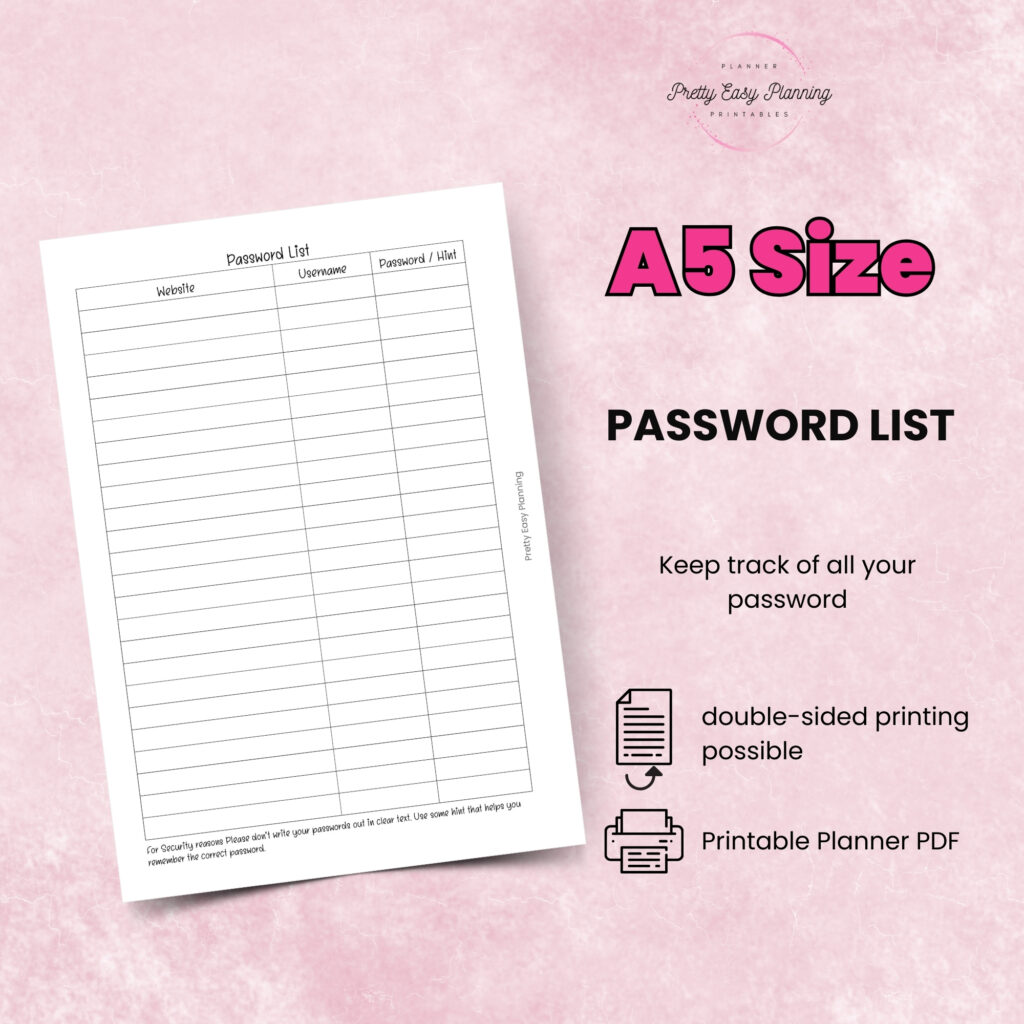
You do not need to print a daily page for every single date unless that helps you. Some people use them only for weekdays, packed weekends, or project-heavy days. That flexibility is one of the best parts of a printable planner system.
Lists and notes
Your notes section catches the things that do not belong on a dated page yet. Use it for brain dumps, packing lists, shopping lists, project notes, and ideas you want to revisit.
Keep one running task list as well. This prevents your weekly pages from getting overloaded with tasks you cannot finish right away. When you plan the week, pull only the tasks that matter now.
Dashboard or priorities page
A dashboard gives your planner a command center feel. Use it for current goals, must-do tasks, habits, or reminders that need frequent visibility.
If your planner often feels scattered, this one page can bring everything back into focus.
How to set up the routine so you will keep using it
The best planner routine setup example is not the most detailed one. It is the one you can repeat when life gets busy.
Start by choosing three check-in points. Most people do well with a morning check-in, a quick midday glance, and an evening reset. That rhythm feels natural and does not ask too much from you.
In the morning, open your weekly or daily page and confirm your schedule, top tasks, and time-sensitive items. This takes just a few minutes, but it puts your day in front of you before other people do.
At midday, look at your planner briefly. You are not rewriting your day. You are simply checking what still matters, what changed, and what can move later.
In the evening, spend five to ten minutes resetting. Check off what you finished, migrate unfinished tasks, jot down new notes, and prepare tomorrow’s page if needed. This small habit makes the next morning much easier.
Build around your real life, not your fantasy life
This is where many setups go wrong. It is easy to print every insert that looks useful and create a planner that expects you to be a different person.
If you do not enjoy detailed hourly planning, do not force hourly pages every day. If your weekends stay loose, you may not need the same layout you use Monday through Friday. If you manage a household and a job, you might need stronger weekly planning than goal trackers.
Your setup should reflect your actual rhythm. A teacher, a shift worker, a parent of small children, and a business owner may all use the same planner size, but they will not use the same insert mix.
That is why testing matters. Print a small batch, try it for two weeks, and notice what you naturally reach for. Keep the pages that support you. Remove the ones that create guilt.
An example routine for a busy week
Let’s say you use an A5 planner for work, home, and personal planning. On Sunday evening, you open your monthly calendar and check appointments, deadlines, and family events. Then you move to your weekly spread and assign key tasks to each day.
You add a few meal notes, one household task per day, and your top work priorities. Next, you prepare daily pages for Monday, Tuesday, and Wednesday because those are your busiest days.
On Monday morning, you check your daily page, confirm your appointment time, and write down three must-do tasks. At lunch, you glance at your planner and move one task to Tuesday because a meeting ran long. That evening, you check off completed items, add a note about a school event, and prep Tuesday’s page.
By Thursday, your week feels lighter, so you work straight from the weekly spread instead of using a daily page. On Saturday, you use a notes insert for errands and a short brain dump. The routine still holds, but the pages flex with your life.
Common setup mistakes and how to fix them
One common mistake is giving the same information too many homes. If appointments appear on your monthly, weekly, daily, and notes pages, you create extra work. Let one page be the main source, then copy only what truly helps.
Another issue is printing too much at once. A full planner can feel exciting at first, but it can also hide what you actually use. Start lighter. You can always print more.
Some planners also become cluttered because every section tries to do everything. Keep each insert focused. Your weekly spread should not carry your entire brain dump. Your notes pages should not replace your calendar.
Finally, do not ignore size and portability. A beautiful setup still needs to fit your routine. If you carry your planner daily, your inserts should support quick use on the go, not just look nice at home.
How to know your routine is working
A good routine feels easy to return to, even after a messy week. You know it works when you open the right page without thinking too hard. You know where to write a task, where to check an appointment, and where to review your week.
You should also feel less pressure to make every page perfect. Functional planning almost always beats perfect planning. A planner that helps you act is doing its job.
If part of the setup keeps failing, treat that as useful information. Maybe the layout needs more space. Maybe you need a simpler weekly page. Maybe your current season calls for more lists and fewer daily inserts. In the creative corner of planning possibilities, small adjustments often create the biggest relief.
Make your setup yours
The most helpful planner routine setup example gives you a framework, not a rulebook. Start with the core pages that support your schedule, then shape the routine around how you already move through your days. Your successful planning story begins with a single print, a few intentional pages, and a routine you can trust when life gets full.