A6 vs Happy Planner: Which Fits Your Life?
A6 vs happy planner: compare size, space, portability, and page options to choose printable inserts that make your everyday planning feel easier with purpose.
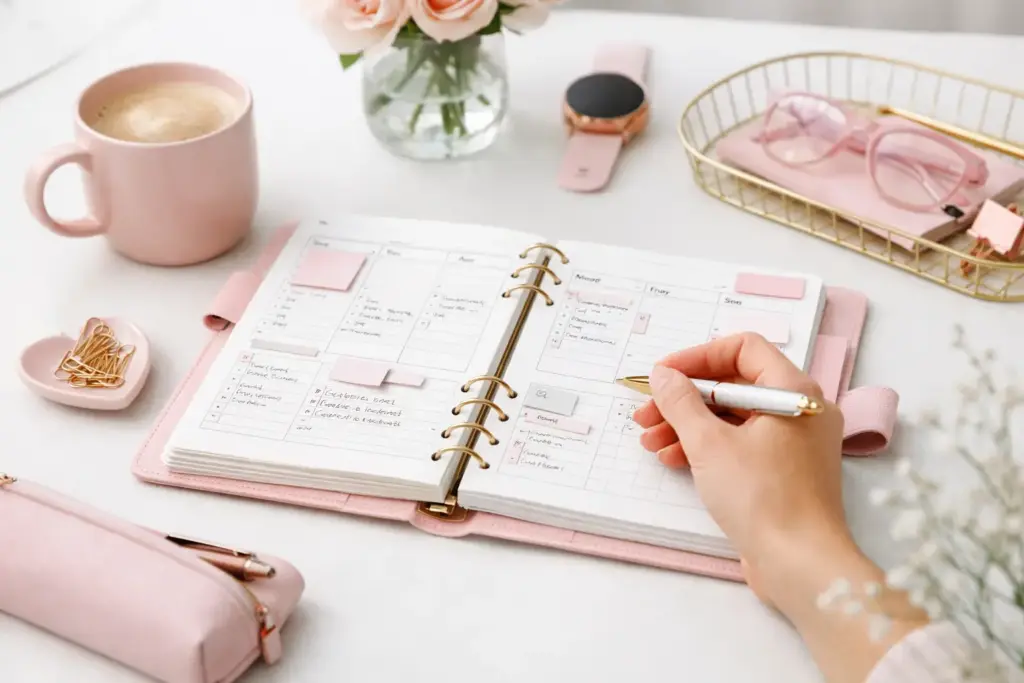
Some weeks need a clean dashboard and three priorities. Other weeks need meal plans, appointment tracking, habit boxes, and a place to park every loose thought before it disappears. That is why the best weekly planner setup ideas do not start with decoration. They start with how your week actually works.
If you have ever opened your planner and felt like the layout was fighting you, you are not alone. A good weekly setup should support your routine, not force you into someone else’s. The sweet spot is a planner that feels clear on Monday, useful on Wednesday, and still relevant on Sunday night.
Before you pick boxes, sections, or colors, ask one simple question: what keeps going wrong in your current week? Maybe your to-do list spills into the margins. Maybe appointments crowd out your task space. Maybe work and home responsibilities blur together until nothing feels organized.
Your setup should solve that friction first. If your biggest issue is timing, choose a weekly layout with hourly space. If your issue is volume, use a more open design with larger daily sections. If your challenge is juggling different roles, build a weekly spread with clear categories for work, home, kids, errands, or personal goals.
This sounds simple, but it changes everything. Instead of choosing a setup because it looks nice, you choose one because it helps you plan faster and follow through better.
The easiest way to build a functional week is to match your insert style to the way your brain already organizes information.
If you naturally think in tasks, a list-based weekly spread usually feels easiest. You want enough room under each day to write what needs to happen, plus a separate section for items that are not tied to one date.
This setup works well for busy households, admin-heavy workweeks, and anyone who likes checking things off. Add a small sidebar for errands, calls, or next week tasks so the daily boxes do not get overloaded. If you often carry tasks forward, this style gives you space to keep moving without rewriting your whole week.
Some planner users need structure by the hour. If your days revolve around meetings, school pickups, client calls, or appointments, a vertical timed layout gives you a realistic picture of your available time.
This setup is especially helpful if your to-do list looks manageable until your calendar fills up. Time-blocking makes the trade-offs visible. You can quickly see whether Tuesday has room for project work or whether that task belongs on Thursday instead.
If your week includes several different types of responsibilities, divide your space by category instead of squeezing everything into one list. You might use sections for work, home, meals, wellness, and personal tasks.
This creates more clarity at a glance. It also helps if you share household responsibilities or plan for a family. You are not hunting through one long list to figure out what matters where.
Not every week needs detailed tracking. Sometimes you need a simple spread with one main section for priorities, a small calendar reference, and a few notes areas. This setup works beautifully during busy seasons when too much detail becomes visual noise.
If you tend to over-plan and under-finish, this style can feel refreshing. It nudges you toward what matters most instead of inviting you to fill every inch of the page.
A weekly setup becomes more useful when each section has a clear job. If a box looks pretty but stays empty for three weeks, it is probably not helping you.
Start with your must-have elements. For most people, that means dated daily space, a weekly task list, and an area for notes or reminders. From there, add supporting sections based on what you actually reference during the week.
Meals are a good example. If meal planning reduces stress and saves last-minute grocery runs, give it space. If you never look at a meal section again after Sunday, skip it. The same goes for habits, gratitude, step counts, weather, or quote boxes. There is no prize for using every planner feature.
A smart setup often includes one anchor section and one overflow section. The anchor keeps the week focused. The overflow catches all the extras that would otherwise clutter your day boxes. That one change can make your pages feel calmer right away.
One of the most helpful ways to customize a week is to pair your main insert with a few supporting pages that solve specific problems.
If your brain jumps between tasks, add a notes insert behind your weekly spread. Use it as a running capture page for ideas, calls, reminders, or things to check later. This keeps your weekly insert clean without losing anything important.
If you often forget routine tasks, tuck in a small checklist page for recurring weekly actions like laundry, budget check-ins, pet care, or planning prep. You only need to set it up once, then reuse it week after week.
If your planner handles both personal and work life, consider a dashboard page before each week. Use it for your top goals, deadlines, and focus areas. Then let your weekly spread handle the daily details. This creates a nice balance between big-picture direction and everyday planning.
For planner users who love visual order, color can help, but only if it stays consistent. Assign one color to each life area or family member, then repeat that system across the week. Too many random colors usually create more distraction than clarity.
The best part of a printable planner system is flexibility. You do not need to commit to one weekly format for the whole year. You can print a few weeks, test them honestly, and adjust as your routine changes.
Start with a two-week trial. That is usually long enough to see whether the layout supports your real habits. During that time, notice what feels natural and what feels forced. Are you writing in every section? Are you ignoring half the page? Are your daily boxes too small by Wednesday?
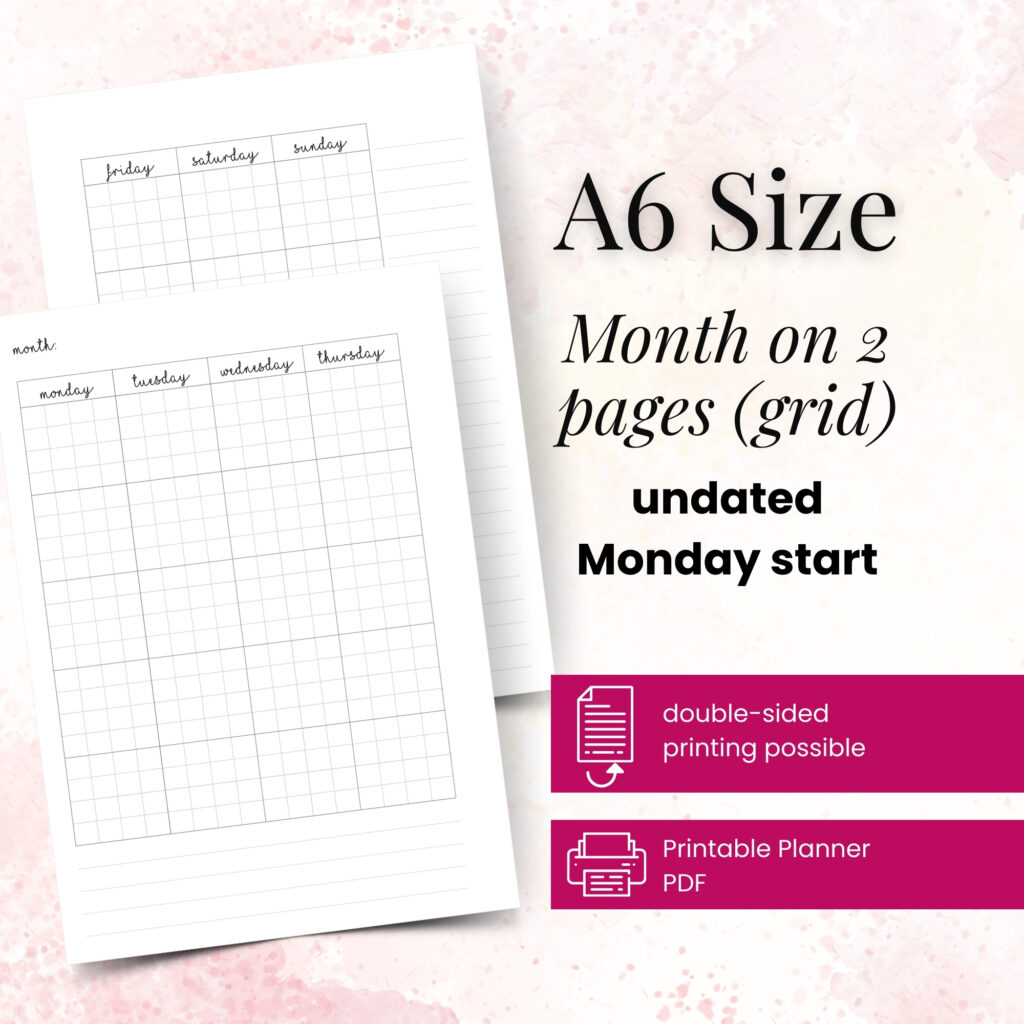
After those two weeks, make one change at a time. Maybe you keep the weekly insert but add a task page. Maybe you switch from horizontal to vertical. Maybe you realize that a compact A6 setup works for on-the-go planning, while an A5 weekly spread gives you better writing space at home.
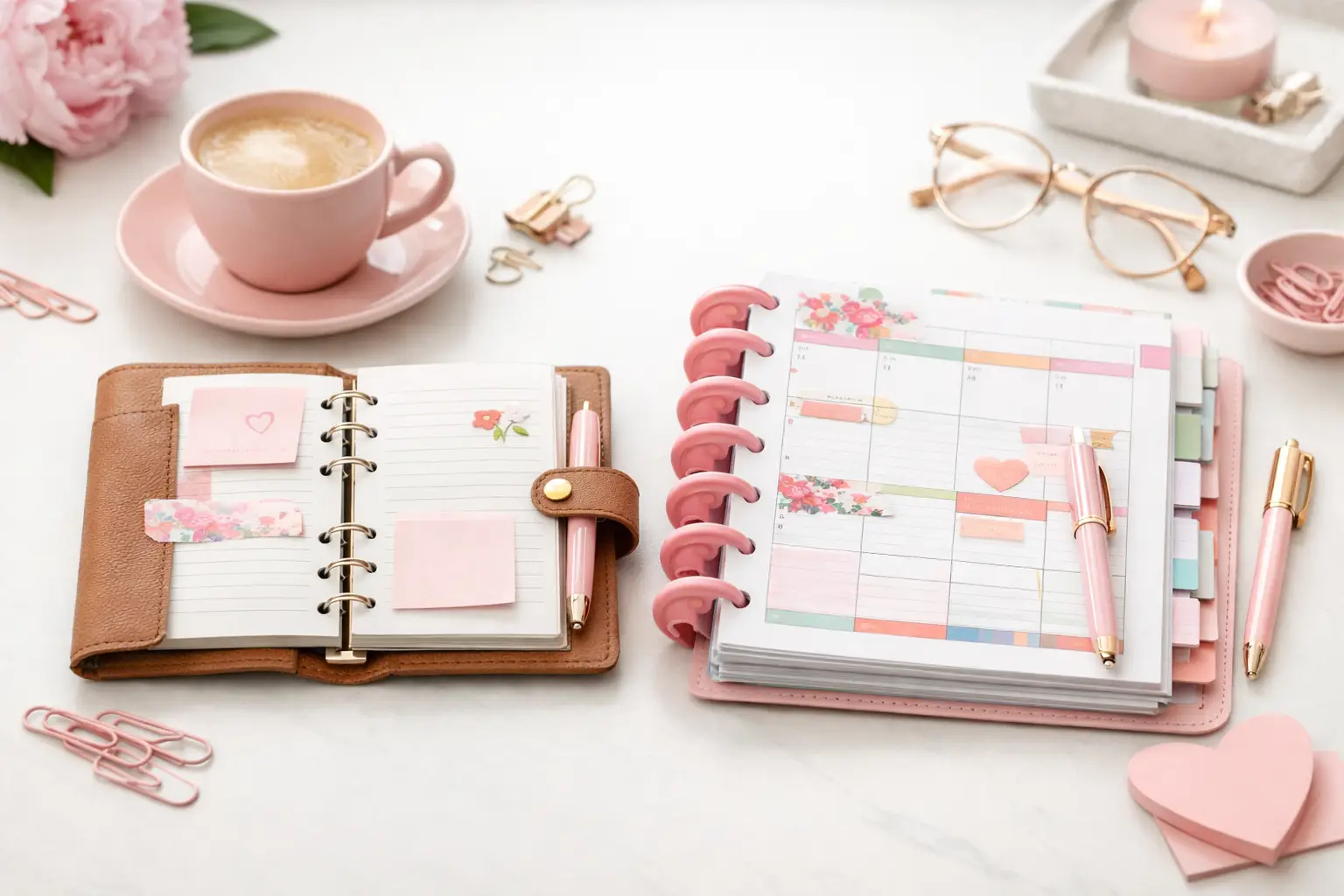
This is where format matters. Different planner sizes create different planning experiences. A smaller size feels portable and focused. A larger size gives you breathing room and more flexibility for layered planning. It depends on where you use your planner most and how much information you like to see at once.
At Pretty Easy Planning, that kind of testing is part of the appeal. You can print what fits your current season, your preferred paper, and your actual planner size without getting locked into pages that no longer serve you.
A lot of planner frustration comes from trying to do too much on one spread. If your weekly pages feel crowded before the week even begins, simplify. White space is not wasted space. It gives your plans room to breathe.
Another common mistake is copying a setup that works for someone else without checking whether it fits your life. A detailed habit tracker might look appealing, but if your main goal is managing appointments and household tasks, that space may be better used elsewhere.
It also helps to avoid rebuilding your entire system every Sunday. Small refinements work better than constant reinvention. Your planner should feel familiar enough to use quickly, with just enough flexibility to keep supporting you as life shifts.
If you want a practical place to start, use this formula: one weekly insert for your schedule, one section for loose tasks, and one supporting page for whatever creates the most stress in your week.
For one person, that extra page might be meals and groceries. For another, it might be project notes or school planning. That is the beauty of personalized planning. You do not need a perfect system. You need one that reflects your routines, your responsibilities, and the way you like to think on paper.
The most successful weekly planner setup ideas are rarely the most complicated. They are the ones you enjoy opening, trust during busy days, and can keep using without friction. Your successful planning story begins with a single print, a few honest adjustments, and a setup that finally feels like yours.
Next time you set up your week, aim for useful before fancy. The pretty part gets even better when the page truly works.

€4,24
€4,24
€4,24
€4,24
A6 vs happy planner: compare size, space, portability, and page options to choose printable inserts that make your everyday planning feel easier with purpose.
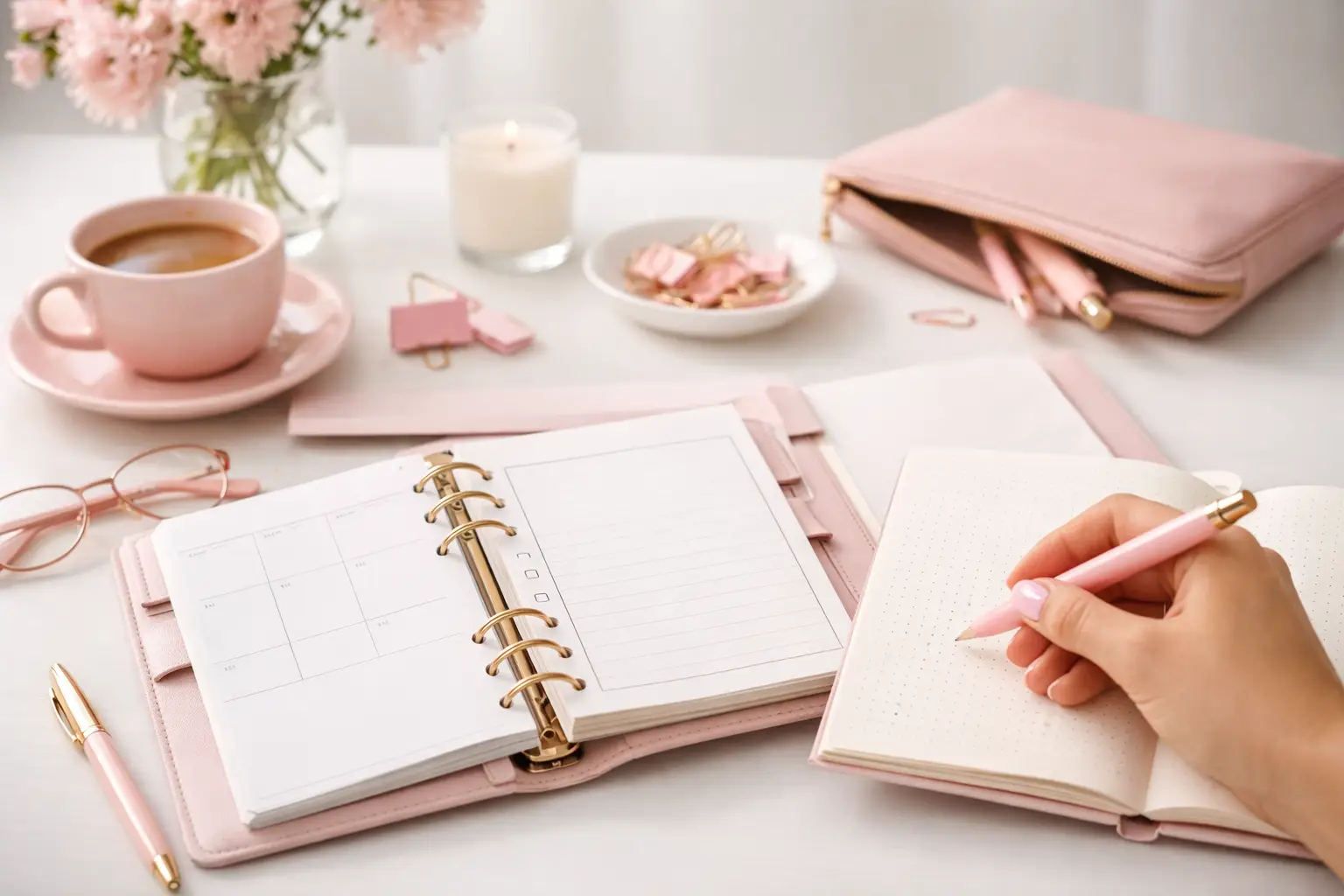
Wondering which planner pages do i need? Build a practical paper planner with only the inserts that support your real routines, goals, and plans daily.
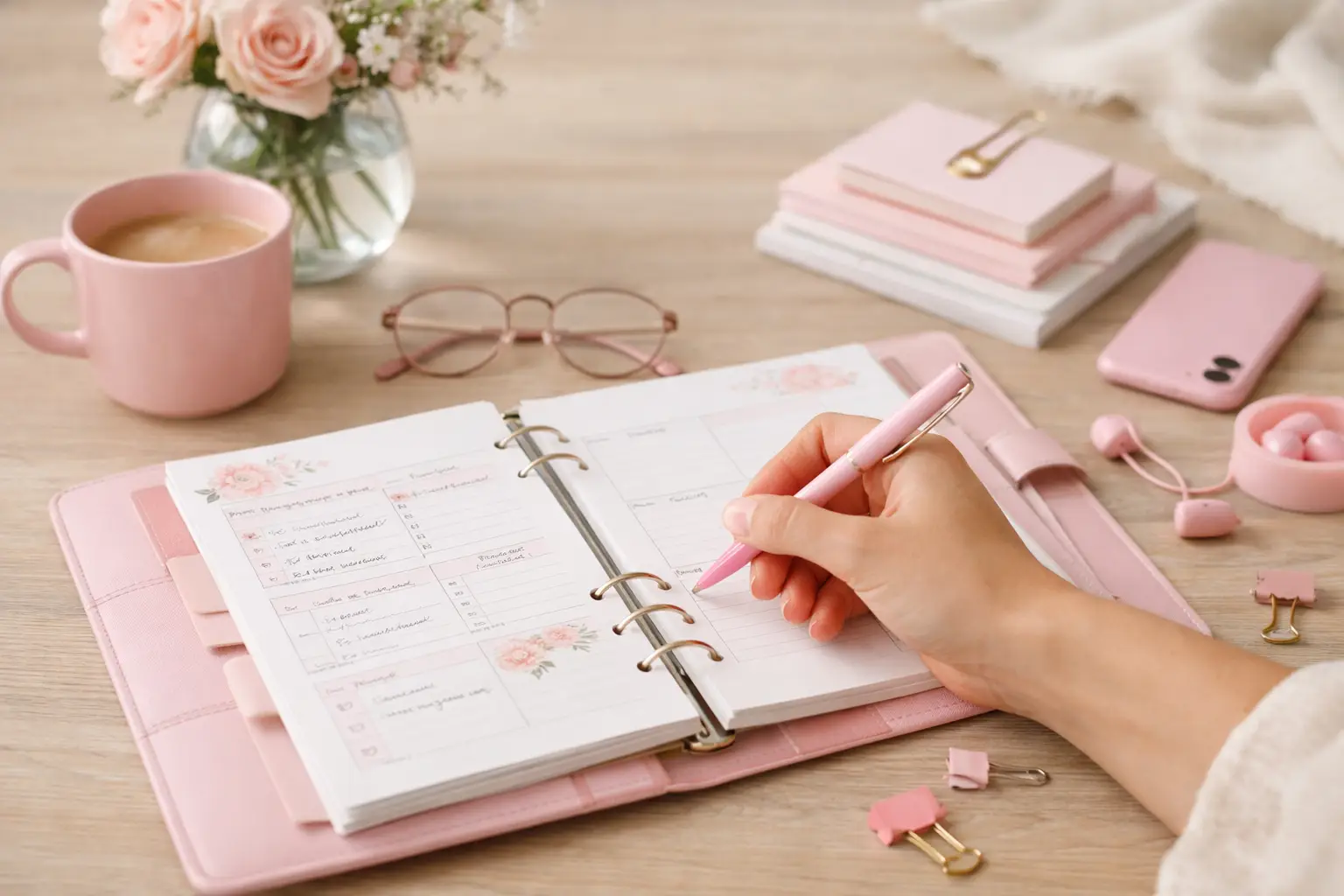
The future of printable planners favors flexible, beautiful systems: print what fits your week, refresh routines, and keep every page useful for life.