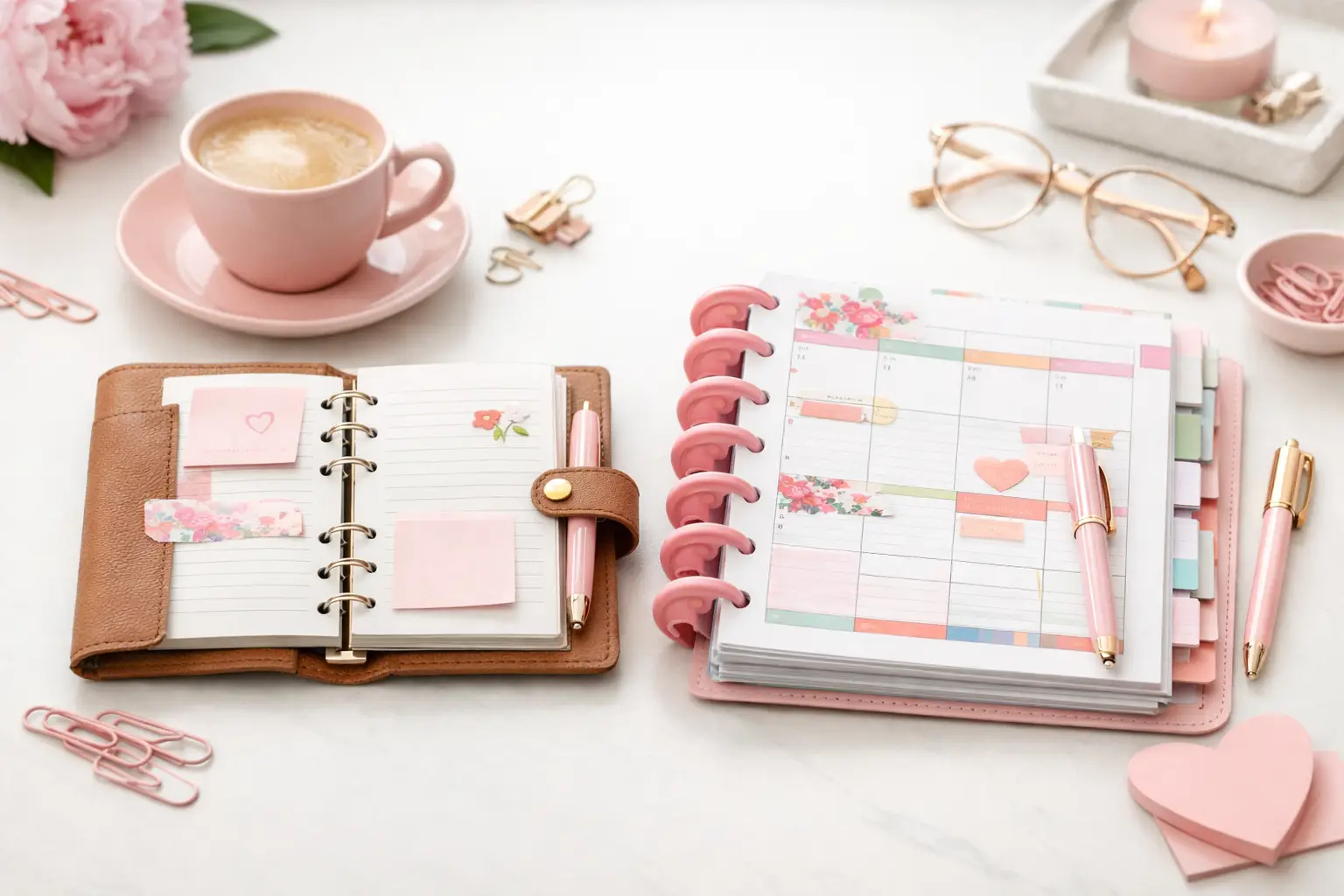
A6 vs Happy Planner: Which Fits Your Life?
A6 vs happy planner: compare size, space, portability, and page options to choose printable inserts that make your everyday planning feel easier with purpose.
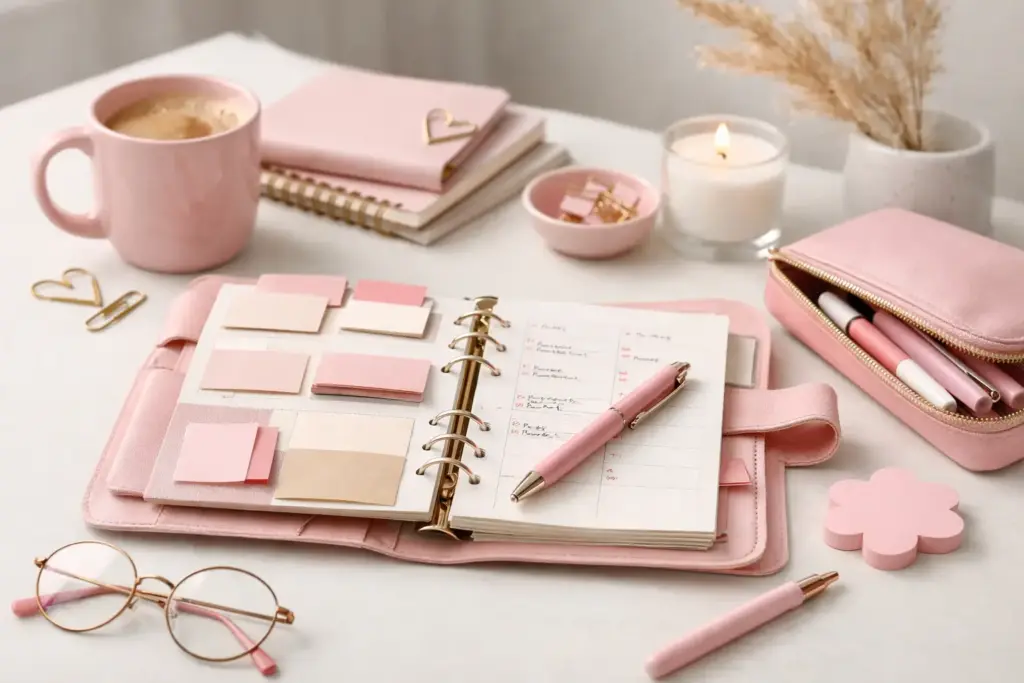
A planner should not make you squeeze your life into someone else’s idea of a perfect routine. A custom planner system example shows what changes when each section has a real job: your calendar holds appointments, your daily page directs your attention, and your lists keep small details from circling in your head all day.
The best part is that your system can evolve without leaving half-used pages behind. You can print the inserts you need, in the quantity you need, then move them into an A5, A6, Personal, Personal Wide, or Happy Planner Classic setup that feels good in your hands. Think of your planner as a creative corner of planning possibilities, built around your actual week.
Pre-printed planners often come with a frustrating trade-off: you may love the cover and dislike the weekly layout, or need more notes pages than the planner includes. A custom setup gives you control over both function and style. You choose a layout that matches how you think, whether that means detailed daily planning, a clean weekly overview, or plenty of room for household lists.
Customization also helps you plan in seasons. A busy work period may call for daily inserts and project pages. During a quieter month, a simple weekly insert and a notes section might be enough. Instead of carrying pages you will not use, you can print and add exactly what supports the life you have right now.
That flexibility does require a little thought. More options can lead to overbuilding, especially if every pretty insert feels like a must-have. The goal is not to create the fullest planner. The goal is to create the one you will reach for every day.
Let’s look at an A5 ring planner for someone balancing a full-time job, a household, personal goals, and a love of putting pen to paper. She wants enough structure to stay on top of deadlines, but she does not want her planner to feel like another demanding task.
At the front, she keeps a vellum-style dashboard and a yearly overview. The dashboard adds personality and marks the beginning of her planning space. The yearly overview gives her one place to note birthdays, school breaks, vacations, annual appointments, and major work dates. She does not check it every morning, but it prevents important dates from disappearing.
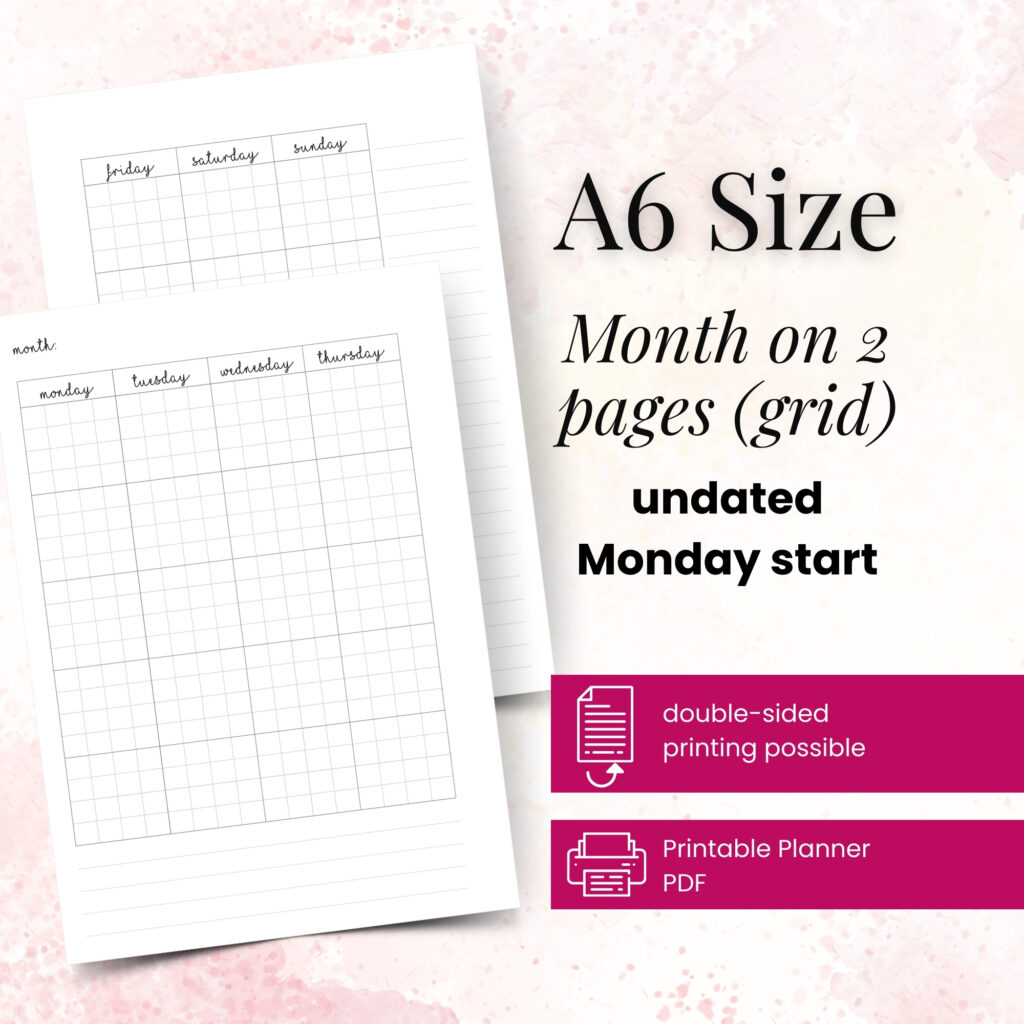
Behind the first divider, she keeps monthly calendar inserts. Each month gets a two-page spread with appointments, events, bill due dates, and plans that have a fixed date. She writes only information that belongs to a specific day. That simple rule keeps the month from becoming a crowded task list.
She also adds a slim monthly goals page after the calendar. On it, she chooses one home goal, one work goal, and one personal goal. For example, her April page may include organizing the kitchen pantry, finishing a presentation, and taking four long walks each week. Three focused goals feel more realistic than a long list of vague intentions.
Her weekly inserts come next. A horizontal weekly layout gives her room to see the whole week, while a dedicated notes area holds reminders and next actions. She writes appointments first, then adds time-sensitive tasks near the days when she plans to handle them.
Every Sunday, she chooses three weekly priorities. One might be work-related, one might support her home, and one might be personal. If an unexpected issue takes over Tuesday, she can move a task forward without rewriting the entire week. A planner should absorb real life, not punish you for it.
She prints daily pages only for weekdays and especially busy weekends. Each daily insert includes a schedule, top priorities, task list, meals, and a small notes area. She uses the schedule for appointments and time blocks, then limits her top priorities to three items.
On a Thursday with back-to-back meetings, her page might show a 9:00 a.m. team call, a noon dentist appointment, and a 3:00 p.m. project review. Her three priorities could be sending feedback, picking up a prescription, and starting dinner before 6:00 p.m. The rest of her tasks sit below those priorities, where they stay visible without competing for her attention.
The final divider holds reusable lists and notes pages. She keeps a running grocery list, a meal ideas list, a household projects page, and blank lined notes. When she thinks of something during a phone call or while waiting in the car, she writes it down here instead of stuffing loose paper into the front pocket.
This section changes often. A home renovation may need several project pages for a few months. Later, she can remove them and replace them with holiday planning or travel notes. That is the beauty of a ring-bound planner system: the pages can follow your priorities.
Start by naming the planning problems you want to solve. Perhaps you miss appointments because your calendar lives in too many places. Maybe household tasks pile up in your phone, or your work notes vanish among personal reminders. Write down the two or three issues that create the most friction. Those needs should guide your first insert choices.
Next, choose your planner size based on how and where you plan. An A5 offers generous writing room and works well as a home or desk planner. Personal and Personal Wide sizes feel more portable, while A6 works beautifully for a compact everyday carry. Happy Planner Classic can suit people who prefer disc binding and enjoy moving pages around quickly. There is no universal best size. A beautiful layout that feels too bulky for your bag will not help if you leave it at home.
Then select your core inserts. For most people, a monthly calendar, a weekly layout, and notes pages create a strong foundation. Add daily inserts if your schedule changes hour by hour or if you enjoy detailed task planning. You can also include meal planning, routines, finance tracking, reading lists, or project pages when they support a genuine habit.
Print a short test run before preparing a whole quarter. Try two weekly spreads, several daily pages, and a few notes sheets. Use the paper you enjoy writing on, because paper weight and pen choice can change the experience more than people expect. After one week, ask yourself practical questions: Did you have enough writing space? Did you look at every section? Could you find what you needed quickly?
Finally, create an order that feels natural. Many planner users place monthly pages first, then weekly and daily pages, followed by lists and notes. Others prefer a dashboard at the front with current priorities and a quick reference page. Use dividers for broad categories, but do not create so many sections that you spend time flipping instead of planning.
Do not print every insert style at once. A planner packed with trackers, challenges, and specialty pages can look exciting, but unused pages often create guilt. Start lean, then add pages when a clear need appears.
Avoid giving the same task multiple homes. If you write work tasks on a weekly page, a separate work list, and sticky notes, you will spend energy checking three places. Choose one main location for each type of information. You can still use sticky notes for temporary reminders, but transfer or remove them quickly.
Also, leave some blank space. Plans change, ideas arrive at inconvenient times, and some weeks need more notes than others. A few extra blank pages give your planner breathing room and make the system feel flexible rather than fragile.
Your first setup does not need to become your permanent setup. You may discover that a weekly spread handles your schedule perfectly but that you need more room for meals. Or you may love daily pages during a demanding season and prefer a lighter layout during summer. Those discoveries mean your system is working because you are paying attention.
Pretty Easy Planning designs printable inserts with that real-life flexibility in mind, so you can combine functional layouts with details that make opening your planner feel like a small pleasure. Your successful planning story begins with a single print, a few honest priorities, and the willingness to adjust as life changes.

€4,24
€4,24
€4,24
€4,24
A6 vs happy planner: compare size, space, portability, and page options to choose printable inserts that make your everyday planning feel easier with purpose.
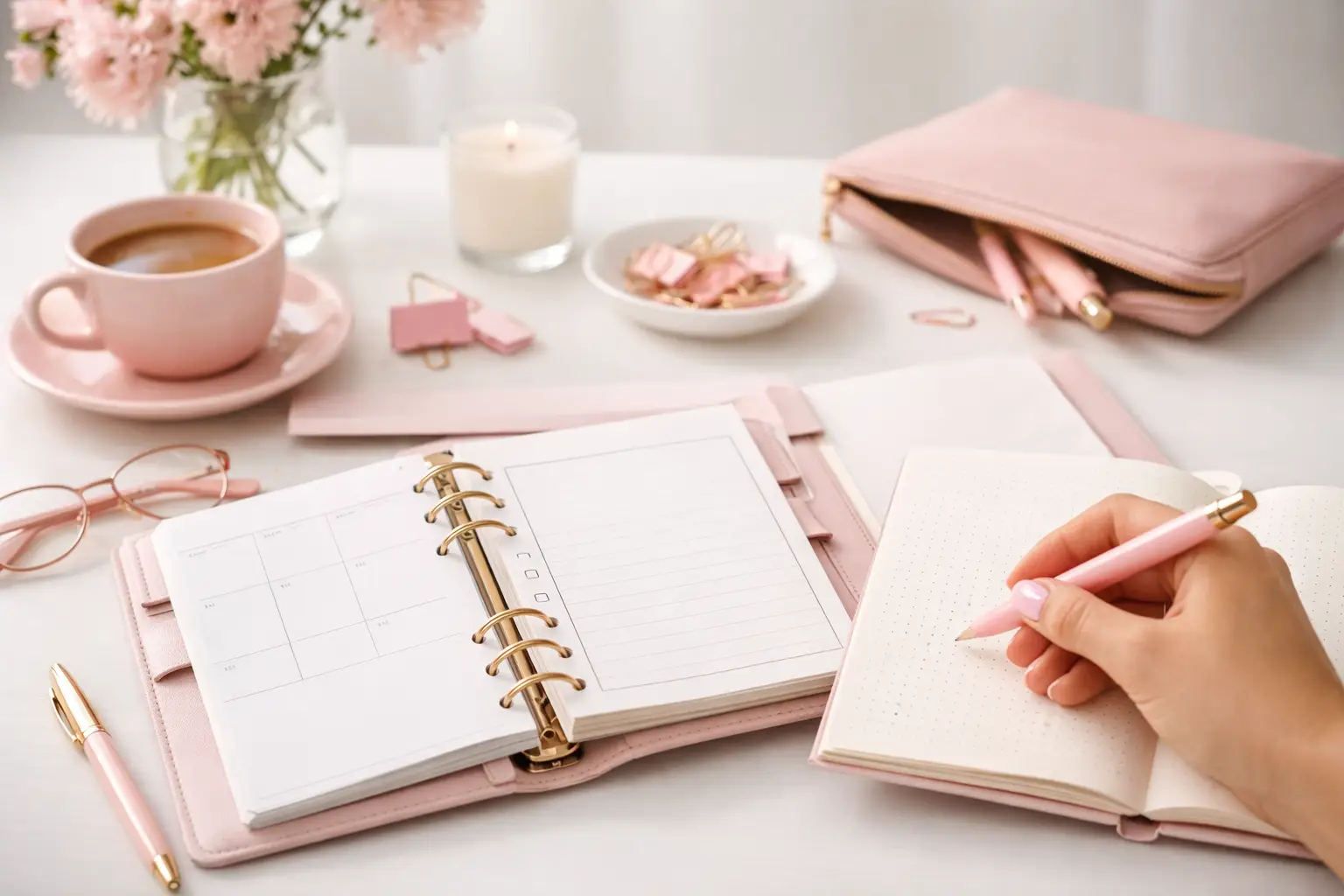
Wondering which planner pages do i need? Build a practical paper planner with only the inserts that support your real routines, goals, and plans daily.
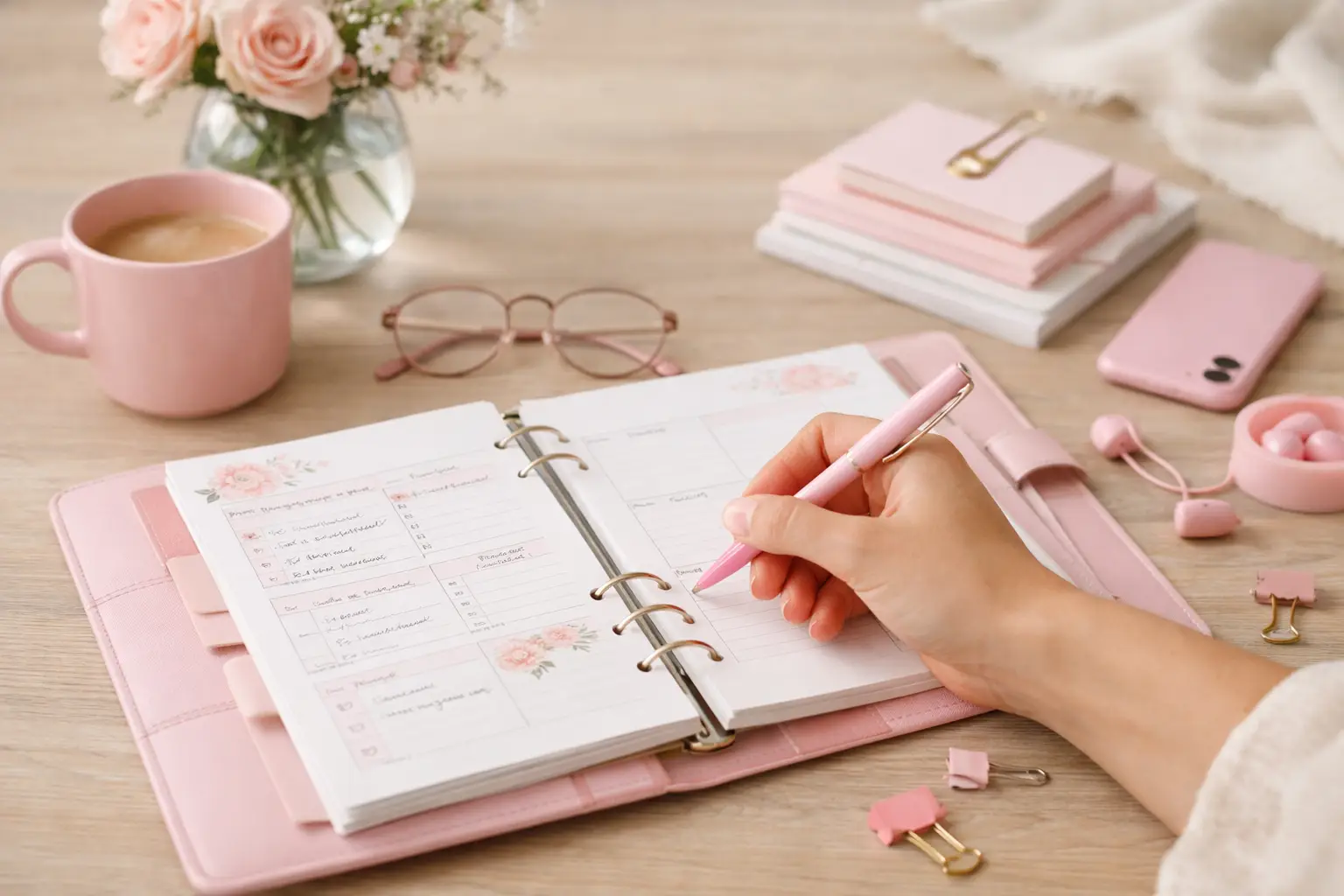
The future of printable planners favors flexible, beautiful systems: print what fits your week, refresh routines, and keep every page useful for life.