A yearly page can look deceptively simple: twelve months, a small grid, and plenty of open space. Yet this is often the page you return to when you need to see the whole shape of your year – school breaks, birthdays, project deadlines, travel, appointments, and the goals that deserve more than a passing thought. This yearly planner pages guide will help you choose an annual layout that earns its place in your planner.
Unlike a pre-printed planner, printable yearly pages let you decide what your year needs to hold. You can print one clean overview for family life, another for work milestones, or a focused page that tracks one meaningful goal. The best setup feels clear at a glance, but it also leaves room for real life to change.
Key Takeaways
-
Use yearly planner pages to see long-range commitments, goals, and seasonal patterns in one place.
-
Choose a layout based on what you need to notice quickly, not simply what looks busiest.
-
Keep annual pages simple, then support them with monthly and weekly inserts for details.
-
Print pages in your planner size and revise your system whenever your routines shift.
What Yearly Planner Pages Actually Do
Yearly pages create a bird’s-eye view. They do not replace your monthly calendar or daily schedule. Instead, they show the dates and patterns that can disappear when you only plan one week at a time.
Think about a busy spring. You may have a work launch in April, a family birthday in May, and a summer trip that requires booking time in March. A yearly overview helps you spot the crowded stretch before it sneaks up on you. You can protect weekends, move flexible tasks earlier, or avoid adding another major commitment to an already full month.
Annual inserts also work beautifully as planning reference pages. Some planner users keep a year-at-a-glance calendar at the very front of their ring planner. Others place it beside their goal pages or inside a dedicated yearly section. There is no single right placement. Put it where you naturally look when you make bigger decisions.
Choose a Layout That Matches Your Planning Style
A yearly insert should make information easier to find. Before choosing a design, ask yourself one practical question: what will I write here most often? Your answer matters more than a trendy layout.
Year-at-a-Glance Calendars
A classic twelve-month calendar works best for fixed dates. Add birthdays, holidays, vacations, school terms, renewal dates, paydays, and major deadlines. Use a simple color key if color helps you scan quickly, but do not create a complicated code you will forget by February.
This format suits people who want a dependable reference page. It can feel cramped if you try to write every appointment in it, so save detailed times and task lists for your weekly pages.
Yearly Goal Planners
A goal-focused annual page gives your intentions a home beyond January. You might divide the page into categories such as home, wellness, work, relationships, and personal growth. Then write a few outcomes you want to work toward during the year.
Keep this list small. A page filled with twenty ambitious goals can become discouraging. Three to six meaningful priorities usually give you more direction because you can actually revisit them and make choices around them.
Annual Trackers
Some routines make more sense when you view them over many months. You may want to track reading, movement, no-spend days, cycle information, garden tasks, pet care, or a creative project. An annual tracker lets you notice consistency and gaps without turning every habit into a daily performance review.
Choose tracking carefully. If checking boxes motivates you, an annual tracker can feel satisfying. If it makes you feel judged after a missed week, use a gentler format such as a monthly note or seasonal check-in instead.
Important Dates and Future Plans Pages
A running list of future plans solves a common paper-planning problem: where do you write an appointment for November when you are currently working in March? Keep future doctor visits, event dates, booking windows, and reminders on one annual list until you transfer them to the relevant monthly page.
This page works especially well for anyone who manages a household. Add school registration dates, insurance renewals, annual maintenance, and gift planning reminders before they become last-minute surprises.
Build Your Yearly Section Step by Step
Start with one or two yearly pages, not a thick stack of inserts. You can always add a new page once you understand what you truly use. A practical setup begins with a year-at-a-glance calendar and one companion page, such as a goals page or important dates list.
First, write in dates that will not move. Include birthdays, anniversaries, holidays you celebrate, known travel, school breaks, and recurring appointments. Next, add deadlines and planning windows. For example, if you want to host a holiday gathering in December, write a small reminder in October to begin preparation.
Then look for pressure points. Are three family events landing in the same month? Does a major work deadline sit right beside your vacation? Seeing these conflicts early gives you options. You may not control every date, but you can control how much you promise yourself around it.
Finally, use a small symbol or highlight to mark the moments that matter most. A star for a major goal review, a dot for travel, or a light color block for school breaks is enough. Leave white space on purpose. Your future self needs room to add the plans you cannot predict yet.
Print for a Planner You Will Keep Using
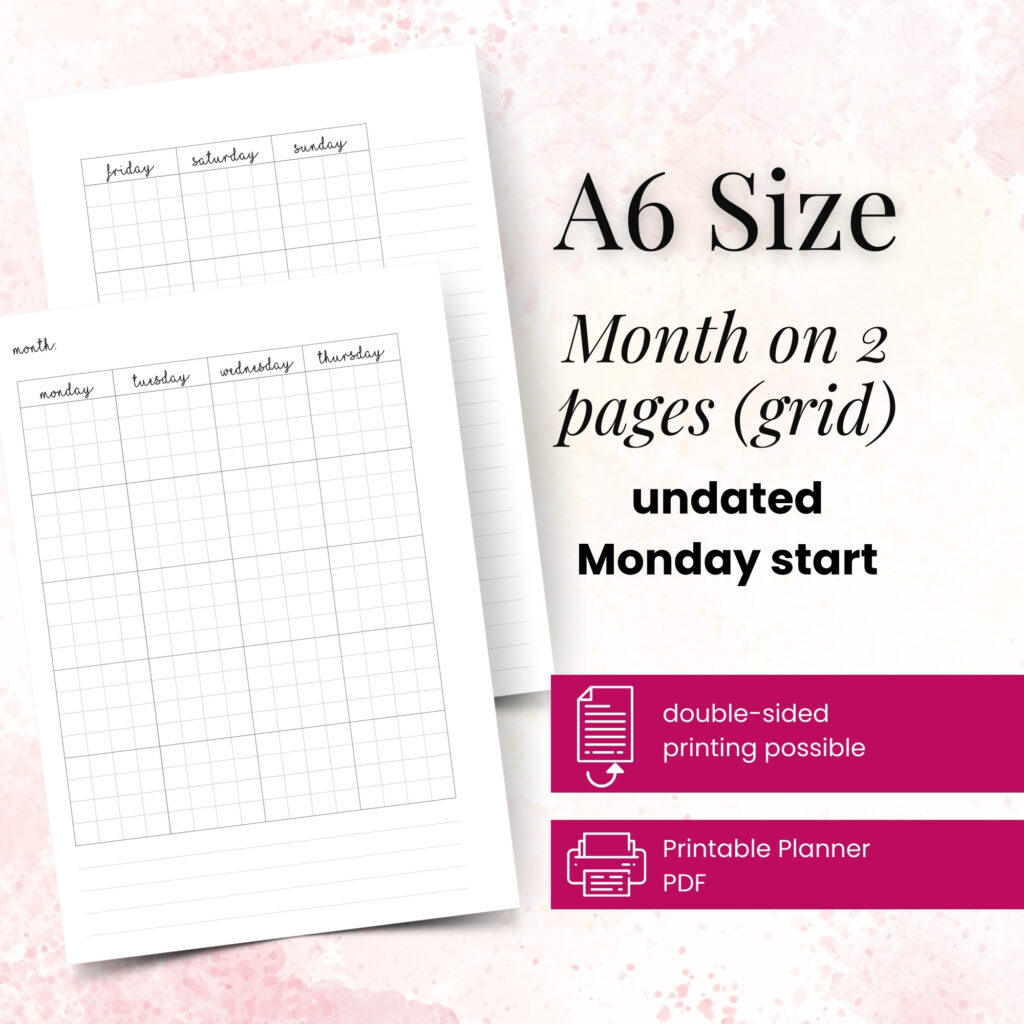
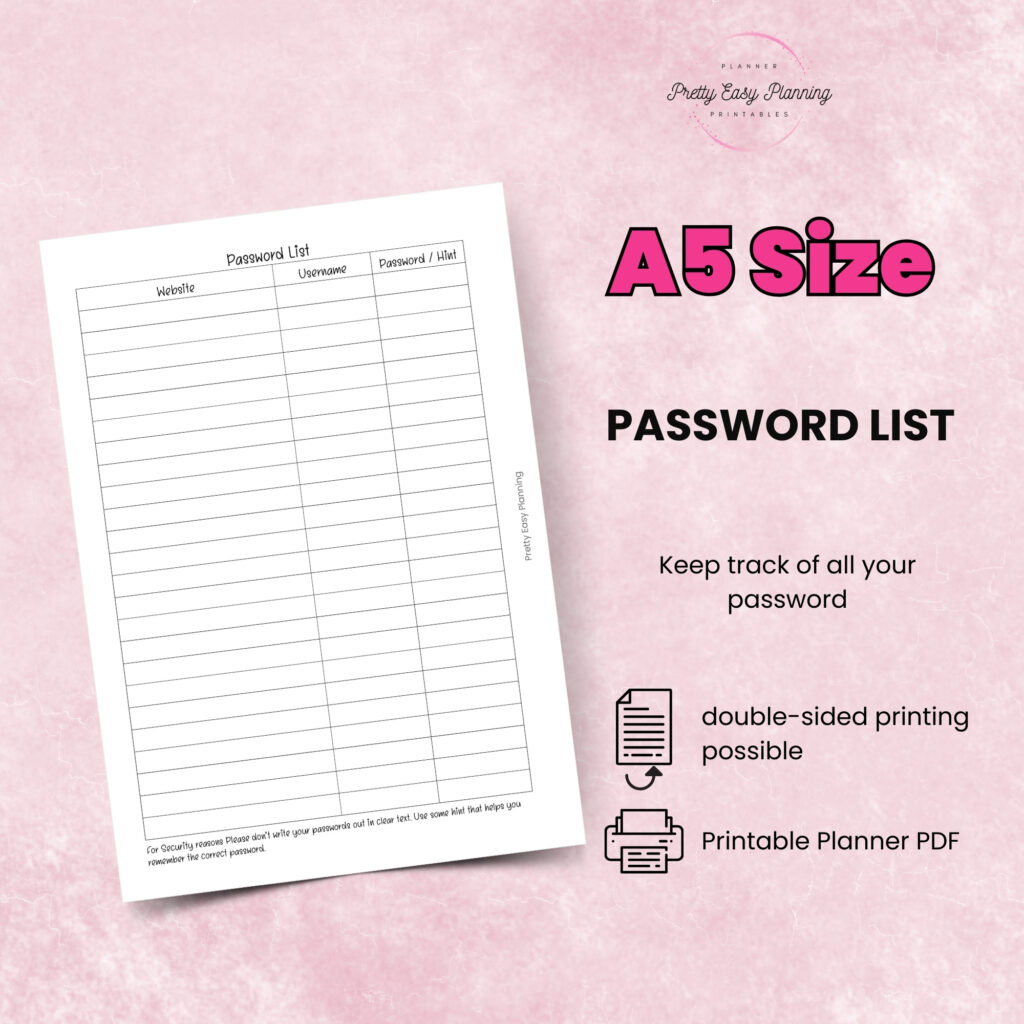
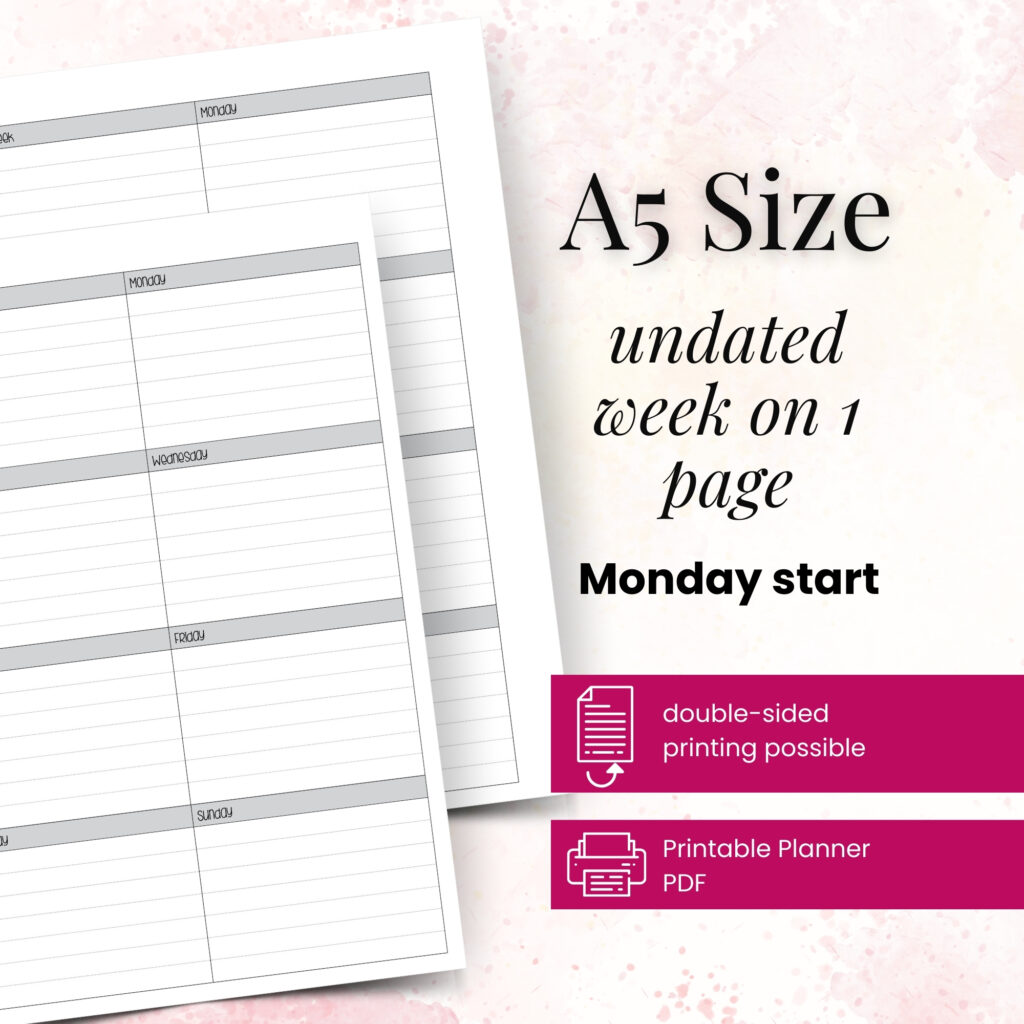
A beautiful annual layout only helps if it fits comfortably in your planner. Confirm your format before printing, whether you use A6, A5, Personal, Personal Wide, or Happy Planner Classic pages. Check the page orientation too. A horizontal yearly spread may offer wider writing space, while a vertical design can work better in a narrow planner.
Paper choice changes the experience. Standard printer paper works well for pages you update often or use as drafts. Slightly heavier paper can make a reference page feel more durable, especially if it lives at the front of your planner all year. Test one page before printing a full set, particularly if you use pens that may show through.
For ring-bound planners, print double-sided only after you confirm how the reverse side will line up. You do not want January on the back of a page when it should face your goal notes. Many planner lovers prefer to print annual reference pages single-sided and add a dashboard or vellum-style divider behind them. That choice adds structure and gives the section a finished look.
Make Your Annual Pages Useful After January
The real value of a yearly page comes from revisiting it. Set a brief check-in at the start of each month. Transfer upcoming dates to your monthly insert, review a goal, and ask whether the next four to eight weeks look realistic. This takes only a few minutes, but it prevents your yearly plans from becoming forgotten decoration.
Seasonal check-ins work well too. At the end of March, June, September, and December, scan your year-at-a-glance page and notice what changed. Maybe a goal no longer fits, a trip moved, or a family routine needs more attention. Cross out, rewrite, and adjust without guilt. Paper planning gives you a record of your real life, not a contract you must obey.
If you find yourself avoiding a page, simplify it. An empty tracker may mean you chose too much detail. A crowded calendar may mean you need a separate work overview. At Pretty Easy Planning, creator-tested layouts are designed to support this kind of experimentation: print what serves you, refine what does not, and keep only the pages that make planning feel lighter.
A Yearly Page Is a Starting Point, Not a Test
Your annual setup does not need perfect handwriting, elaborate stickers, or a color system worthy of a stationery store display. It needs to help you recognize what is ahead and make kinder, smarter choices with your time. Start with one page, make it yours, and let your successful planning story begin with a single print.