A new month can look beautifully open on paper, then fill up fast with appointments, school dates, bills, projects, and the small reminders that keep a household moving. A monthly planning system guide should help you see the big picture without turning your planner into another demanding project.
The best system does not copy someone else’s decorated spread or use every insert in a bundle. It gives you the right pages for your current season, in a planner size you enjoy carrying, with enough flexibility to adjust when life changes. That is the real beauty of printable inserts: you can build a setup around your routines instead of squeezing your routines into a fixed book.
Key Takeaways
-
Start by deciding what you need to see at a monthly glance: dates, deadlines, goals, spending, or family plans.
-
Choose one main monthly calendar, then add only the supporting inserts that solve a real problem.
-
Print a small trial set before committing to a full month or quarter.
-
Review your system at the end of each month and change the pages that created friction.
Start Your Monthly Planning System With One Clear Job
Before choosing inserts, ask one simple question: what should my planner do for me each month? Your answer creates the foundation for every page that follows.
For some planners, the monthly section acts as a family command center. They need birthdays, appointments, school events, and bills in one place. For others, it serves as a work overview with launch dates, meetings, content deadlines, and project milestones. You may also want a personal reset space for habits, health appointments, savings goals, and plans you want to protect on the calendar.
Try not to make one monthly spread carry every detail. A calendar works best when it answers, “What is happening, and when?” Keep long task lists, detailed project notes, and daily priorities on their own pages. When you give each insert a clear role, you can find information faster and keep the month from feeling crowded.
Choose a Monthly Calendar Layout You Will Actually Use
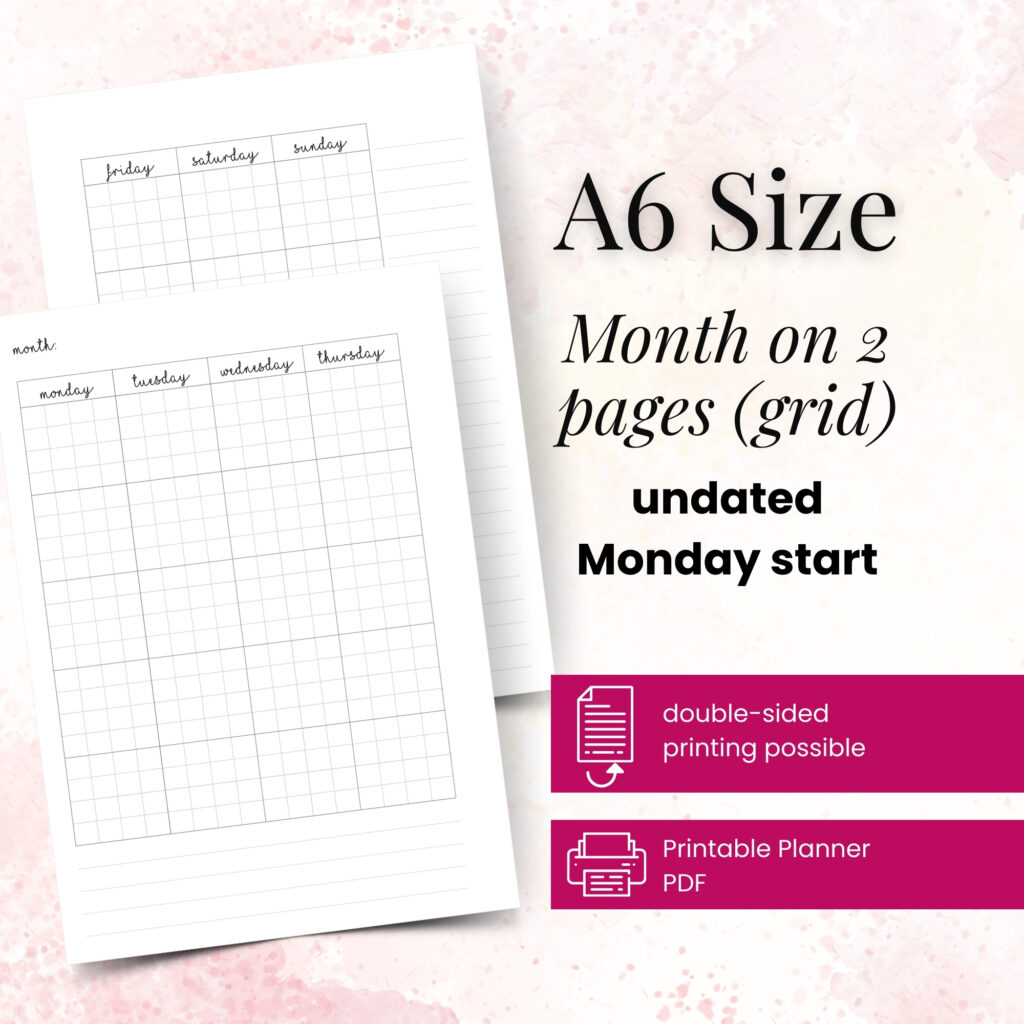
The calendar is the anchor of a monthly planning system, but the right layout depends on how you think and how much you write. A classic month-on-two-pages layout offers an easy visual overview. It works especially well for appointments, travel, recurring events, and deadline planning.
If your days include lots of moving pieces, look for a layout with room beside or below the calendar. A notes column can hold monthly priorities, a short task list, or a reminder to book a dentist appointment. A lined sidebar may look simple, but it often saves you from covering calendar boxes with sticky notes.
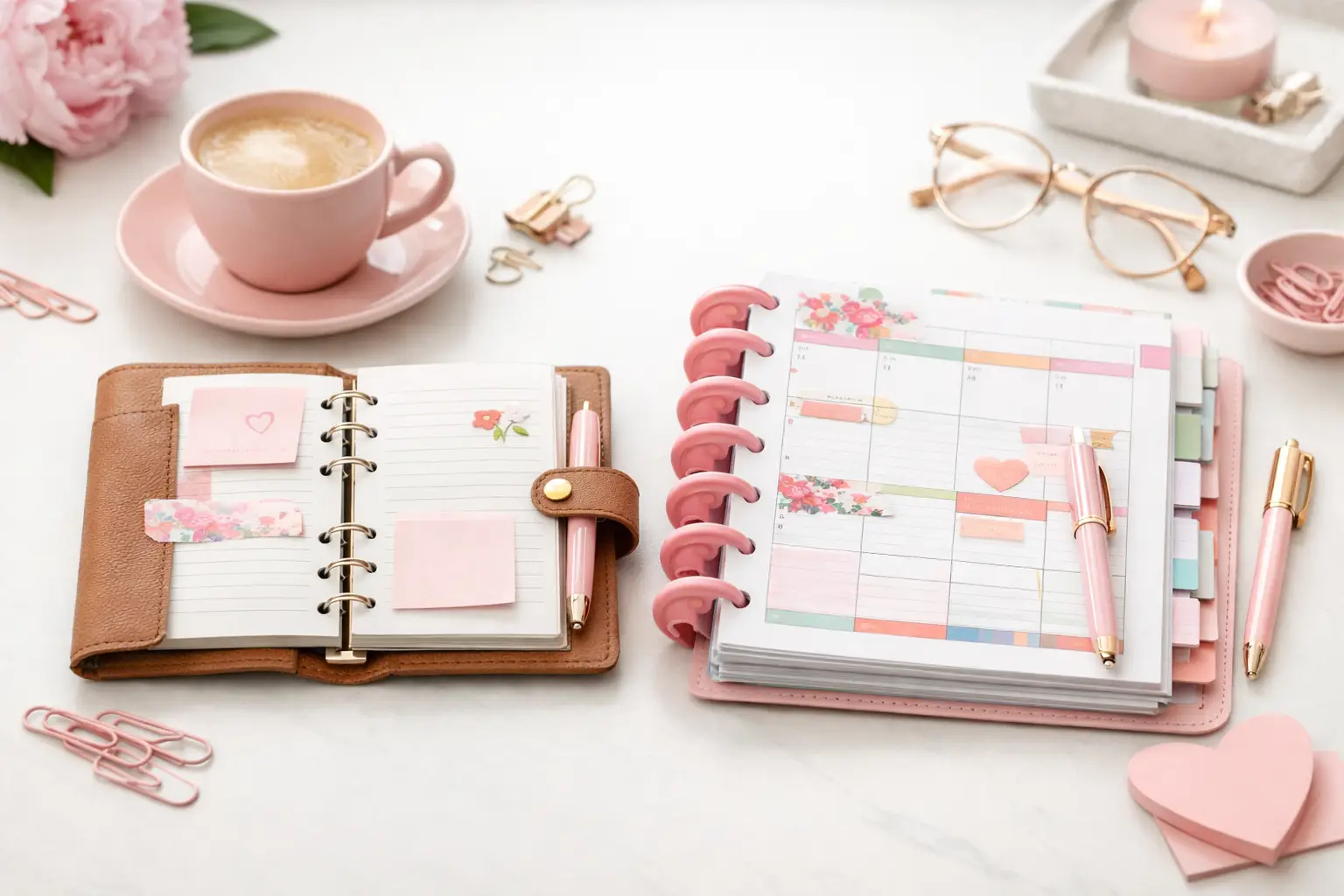
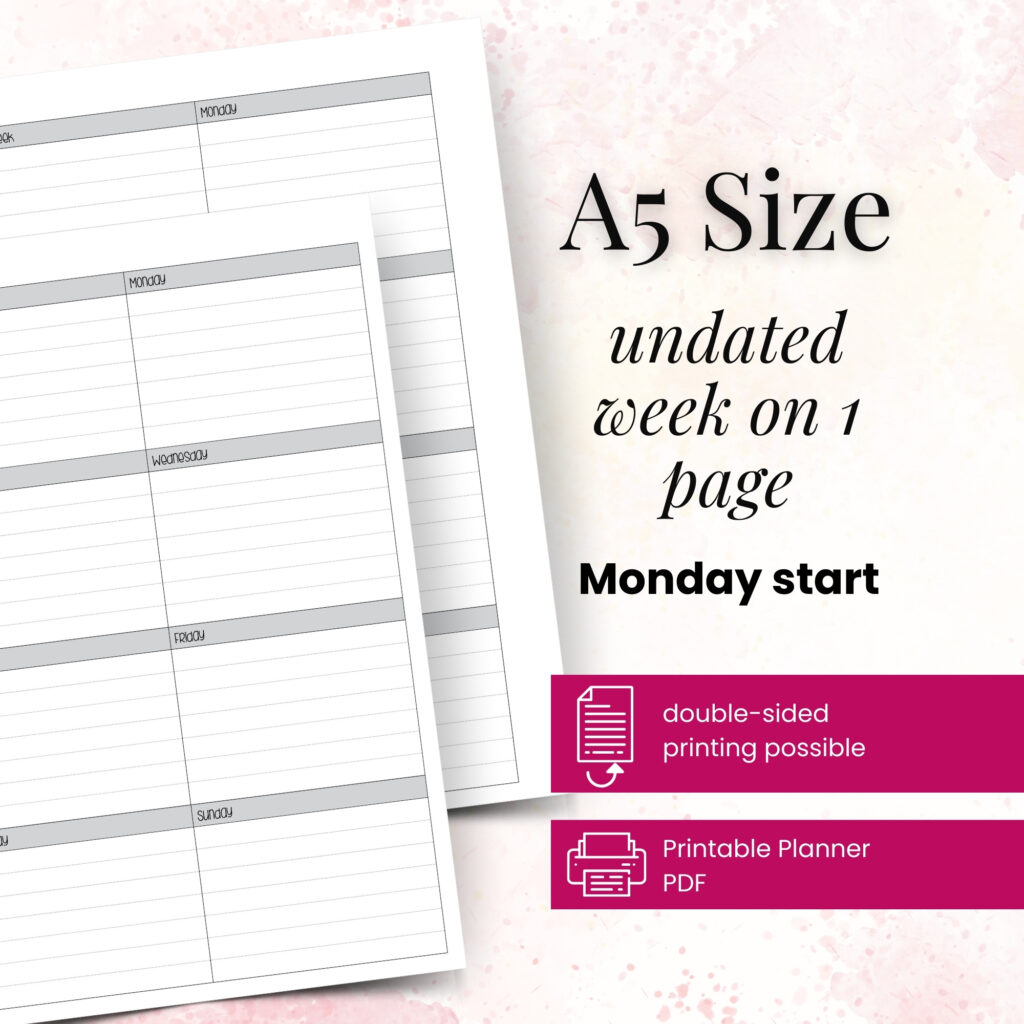
Consider your planner size before you fall in love with a layout. In A6 or Personal size, small boxes encourage you to write only essential information, which can feel wonderfully focused. A5, Personal Wide, and Happy Planner Classic formats offer more writing room and suit planners who want both calendar space and monthly notes. Neither option is better. The best choice is the one that feels comfortable when you use it on an ordinary busy Tuesday.
Keep your monthly view clean enough to read
Use short labels instead of full sentences. Write “Mia 4:30” rather than “Pick Mia up from tutoring at 4:30 p.m.” Add a small symbol for recurring tasks, such as a dot for bills or a star for birthdays. Color can help too, but only if you can remember what it means.
You do not need a complicated key. Two or three categories often work better than ten. For example, use one color for family commitments, another for work, and a third for personal plans. Your monthly page should feel like a helpful glance, not a code-breaking exercise.
Add Supporting Pages With Intention
Once your calendar works, choose supporting inserts that make the month easier to manage. This is where a customizable paper planner shines. You can print the pages that fit your current goals and skip the ones that would sit unused.
A monthly dashboard gives you a clean opening page for the new month. Use it for your word of the month, seasonal focus, important dates, or a short list of things you want to enjoy. It adds a little ceremony to planning without asking you to fill out a complicated worksheet.
A goals page works well when you have a few focused priorities, such as finishing a course, organizing a room, or preparing for a work presentation. Keep the list realistic. Three meaningful goals give you direction; twelve goals can create pressure before the month even begins.
Expense tracking can earn a place in your monthly section if you want clearer spending awareness. You do not need to record every coffee if that level of detail frustrates you. Instead, track categories that matter right now, such as groceries, home purchases, or vacation savings. Planning systems should support your decisions, not make you feel monitored.
A habit tracker can be useful for routines you genuinely want to notice, like taking a walk, reading, or watering plants. It depends on your personality. Some people love the visual pattern of filled-in boxes. Others find daily tracking distracting, so a simple monthly check-in page suits them better.
Build the Pages in a Practical Order
Avoid printing an entire year before you know how the layout feels. Start with one month, test it in real life, then reprint the pages you love. Instant access to printable planner inserts makes this process much less wasteful than buying another bound planner that almost works.
Use this simple assembly order when you set up a new month:
- Place your monthly calendar first, where you can find it quickly.
- Add a dashboard or monthly intentions page if it helps you reset.
- Put goal, habit, or spending pages directly behind the calendar.
- Add notes pages for brain dumps, project ideas, and information you need throughout the month.
Keep related pages together. If you track a home project, place the project notes behind your monthly spread instead of scattering them in another section. If you plan meals monthly, keep that page near your grocery notes. Small placement choices reduce the time you spend flipping through rings or tabs.
Create a Monthly Planning Routine That Sticks
Your inserts matter, but your routine brings them to life. Set aside 20 to 30 minutes near the end of the previous month. A Sunday afternoon, the last workday of the month, or a quiet evening after dinner can all work. Pick a time you can repeat rather than waiting for the perfect fresh-start mood.
First, transfer fixed dates from your appointment cards, school emails, work calendar, or family notes. Next, add deadlines and events that need preparation time. If a birthday party happens on the 22nd, write a gift reminder a week earlier. If a project is due at month-end, mark a midpoint check-in before the deadline becomes urgent.
Then choose your monthly focus. It can be practical, like “finish tax paperwork,” or personal, like “make room for rest.” Write it where you will see it. This small step helps you make choices when the month gets noisy.
Finally, leave blank space. New invitations, schedule changes, and unexpected errands will appear. A planner that has room to change feels much more useful than one you filled perfectly on day one.
Review the System Before You Reprint
At the end of the month, spend five minutes noticing what happened on the page. Did you open the habit tracker every day? Did the calendar boxes feel too small? Did you keep reaching for extra notes paper? These answers tell you what to print next.
Do not assume you failed if an insert stayed blank. Maybe the page did its job for one busy season, or maybe it never matched your planning style. Remove it without guilt. You can replace a crowded calendar with a roomier format, add a dedicated notes insert, or print fewer tracking pages next month.
That freedom is the point. Your planner can be functional and beautiful, structured and creative, all at the same time. Let each monthly setup become a small experiment, because your successful planning story begins with a single print and a system that makes your real life feel easier to hold.